
Image to Layers AI
FreemiumImage to Layers AI turns flat images into editable transparent RGBA layers, handy for designers, motion artists and e‑commerce teams.
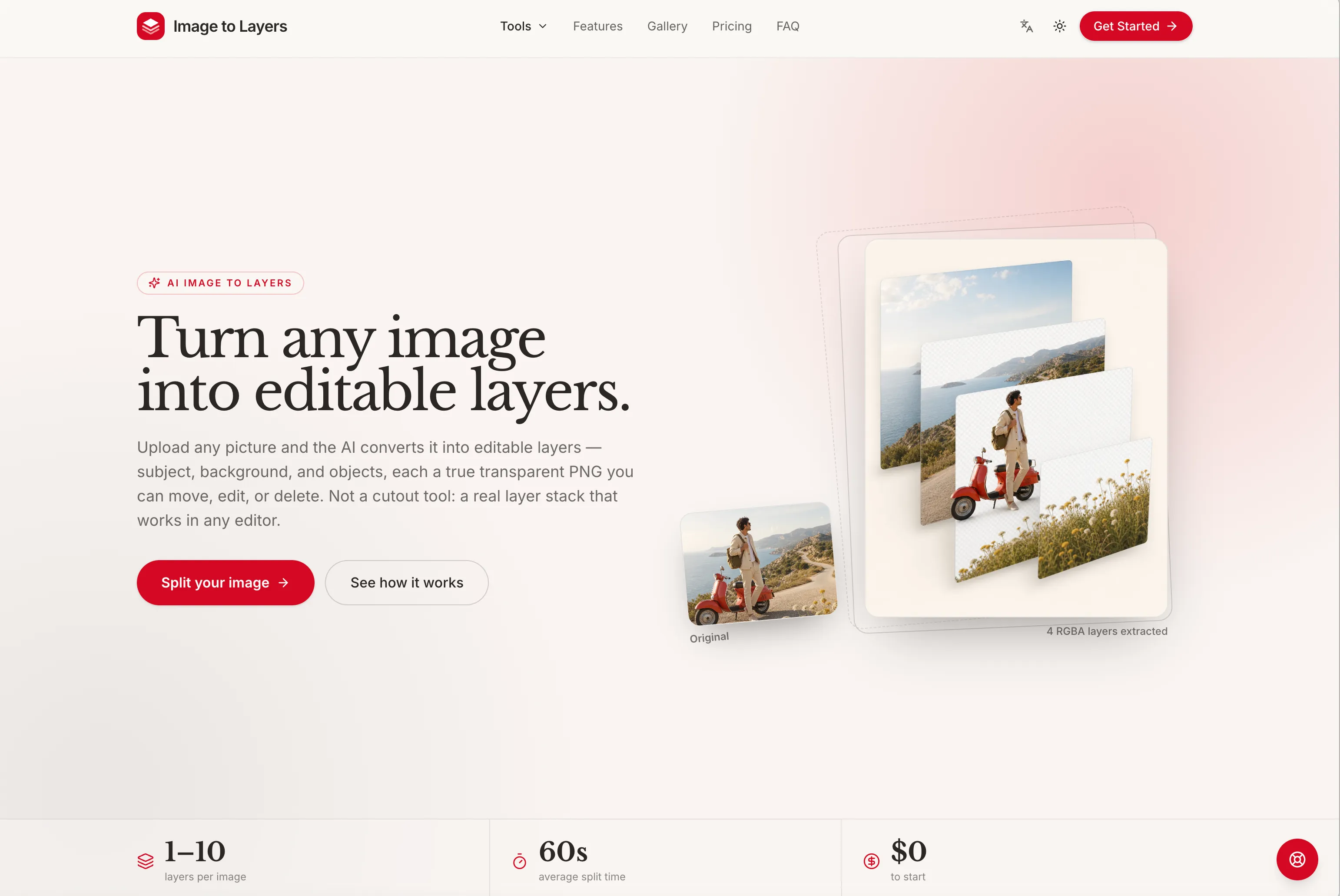
Image to Layers converts flat JPG, PNG or WebP images into a stack of true RGBA layers, exporting each element as a transparent PNG with proper alpha channels rather than rough cutouts. You upload a picture, pick how many layers to split it into and optionally add a short caption to guide the split. The service says the process normally takes about sixty seconds and removes the need for manual masking or long Photoshop sessions.
The individual layers are genuine transparent files that can be stacked back together, so they slot straight into professional workflows like Photoshop, Figma and After Effects. That makes the output useful for tasks such as photo compositing, background swaps, 2.5D parallax and motion work, sticker or collage creation, game and app asset prep, e-commerce product isolation, and print or DTF designs that require transparent artwork.
- Supports 1–6 layers per split (production plans up to 10)
- Accepts JPG, PNG and WebP input; exports transparent PNGs with alpha
- Each split records a generation seed for reproducible results
- Credit-based pricing: free starter credits, paid credit packs or subscription with options for priority processing and licensing
- Web-based, no installation required — https://imagetolayers.org/
Tool Overview
- Category
- Image
- Pricing
- Freemium
- Official Website
- imagetolayers.org
- Added
- August 30, 2026