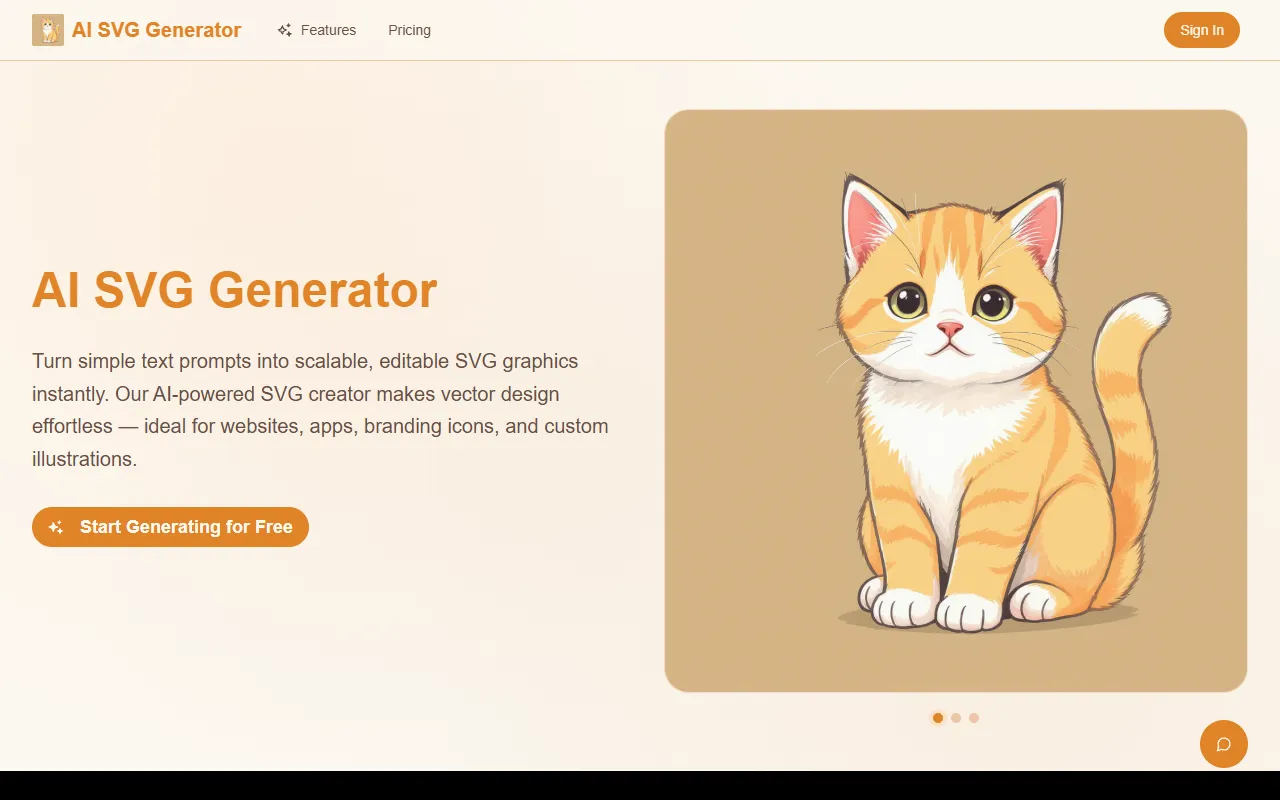
AI SVG Generator
Creates sharp, editable SVG graphics from text prompts in an instant. Ideal for designers and hobbyists looking to generate vector images quickly and easily. Free version available with optional paid upgrades.
AI SVG Generator — official website
Imagine you’re a graphic designer tasked with creating a batch of icons for a new startup’s branding. The deadline is tight, and you have limited resources to hire additional designers. You need a tool that can quickly generate scalable vector graphics, allowing you to focus more on refining the concept than starting from scratch. This is where a tool like AI SVG Generator can come into play, offering an AI-driven solution to create crisp vector graphics directly from descriptive text prompts or reference images.
The AI SVG Generator excels when it comes to transforming text descriptions into scalable, editable SVG graphics. By simply entering a text prompt into the tool, you can receive a fully editable SVG vector graphic, ready for use in various applications. This feature, known as “Prompt-Driven Vector Generation,” allows users to generate icons, logos, or illustrations without needing prior design expertise. The process is swift and straightforward, making it ideal for projects where time is of the essence and design resources are limited.
Key Features
- Prompt-Driven Vector Generation — Converts text descriptions into scalable SVG graphics, eliminating the need for design skills.
- Adaptive Style Customization — Allows users to adjust line thickness, colors, and styles to match specific branding needs.
- Multi-Modal Input Support — Accepts text prompts and image uploads for more flexible vector creation.
- SEO-Ready Vector Output — Produces indexable and lightweight graphics suitable for web use.
- Semantic Vector Refinement — Generates clean SVG code that is easy to integrate and edit.
Pros & Cons
- ✓ Easily generates editable SVG graphics from text prompts, saving time for non-designers.
- ✓ Offers style customization options to meet brand-specific requirements.
- ✓ Supports multiple input types, increasing workflow flexibility.
- ✗ The free version is limited, requiring a subscription for more credits and features.
- ✗ The website doesn’t specify support for complex graphic editing tools like animation.
This tool might not be suitable for users who require advanced design features such as detailed animation tools or complex graphic editing capabilities, as these are not mentioned in its marketing. Graphic designers accustomed to using high-end design software may find the AI SVG Generator lacking in depth for intricate projects. Additionally, those who need to generate more complex vector graphics regularly might find the credit-based system restrictive.
Compared to other tools like Adobe Illustrator, which offers comprehensive graphic design features, AI SVG Generator stands out for its simplicity and ease of use for generating vectors quickly. However, professionals who need a broader range of design tools might prefer Illustrator despite its steeper learning curve and higher cost. For quick and simple vector generation with minimal design work, AI SVG Generator is a cost-effective option.
Best For
This tool is ideal for small businesses, startups, or individual entrepreneurs who need to create scalable vector graphics quickly without a design team. With a monthly subscription starting at $12.9, it suits those on a budget who value speed and simplicity over extensive design features. Its ease of use makes it a practical choice for marketing teams needing consistent visual assets.
AI SVG Generator is a solid choice for anyone needing quick, scalable vector graphics without the hassle of complex design tools. It’s best suited for individuals or small teams who need to produce quality vector graphics on a budget. The tool’s simplicity and focus on speed make it invaluable for projects with tight deadlines. Give AI SVG Generator a try if you need an efficient way to create vector art.
This review is based on publicly available information from the tool's official website and is written independently by the theWebrary editorial team. We do not accept payment for review content.
Share
Tool Overview
Latest Featured


Browse More Tools
View all
Time Overlay
AI Image GenerationGenerate transparent countdown timer overlays for video editing projects with Time Overlay. This tool allows users to customize duration, style, and position before exporting in formats like PNG or WebM. It’s available for free, making it accessible for content creators and editors.

Yume Comic
AI Image GenerationCreate manga, webtoons, and cartoon panels from text or images in just seconds. Ideal for storytellers without drawing skills, Yume Comic enables users to bring their ideas to life with a free tier and optional paid upgrades.

Hubfluence
AI MarketingAutomates outreach and management for TikTok Shop brands and agencies by connecting them with creators to drive sales. Users can access a database of over 4 million creators to find the best partnerships. Free to start with options for paid upgrades.

Combos AI: Turn Text into Gmae with AI Free Online – No coding & No Sign-up
AI ProductivityTurn text into games effortlessly with Combos, an AI-driven platform for game development. Designed for creators of all skill levels, it requires no coding or sign-up, making game creation accessible and free.

Instagram Email Scraper
AI Customer SupportExtracts emails and phone numbers from Instagram followers and those followed, exporting the data to Excel or CSV formats with a single click. Ideal for businesses looking to enhance their outreach efforts. Free to use with options for paid upgrades.

CustomTattoo AI
AI Image GenerationGenerate unique tattoo designs and visualize them on your own skin before getting inked. Ideal for anyone considering a tattoo, it offers 3 free credits to start, with additional paid upgrades available.
Get Your AI Tool
In Front of Thousands
Join hundreds of AI tools already featured on theWebrary. Get priority placement, a dedicated listing page, and reach an audience actively searching for AI tools.
1 Month
$5
$6
3 Months
$10
Save 50%
12 Months
$20
Save 75%