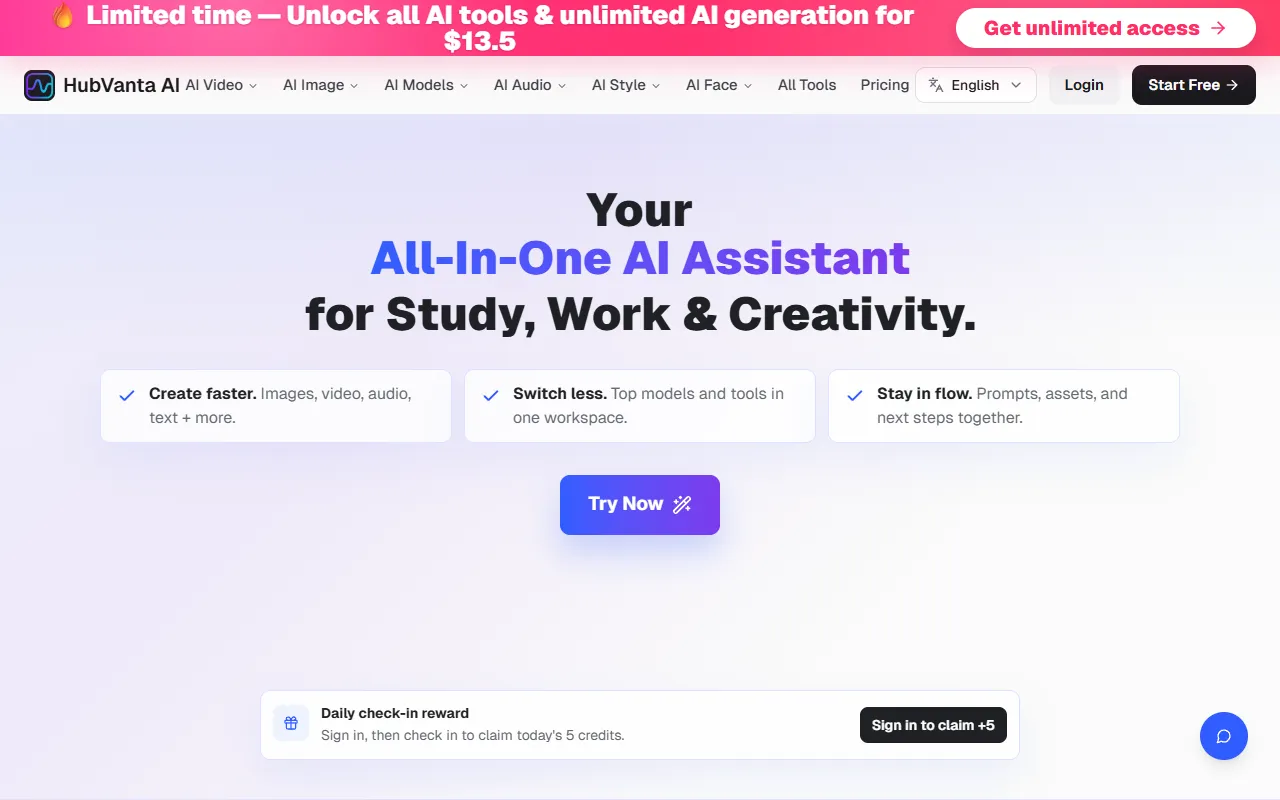
HubVanta AI
Creates multi-format content, including images, videos, audio, and text, all from a single interface. Designed for users seeking quick and diverse production capabilities, with a free tier available alongside paid upgrades.
HubVanta AI — official website
Imagine you’re a digital content creator juggling multiple projects, each requiring high-quality images, videos, and audio. With deadlines looming, switching between various AI tools for different formats becomes a hassle. You’re searching for a single platform that can handle all these needs efficiently. Enter HubVanta AI, a platform promising to streamline your creative workflow by integrating top AI models for generating images, videos, audio, and text in one place. This all-in-one solution aims to reduce the time spent on tool-switching and help you focus more on the creative process itself.
HubVanta AI excels in providing a seamless experience for creating visual content using leading AI models. For instance, when working on video projects, you can access models like Kling AI and Veo 3 to generate high-quality videos. You input a basic video idea, select your model, and within 1-5 minutes, receive a polished video ready for further editing or publication. This streamlined approach means you can quickly move from one media format to another without losing your creative momentum, all from a single platform.
Key Features
- Image to Video AI — Converts static images into dynamic videos, essential for adding motion to your visuals.
- Text to Image AI — Transforms text prompts into images, perfect for creating illustrative content without graphic design skills.
- Video Enhancer AI — Improves video quality, useful for refining content captured in lower resolutions.
Pros & Cons
- ✓ Access to multiple top-tier AI models in one platform, reducing subscription management.
- ✓ Unlimited AI generation with no per-tool usage caps in paid plans.
- ✓ Commercial use included with paid subscriptions, beneficial for professional creators.
- ✗ Free tier may include watermarks on generated content, which limits professional use.
- ✗ The website doesn’t specify support for collaborative features, which could be a drawback for teams.
For users requiring collaborative features, HubVanta AI might fall short. The platform is optimized for individual use, with no mention of collaboration tools. Teams working together on projects might find the lack of shared editing or multi-user support frustrating. This could lead to inefficiencies when coordinating tasks or integrating feedback from multiple stakeholders, as each member would need to work separately and merge their efforts externally.
When considering alternatives, Adobe Creative Cloud offers extensive collaborative features, making it more suitable for team-based projects. However, it comes with a higher price tag. Canva is another option for those looking for simplicity and collaboration but lacks the AI-driven depth HubVanta provides. Solo creators or freelancers who prefer a wide array of AI tools without the high costs of Adobe might prefer HubVanta AI for its affordability and comprehensive toolset.
Best For
HubVanta AI is ideal for freelancers and solo content creators who need a cost-effective, versatile platform for generating multimedia content. Its pricing model, particularly the $13.5/month annual plan, provides significant value, allowing unlimited access to various AI tools without additional charges, making it perfect for budget-conscious users.
HubVanta AI offers a compelling solution for individuals seeking an all-in-one AI platform to boost productivity in image, video, audio, and text creation. It’s particularly beneficial for solo creators who aim to streamline their workflow without sacrificing quality. HubVanta AI is recommended for anyone looking to simplify content creation processes while accessing a wide range of AI models.
This review is based on publicly available information from the tool's official website and is written independently by the theWebrary editorial team. We do not accept payment for review content.
Share
Tool Overview
Latest Featured


Browse More Tools
View all
Time Overlay
AI Image GenerationGenerate transparent countdown timer overlays for video editing projects with Time Overlay. This tool allows users to customize duration, style, and position before exporting in formats like PNG or WebM. It’s available for free, making it accessible for content creators and editors.

Yume Comic
AI Image GenerationCreate manga, webtoons, and cartoon panels from text or images in just seconds. Ideal for storytellers without drawing skills, Yume Comic enables users to bring their ideas to life with a free tier and optional paid upgrades.

Hubfluence
AI MarketingAutomates outreach and management for TikTok Shop brands and agencies by connecting them with creators to drive sales. Users can access a database of over 4 million creators to find the best partnerships. Free to start with options for paid upgrades.

Combos AI: Turn Text into Gmae with AI Free Online – No coding & No Sign-up
AI ProductivityTurn text into games effortlessly with Combos, an AI-driven platform for game development. Designed for creators of all skill levels, it requires no coding or sign-up, making game creation accessible and free.

Instagram Email Scraper
AI Customer SupportExtracts emails and phone numbers from Instagram followers and those followed, exporting the data to Excel or CSV formats with a single click. Ideal for businesses looking to enhance their outreach efforts. Free to use with options for paid upgrades.

CustomTattoo AI
AI Image GenerationGenerate unique tattoo designs and visualize them on your own skin before getting inked. Ideal for anyone considering a tattoo, it offers 3 free credits to start, with additional paid upgrades available.
Get Your AI Tool
In Front of Thousands
Join hundreds of AI tools already featured on theWebrary. Get priority placement, a dedicated listing page, and reach an audience actively searching for AI tools.
1 Month
$5
$6
3 Months
$10
Save 50%
12 Months
$20
Save 75%