Read Aloud Reader
Converts written text into natural-sounding AI speech with adjustable reading speeds and visual text highlighting. Ideal for educators and learners seeking to enhance reading comprehension. Available for free.
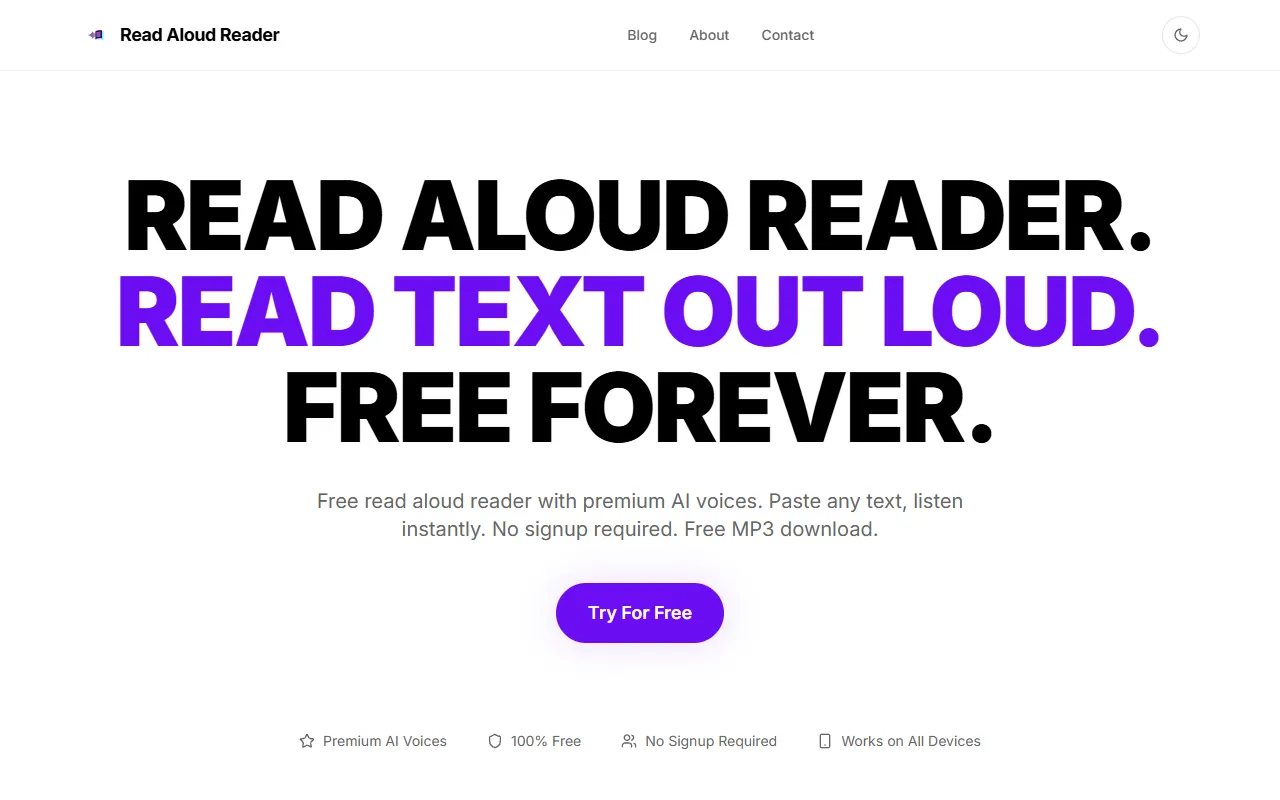
Read Aloud Reader — official website
Imagine you’re a student juggling multiple textbooks, digital articles, and lengthy PDFs. With exams around the corner, you’re struggling to read through all this material quickly and effectively. Or perhaps you’re a busy professional who wants to catch up on industry news while exercising. In both cases, a tool that can transform lengthy written content into audio is what you need. Enter the Read Aloud Reader, a free online text-to-speech solution that offers a practical way to consume written content on the go.
Read Aloud Reader shines when it comes to turning blocks of text into natural-sounding audio. With its feature of Premium AI Voices, you can paste up to 20,000 characters of text, choose from six different voices, and have it read back to you. You can also adjust the playback speed, which is particularly useful if you’re listening to content while multitasking. Once the text is converted to audio, you can download it as an MP3 file, allowing you to listen offline wherever you are. This workflow is based on the tool’s own marketing copy.
Key Features
- Premium AI Voices — Offers six distinct voices to choose from, enhancing the listening experience with realistic audio.
- Word-by-Word Highlighting — Synchronizes text with audio playback for improved comprehension and focus.
- Free MP3 Download — Allows users to save the audio file for offline listening, increasing flexibility.
- No Signup Required — Start using immediately without account creation, removing barriers to access.
Pros & Cons
- ✓ No signup needed — Users can start immediately without providing personal information.
- ✓ Free MP3 download — Offers offline listening options, enhancing convenience.
- ✓ 20,000 characters daily limit — Allows for significant text conversion at no cost.
- ✗ Limited to 20,000 characters per day — Not suitable for heavy daily usage beyond this limit.
- ✗ Primarily supports English — Other languages may have less accurate pronunciation.
While Read Aloud Reader offers a solid free service, it would likely frustrate users needing to process large volumes of text daily. For instance, if you’re a researcher or content creator who needs to convert multiple long documents in a day, the 20,000 character limit may prove restrictive. Furthermore, while it claims to handle other languages with reasonable pronunciation, this might not meet the needs of those requiring precise language support. In such cases, users might need to look elsewhere for a more robust solution.
When comparing Read Aloud Reader to alternatives like Natural Reader or Balabolka, each offers unique features. Natural Reader offers more natural-sounding voices and commercial usage plans, whereas Balabolka supports a wide range of file formats. Choose Read Aloud Reader if you need a straightforward, cost-free option for personal use, and you’re primarily dealing with English text. Opt for Natural Reader or Balabolka if you require more advanced features or better support for multiple languages and formats.
Best For
This tool is best suited for students or individuals who need to convert text into audio for personal use, especially if they’re looking to enhance study sessions with audio learning. The free model makes it particularly appealing for budget-conscious users who need a quick and easy way to access text-to-speech capabilities without investing in a premium plan.
Read Aloud Reader provides a valuable resource for those seeking a simple, free text-to-speech solution. It’s perfect for students, busy professionals, and anyone who needs to convert text to audio without the hassle of signups or fees. While its daily character limit and language support may be limiting for some, the tool’s ease of use and free MP3 downloads make it a worthwhile choice for many. If you fit the target user profile, Read Aloud Reader is worth trying.
This review is based on publicly available information from the tool's official website and is written independently by the theWebrary editorial team. We do not accept payment for review content.
Share
Tool Overview
Latest Featured


Browse More Tools
View all
Time Overlay
AI Image GenerationGenerate transparent countdown timer overlays for video editing projects with Time Overlay. This tool allows users to customize duration, style, and position before exporting in formats like PNG or WebM. It’s available for free, making it accessible for content creators and editors.

Yume Comic
AI Image GenerationCreate manga, webtoons, and cartoon panels from text or images in just seconds. Ideal for storytellers without drawing skills, Yume Comic enables users to bring their ideas to life with a free tier and optional paid upgrades.

Hubfluence
AI MarketingAutomates outreach and management for TikTok Shop brands and agencies by connecting them with creators to drive sales. Users can access a database of over 4 million creators to find the best partnerships. Free to start with options for paid upgrades.

Combos AI: Turn Text into Gmae with AI Free Online – No coding & No Sign-up
AI ProductivityTurn text into games effortlessly with Combos, an AI-driven platform for game development. Designed for creators of all skill levels, it requires no coding or sign-up, making game creation accessible and free.

Instagram Email Scraper
AI Customer SupportExtracts emails and phone numbers from Instagram followers and those followed, exporting the data to Excel or CSV formats with a single click. Ideal for businesses looking to enhance their outreach efforts. Free to use with options for paid upgrades.

CustomTattoo AI
AI Image GenerationGenerate unique tattoo designs and visualize them on your own skin before getting inked. Ideal for anyone considering a tattoo, it offers 3 free credits to start, with additional paid upgrades available.
Get Your AI Tool
In Front of Thousands
Join hundreds of AI tools already featured on theWebrary. Get priority placement, a dedicated listing page, and reach an audience actively searching for AI tools.
1 Month
$5
$6
3 Months
$10
Save 50%
12 Months
$20
Save 75%