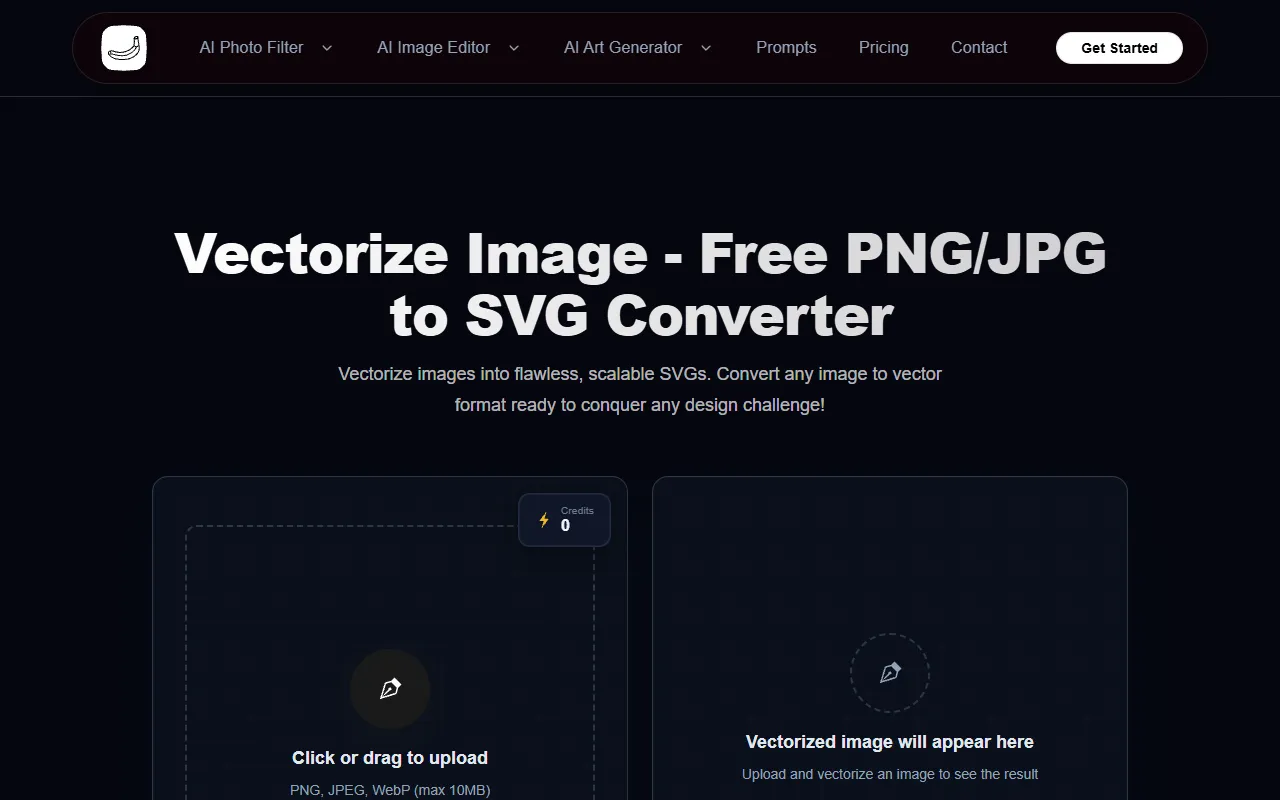
vectorize image
Instantly convert JPG, PNG, WebP images to crisp, scalable SVG vectors—no signup needed!
vectorize image — official website
Imagine you’re a graphic designer working on a tight deadline to create a clean, scalable logo for a client. You’ve got a low-resolution PNG image that needs to be transformed into a vector format to ensure it looks crisp on everything from business cards to large banners. You’re scouring the internet, hoping to find a solution that can quickly and accurately convert your image without requiring an account setup or hefty fees. This is where an effective online tool becomes your lifesaver, promising to convert raster images to vector graphics in seconds.
With this tool, you can upload your PNG, JPG, JPEG, or WebP image, and it returns a clean, scalable SVG vector file. The tool’s AI, powered by VTracer, analyzes shapes, edges, and color regions to produce professional-grade SVGs with customizable color palettes from 1 to 16 colors. The resulting vector file can be used across various applications like Adobe Illustrator and Figma, making it ideal for digital design workflows. This process is touted to require no signup and offers free credits, streamlining the vectorization without adding hurdles or costs.
Key Features
- Infinite Scalability — Produces graphics that maintain clarity when scaled, crucial for designs meant for both web and print.
- Professional Design Output — Results in high-quality graphics suitable for logos and branding, offering fully editable paths and colors.
- Smaller File Sizes — Reduces file size while maintaining quality, optimizing load time and storage space.
Pros & Cons
- ✓ No signup required, making it quick to access and use
- ✓ Compatible with major design software like Adobe Illustrator and Figma
- ✓ Free credits to start, reducing initial costs for users
- ✗ Maximum file size limit of 10MB for uploads
- ✗ Costs 5 credits per generation, which might add up for frequent users
For users needing to convert images larger than 10MB, this tool might fall short. Graphic designers working with high-resolution images might find the size limitation frustrating, as they won’t be able to process larger files directly through the service. Additionally, users who require frequent conversions could find the credit system limiting, especially if they run out of free credits and need to vectorize multiple images regularly.
Compared to Adobe Illustrator, which offers comprehensive vector editing features, this tool stands out for its accessibility and cost-effectiveness for quick conversions. However, if you require extensive editing and larger file processing, Illustrator remains superior. Alternatively, Vecteezy offers a broader set of features and a larger library of vector graphics for those who need more than just a conversion tool.
Best For
This tool is best for freelance graphic designers or small business owners who need to convert images into scalable vectors without a complex process. It’s ideal for tasks like creating logos or icons where the original image fits the 10MB size limit. The free credits make it especially appealing for those with occasional vectorization needs.
Overall, Vectorize Image is a practical solution for quickly converting images to SVG format, ideal for those working within file size constraints and seeking free solutions. If you need a straightforward, efficient tool to vectorize smaller files, it’s an excellent choice. Vectorize Image offers an accessible and user-friendly way to achieve professional-grade results without the hassle of account setups or significant costs.
This review is based on publicly available information from the tool's official website and is written independently by the theWebrary editorial team. We do not accept payment for review content.
Share
Tool Overview
Category
AI Image GenerationPricing
Free
Official Website
https://photoartai.com/tools/vectorize-imageRating
Latest Featured


Browse More Tools
View all
Time Overlay
AI Image GenerationGenerate transparent countdown timer overlays for video editing projects with Time Overlay. This tool allows users to customize duration, style, and position before exporting in formats like PNG or WebM. It’s available for free, making it accessible for content creators and editors.

Yume Comic
AI Image GenerationCreate manga, webtoons, and cartoon panels from text or images in just seconds. Ideal for storytellers without drawing skills, Yume Comic enables users to bring their ideas to life with a free tier and optional paid upgrades.

Hubfluence
AI MarketingAutomates outreach and management for TikTok Shop brands and agencies by connecting them with creators to drive sales. Users can access a database of over 4 million creators to find the best partnerships. Free to start with options for paid upgrades.

Combos AI: Turn Text into Gmae with AI Free Online – No coding & No Sign-up
AI ProductivityTurn text into games effortlessly with Combos, an AI-driven platform for game development. Designed for creators of all skill levels, it requires no coding or sign-up, making game creation accessible and free.

Instagram Email Scraper
AI Customer SupportExtracts emails and phone numbers from Instagram followers and those followed, exporting the data to Excel or CSV formats with a single click. Ideal for businesses looking to enhance their outreach efforts. Free to use with options for paid upgrades.

CustomTattoo AI
AI Image GenerationGenerate unique tattoo designs and visualize them on your own skin before getting inked. Ideal for anyone considering a tattoo, it offers 3 free credits to start, with additional paid upgrades available.
Get Your AI Tool
In Front of Thousands
Join hundreds of AI tools already featured on theWebrary. Get priority placement, a dedicated listing page, and reach an audience actively searching for AI tools.
1 Month
$5
$6
3 Months
$10
Save 50%
12 Months
$20
Save 75%