 Use Cases
3 AI Translation Tools for Reaching More Readers
3 AI Translation Tools for Reaching More Readers: Caption.IM, Doc2Lang, Mitsuko. What each one does, what it costs, and where to try it.
 Roje
2 min read
Translating your content opens it to new readers, and AI makes a first pass fast and affordable. These three are worth comparing.
How we picked: these come from the theWebrary catalog. We chose tools with a complete listing, a clear description and a link to the official site, and we spread the picks so you see different approaches. We haven’t tested each tool ourselves, so check the official site for current features and pricing before you sign up.
At a glance
| Tool | Good for | Pricing |
|---|---|---|
| Caption.IM | Translation | Free |
| Doc2Lang | Machine translation, Translation | Paid |
| Mitsuko | AI tool collections, Translation | Freemium |
1. Caption.IM
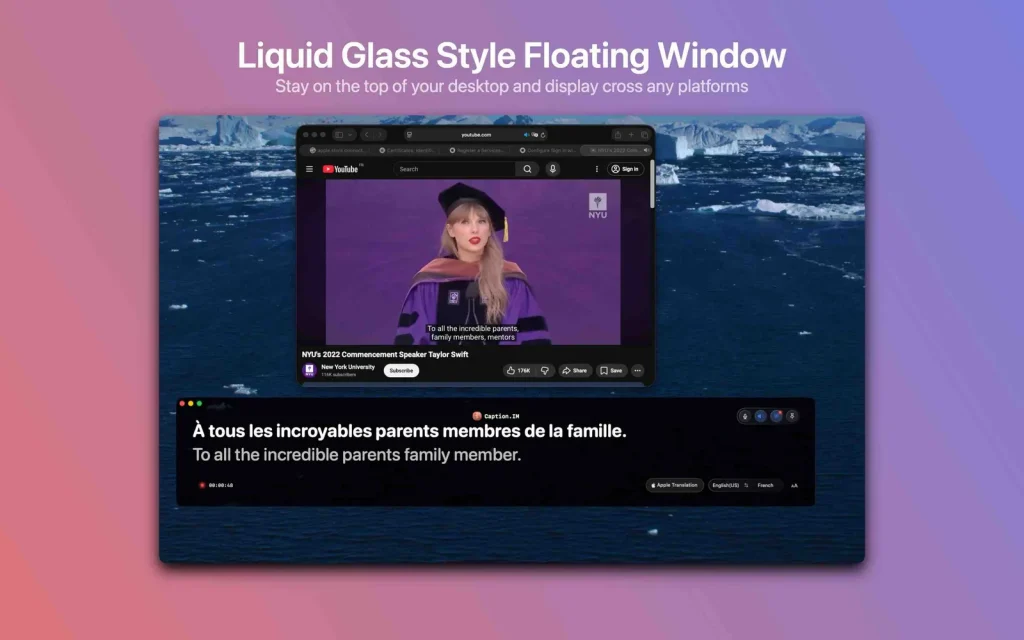
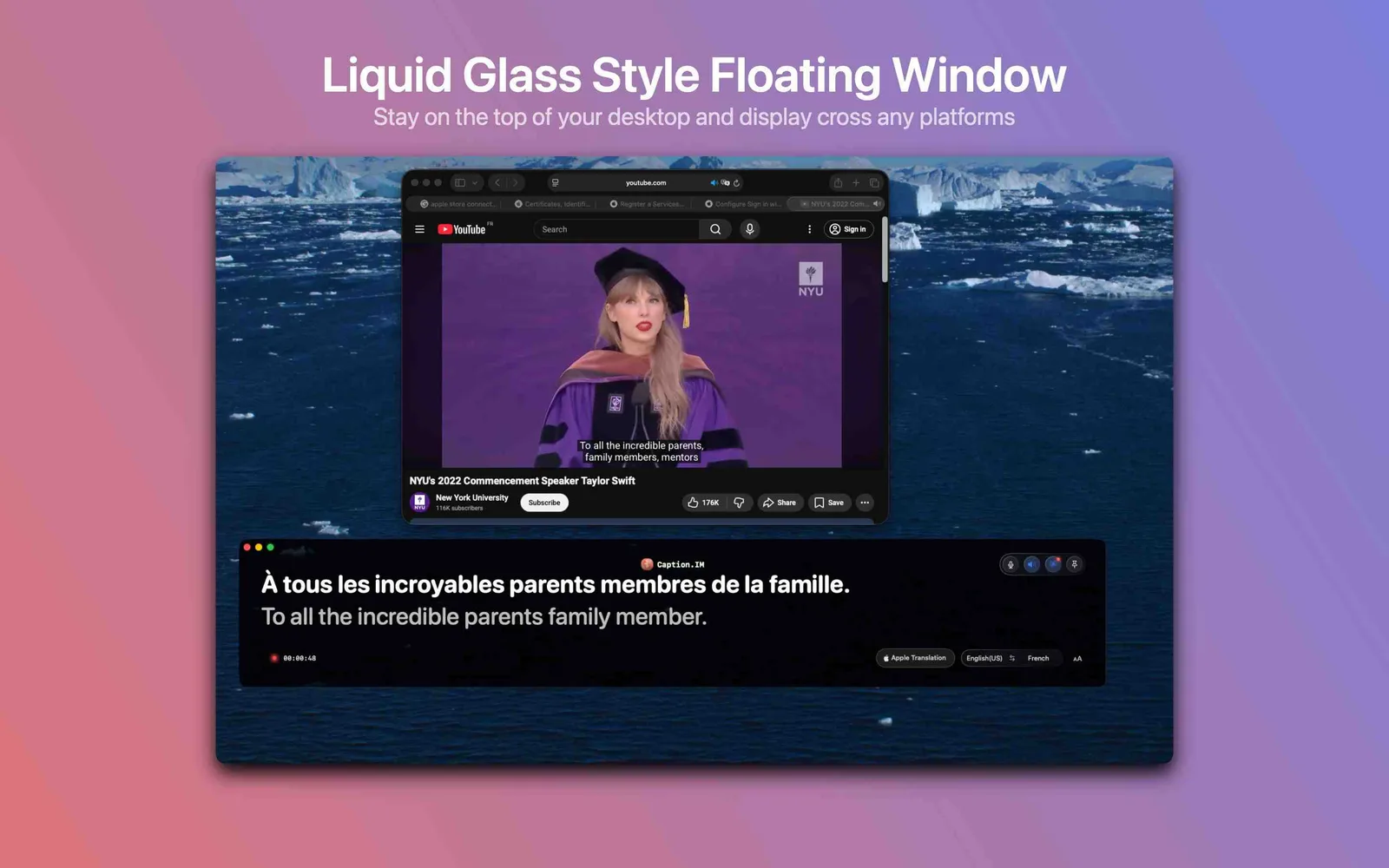
Caption.im auto-generates stylish animated subtitles, boosting video engagement, accessibility, and branding.
- Category: Productivity
- Pricing: Free
- Good for: Translation
See Caption.IM on theWebrary · Visit the official site
2. Doc2Lang
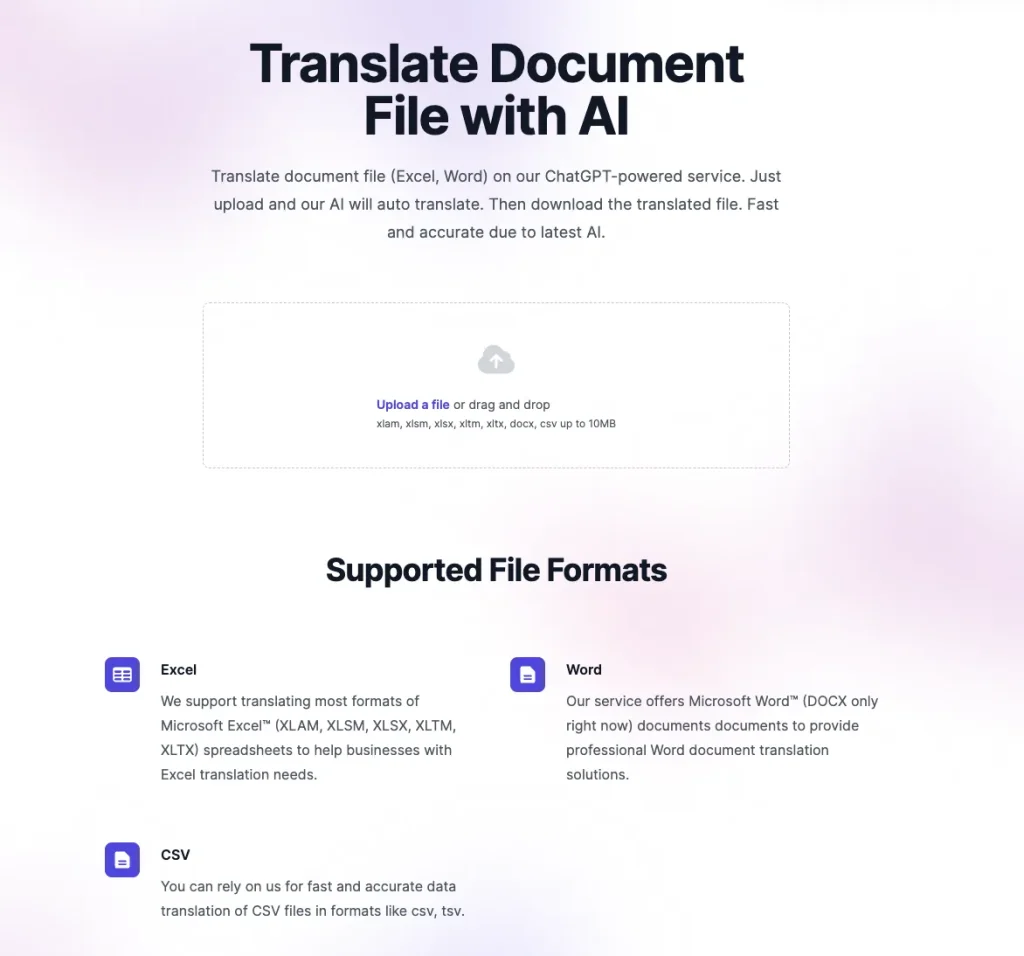
AI-powered service for fast, accurate translation of documents, PDFs, spreadsheets, presentations, and subtitles.
- Category: Text & Translation
- Pricing: Paid
- Good for: Machine translation, Translation
See Doc2Lang on theWebrary · Visit the official site
3. Mitsuko

Mitsuko: AI-powered subtitle translation and transcription with context-aware, accurate results in 100+ languages.
- Category: Productivity
- Pricing: Freemium
- Good for: AI tool collections, Translation
See Mitsuko on theWebrary · Visit the official site
Tips before you start
- Have a native speaker review anything important.
- Keep a glossary of brand terms that should never be translated.
- Check formatting survives in documents and subtitles.