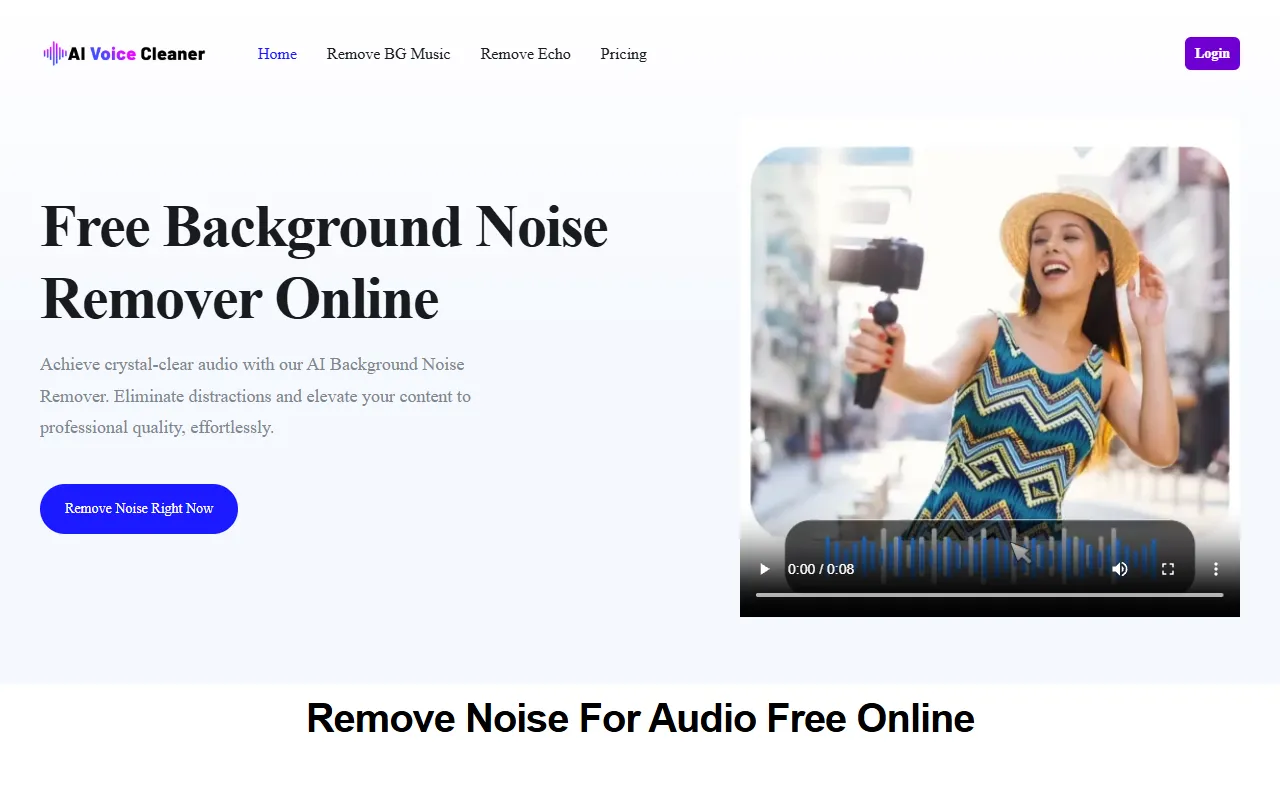
AI Voice Cleaner
AI Noise Cleaner removes fan, echo, static, clicks, traffic, wind, and appliance sounds for clear, distraction-free audio.
AI Voice Cleaner — official website
Imagine you’re a podcaster working from a home studio that doubles as your living room. You’re on a tight deadline to produce your latest episode, but background noises like the hum of the air conditioner, distant traffic, and your neighbor’s loud conversations are intruding on your recording. You need a quick, reliable way to clean up your audio without investing in expensive soundproofing or high-end recording equipment. This is where an online tool for removing background noise could save the day, enhancing your audio quality without breaking the bank.
AI Voice Cleaner is tailored for such needs, offering a straightforward approach to eliminating unwanted sounds from audio and video files. The tool’s prominent feature is its ability to remove background noise such as fan, AC hum, room echo, and more. You upload your audio or video file, and the AI automatically processes it to remove these distractions, producing a cleaner, clearer recording. The entire process is free and requires no account setup, making it an attractive option for those looking for a quick fix to enhance their audio quality.
Key Features
- Background Noise Remover — Eliminates distractions like fan or AC hum, crucial for clear audio in home recordings.
- Room Echo & Reverb Removal — Reduces echoes in untreated spaces, improving speech intelligibility.
- Mic Hiss & Static Removal — Cleans static from poor-quality microphones, ensuring silent parts remain distraction-free.
Pros & Cons
- ✓ Completely free to use without hidden charges or limits
- ✓ Supports both audio and video files, broadening its application scope
- ✓ No account setup required, making it accessible and hassle-free
- ✗ Limited to noise removal; lacks advanced editing features
- ✗ Might not meet the needs of professional audio engineers who require more precision
AI Voice Cleaner may disappoint professional audio engineers or users who require more advanced editing features beyond basic noise removal. The tool is specifically focused on eliminating background noise but doesn’t offer functionalities like mixing, mastering, or detailed audio analysis. Audio professionals needing more intricate editing capabilities would likely find this tool insufficient for their workflow, as it doesn’t replace high-end audio software that provides comprehensive editing suites and controls.
When comparing AI Voice Cleaner to alternatives like Audacity, a free, open-source audio editor, or Adobe Audition, a premium option, the choice depends on your needs. AI Voice Cleaner is ideal for quick, straightforward noise removal without setup hassle, perfect for casual users or beginners. In contrast, Audacity offers more editing tools while being free, and Adobe Audition provides professional-grade features for a subscription fee. Choose AI Voice Cleaner for simplicity and no-cost use; opt for the others if your work demands more editing versatility.
Best For
AI Voice Cleaner is best suited for individual content creators, such as podcasters or YouTubers, who need a quick and free solution to remove background noise from their recordings. The tool’s accessibility without account requirements or costs makes it ideal for those working on a tight budget or schedule.
AI Voice Cleaner delivers a simple and cost-free way to improve the audio quality of your recordings by removing unwanted background noise. It’s particularly beneficial for solo creators who prioritize accessibility and ease of use over advanced features. If you need a quick fix to enhance your audio, AI Voice Cleaner is an excellent choice.
This review is based on publicly available information from the tool's official website and is written independently by the theWebrary editorial team. We do not accept payment for review content.
Share
Tool Overview
Latest Featured


Browse More Tools
View all
Planpoint
AI ProductivityCreate interactive stacking plans for real estate properties with Planpoint. Designed for property owners and managers, it offers a user-friendly interface tailored to various sectors. Access is free, making it an accessible choice for all users.

Pawjojo
AI ResearchLog meals, medications, weight, and symptoms for pets with ease, generating trends and vet-ready reports. Designed for dog and cat owners, Pawjojo features an extensive database of over 7,377 pet foods. Free to use with optional paid upgrades.

lora ai Anime LoRA Training
AI Image GenerationGenerate high-quality images and train custom Anime LoRA models for consistent character and manga styles. Designed for creators without design skills, the platform offers 5 free credits to start, with additional paid upgrades available.

mainaro
AI MarketingVisualizes real estate profits after taxes, allowing users to analyze cash flow and exit simulations for their portfolios. Offers a free location analysis for all 16 federal states, with the first property analysis available at no charge.

AI House Plan
AI Image GenerationGenerate detailed floor plans for houses, rooms, offices, and restaurants using prompts or sketches. Ideal for designers and homeowners seeking quick, editable layouts, with free access and optional paid upgrades for enhanced features.

GenImagePro
AI Image GenerationTransform photos into unique AI-generated visuals, styles, and scenes with GenImagePro’s image-to-image functionality. Ideal for artists, marketers, and anyone needing creative variations, it offers free access with optional paid upgrades.
Get Your AI Tool
In Front of Thousands
Join hundreds of AI tools already featured on theWebrary. Get priority placement, a dedicated listing page, and reach an audience actively searching for AI tools.
1 Month
$5
$6
3 Months
$10
Save 50%
12 Months
$20
Save 75%