
BatchRemover
Removes backgrounds from images in bulk, streamlining the editing process for users needing efficient image enhancement. Offers a freemium model, allowing access to basic features with options for paid upgrades.
BatchRemover — official website
Imagine you’re a social media manager tasked with preparing a series of eye-catching posts for a brand launch. However, you realize at the last minute that all the product images you have are cluttered with distracting backgrounds. You need something fast and effective to remove these backgrounds without compromising image quality or spending hours on manual editing. This is a common scenario where a tool like BatchRemover becomes essential, offering a quick and reliable solution to background editing challenges.
BatchRemover excels particularly in its ability to handle batch processing of images. You upload a folder of images, and it processes up to 60 images at once, removing backgrounds automatically and precisely using AI. This batch processing feature is particularly useful for e-commerce sellers or photographers who deal with large volumes of images. You can then download everything in full HD, without any watermarks, ready for use in your preferred format. This workflow is based on the tool’s own marketing claims.
Key Features
- AI Background Remover — Automatically detects edges with precision, making it ideal for images with complex shapes like hair or fur.
- Batch Processing — Allows processing of up to 60 images simultaneously, saving significant time for high-volume needs.
- No Signup Required — Offers free use without the hassle of creating an account, making it accessible and straightforward.
- Full HD Export — Maintains the original resolution with no watermarks, ensuring high-quality image outputs.
- Background Replacement — Enables users to change the background color or add a custom image without additional costs.
Pros & Cons
- ✓ Free single-image processing with no sign-up or watermarks
- ✓ Offers batch processing for up to 60 images per batch with premium plans
- ✓ Supports multiple file formats including PNG, JPG, and WebP with full HD downloads
- ✗ Batch processing is not free; it requires purchasing credits
- ✗ Limited to image formats and doesn’t support video background removal
For graphic designers working on multi-layered projects requiring extensive compositing, BatchRemover might be a bit of a letdown due to its lack of advanced editing features beyond background removal. This tool is catered more towards users who need quick and efficient background removal without additional design functionalities. Designers might find themselves needing another software for more intricate editing tasks, which could be frustrating if they expected an all-in-one solution.
When considering alternatives, tools like Removebg offer similar functionality but with different pricing models. Removebg provides a pay-per-use pricing structure which might be more cost-effective for users with sporadic needs. On the other hand, BatchRemover is better suited for users who need large-scale batch processing, thanks to its credit-based system that never expires. Choose BatchRemover if you have a consistent high volume of images to edit without the worry of subscription expiration.
Best For
BatchRemover is ideal for e-commerce sellers or photographers who frequently need to process large volumes of images. Its batch processing capability and full HD output make it a great tool for those needing quick, high-quality background removal. The credit-based pricing model offers flexibility, making it suitable for both occasional and regular users who require efficient and hassle-free image editing.
BatchRemover provides a solid solution for anyone needing a fast and efficient way to remove image backgrounds without compromising on quality. While it shines in batch processing and maintaining high resolution, it’s not the best fit for complex design work due to its limited editing features. BatchRemover is perfect for e-commerce sellers and photographers looking for a reliable background removal tool with flexible pricing plans.
This review is based on publicly available information from the tool's official website and is written independently by the theWebrary editorial team. We do not accept payment for review content.
Share
Tool Overview
Category
AI Image GenerationPricing
Freemium
Official Website
https://www.batchremover.com/Rating
Latest Featured


Browse More Tools
View all
Planpoint
AI ProductivityCreate interactive stacking plans for real estate properties with Planpoint. Designed for property owners and managers, it offers a user-friendly interface tailored to various sectors. Access is free, making it an accessible choice for all users.

Pawjojo
AI ResearchLog meals, medications, weight, and symptoms for pets with ease, generating trends and vet-ready reports. Designed for dog and cat owners, Pawjojo features an extensive database of over 7,377 pet foods. Free to use with optional paid upgrades.

lora ai Anime LoRA Training
AI Image GenerationGenerate high-quality images and train custom Anime LoRA models for consistent character and manga styles. Designed for creators without design skills, the platform offers 5 free credits to start, with additional paid upgrades available.
mainaro
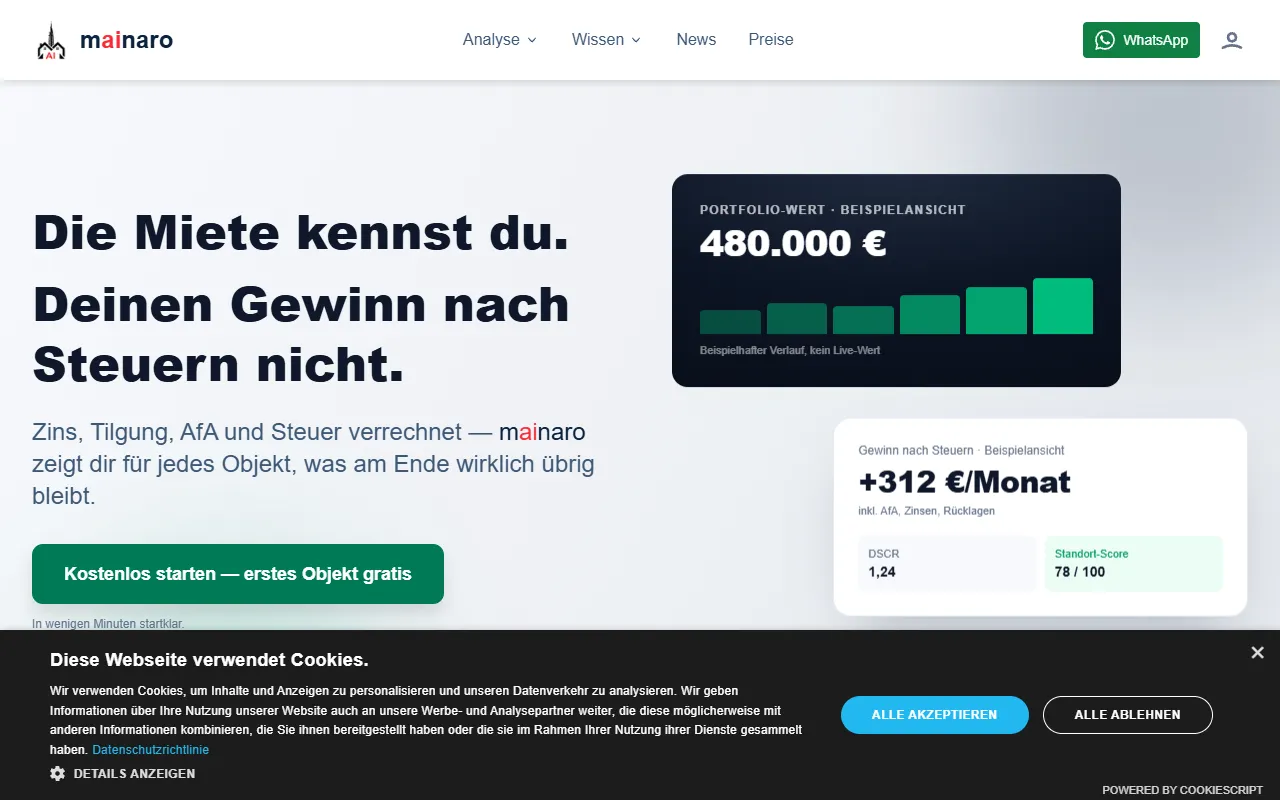
AI MarketingVisualizes real estate profits after taxes, allowing users to analyze cash flow and exit simulations for their portfolios. Offers a free location analysis for all 16 federal states, with the first property analysis available at no charge.

AI House Plan
AI Image GenerationGenerate detailed floor plans for houses, rooms, offices, and restaurants using prompts or sketches. Ideal for designers and homeowners seeking quick, editable layouts, with free access and optional paid upgrades for enhanced features.

GenImagePro
AI Image GenerationTransform photos into unique AI-generated visuals, styles, and scenes with GenImagePro’s image-to-image functionality. Ideal for artists, marketers, and anyone needing creative variations, it offers free access with optional paid upgrades.
Get Your AI Tool
In Front of Thousands
Join hundreds of AI tools already featured on theWebrary. Get priority placement, a dedicated listing page, and reach an audience actively searching for AI tools.
1 Month
$5
$6
3 Months
$10
Save 50%
12 Months
$20
Save 75%