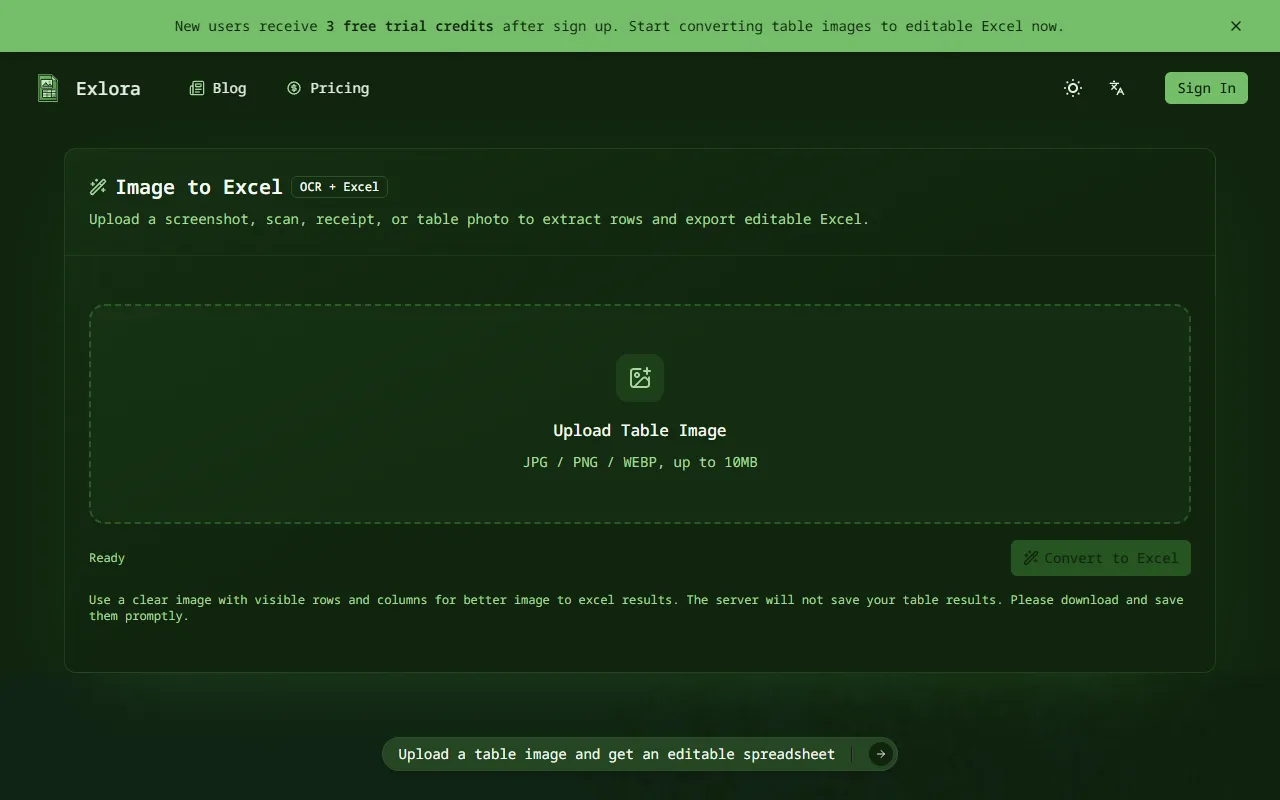
Exlora — official website
Imagine you’re an office manager tasked with digitizing a backlog of physical receipts and scanned documents. When a quarterly report deadline looms, manually entering data from these images into Excel becomes an overwhelming task. You need a tool to streamline this process, reduce manual data entry, and help you meet that deadline without sacrificing accuracy. This is where an image-to-Excel conversion tool becomes invaluable, helping you turn physical documents into editable spreadsheets quickly and efficiently.
Exlora shines in scenarios where you have clear table images that need to be converted into usable spreadsheets. The tool’s primary feature is its Image to Excel conversion, which allows you to upload a screenshot, scanned table, or receipt image, and it returns an editable Excel file. By focusing on extracting the table layout into structured rows and columns, Exlora allows you to review and edit the output, facilitating a smoother transition from image to data entry.
Key Features
- Image to Excel Conversion — Converts table images directly into Excel files, minimizing manual data entry for users.
- OCR Accuracy — Utilizes table OCR to maintain row and column structures, ensuring output is easy to review and edit.
- Fast Table OCR Pipeline — Prioritizes quick conversion times for efficient data processing.
Pros & Cons
- ✓ Fast conversion with priority queue ensures timely results.
- ✓ Structured output facilitates easy review and editing, enhancing data accuracy.
- ✓ Monthly credit refill supports continuous use and reliability.
- ✗ The tool requires clear images for optimal results, which may limit its effectiveness with poor-quality inputs.
- ✗ Pricing is subscription-based, which could be a limitation for those seeking one-time use options.
For users dealing with images that have poor clarity or complex table structures, Exlora might not be the best fit. Its effectiveness relies heavily on the quality of the input images, which means that those working with blurry or distorted documents may face issues in achieving accurate conversions. Therefore, users in industries where document quality cannot be guaranteed might find it challenging to rely solely on this tool.
When compared to alternatives like Microsoft OneNote’s OCR capabilities or Google Drive’s OCR feature, Exlora provides a targeted solution specifically for converting table images into Excel files. If you need a broader range of OCR functions beyond tables, you might consider those general tools. However, for dedicated table-to-Excel tasks, Exlora’s specialized focus and structured output offer a compelling advantage for users needing precision and efficiency.
Best For
Exlora is ideal for small to medium-sized businesses and individual professionals who have a consistent workflow of converting image-based tables into Excel. Its subscription pricing model ensures ongoing access, making it suitable for users with regular data entry and reporting tasks, especially in office and administrative settings.
Exlora is a valuable asset for professionals requiring efficient conversion of table images to Excel spreadsheets. It’s particularly beneficial for those who work in environments where quick data entry and report preparation are essential. If you frequently handle scanned forms or receipts and need to maintain data accuracy and speed, Exlora is worth considering.
This review is based on publicly available information from the tool's official website and is written independently by the theWebrary editorial team. We do not accept payment for review content.
Share
Tool Overview
Latest Featured


Browse More Tools
View all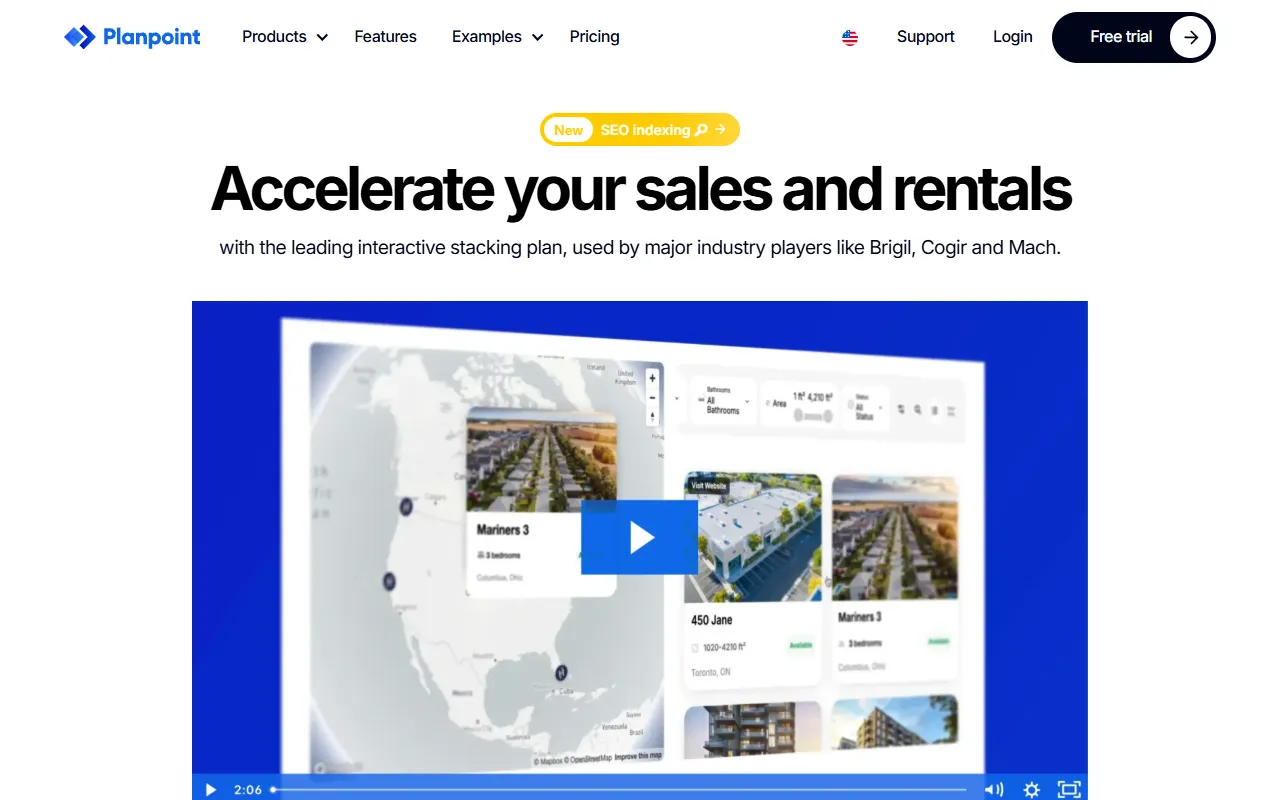
Planpoint
AI ProductivityCreate interactive stacking plans for real estate properties with Planpoint. Designed for property owners and managers, it offers a user-friendly interface tailored to various sectors. Access is free, making it an accessible choice for all users.

Pawjojo
AI ResearchLog meals, medications, weight, and symptoms for pets with ease, generating trends and vet-ready reports. Designed for dog and cat owners, Pawjojo features an extensive database of over 7,377 pet foods. Free to use with optional paid upgrades.
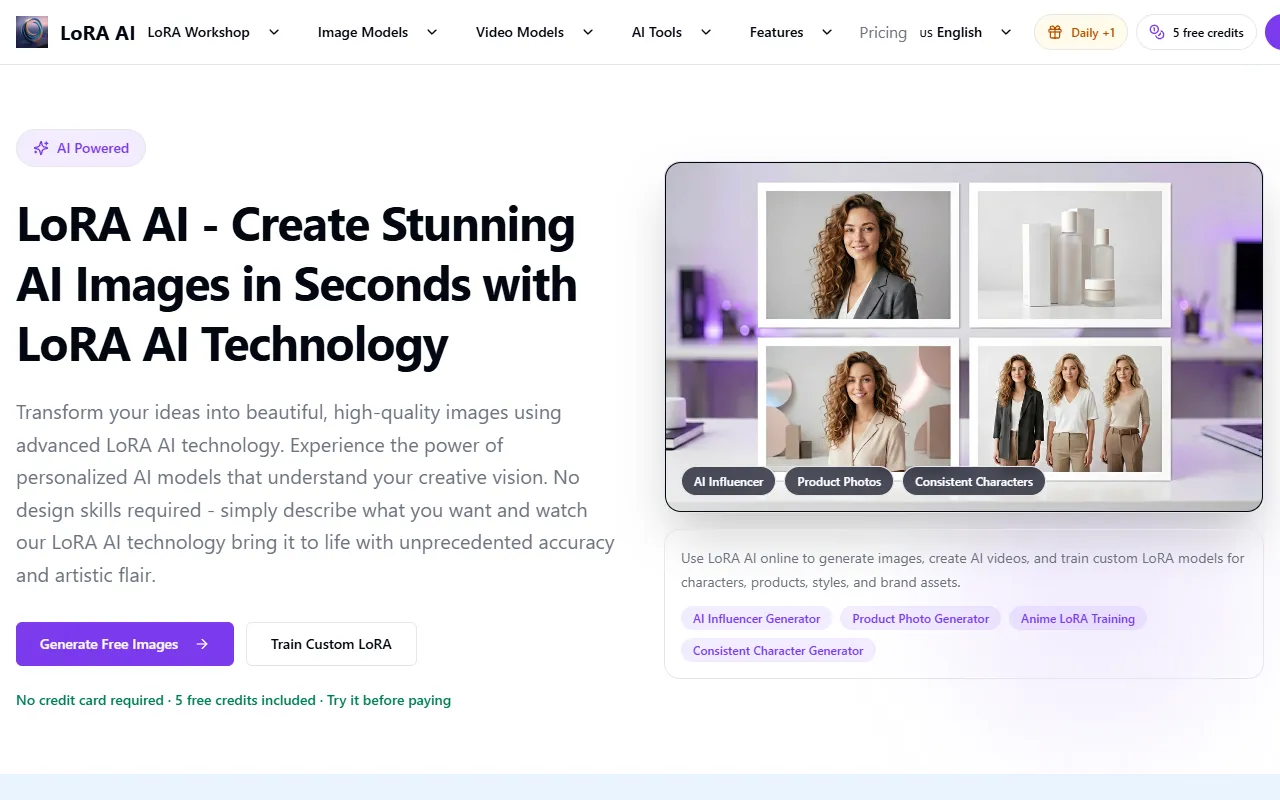
lora ai Anime LoRA Training
AI Image GenerationGenerate high-quality images and train custom Anime LoRA models for consistent character and manga styles. Designed for creators without design skills, the platform offers 5 free credits to start, with additional paid upgrades available.
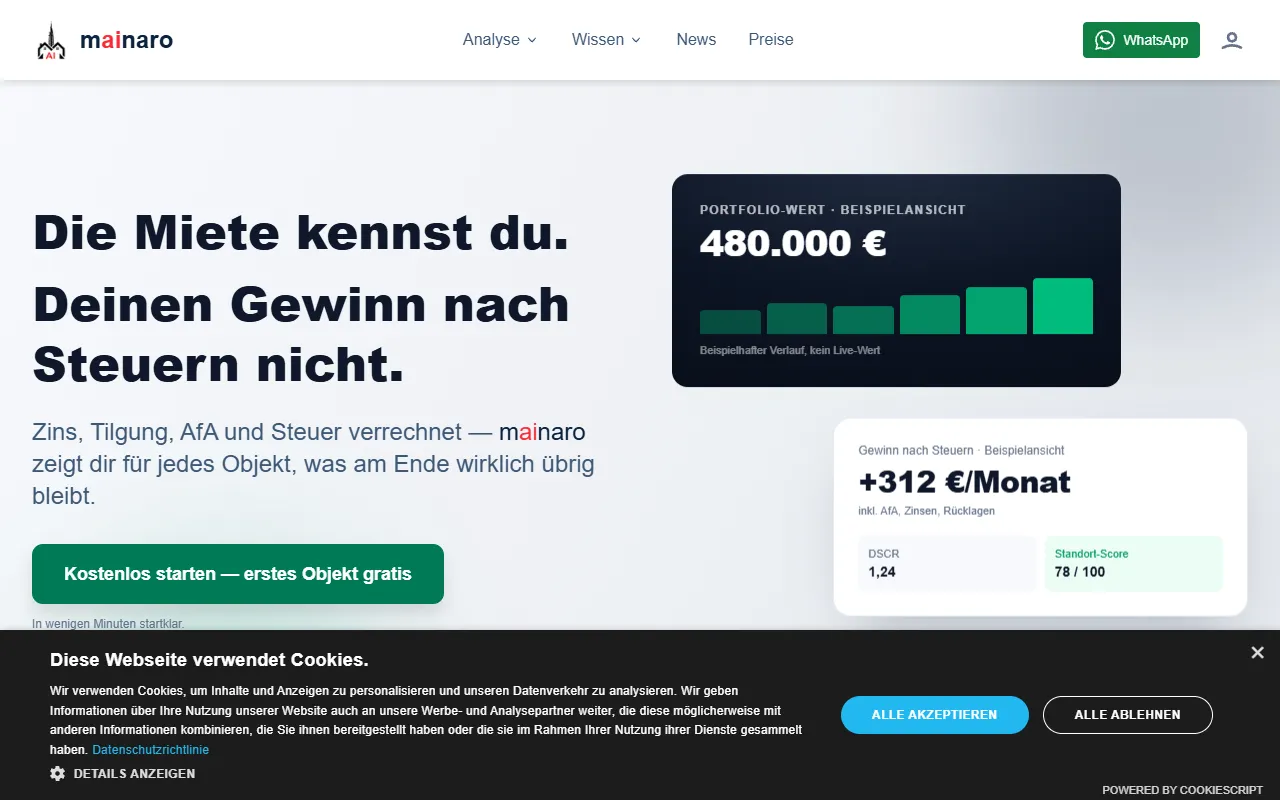
mainaro
AI MarketingVisualizes real estate profits after taxes, allowing users to analyze cash flow and exit simulations for their portfolios. Offers a free location analysis for all 16 federal states, with the first property analysis available at no charge.

AI House Plan
AI Image GenerationGenerate detailed floor plans for houses, rooms, offices, and restaurants using prompts or sketches. Ideal for designers and homeowners seeking quick, editable layouts, with free access and optional paid upgrades for enhanced features.
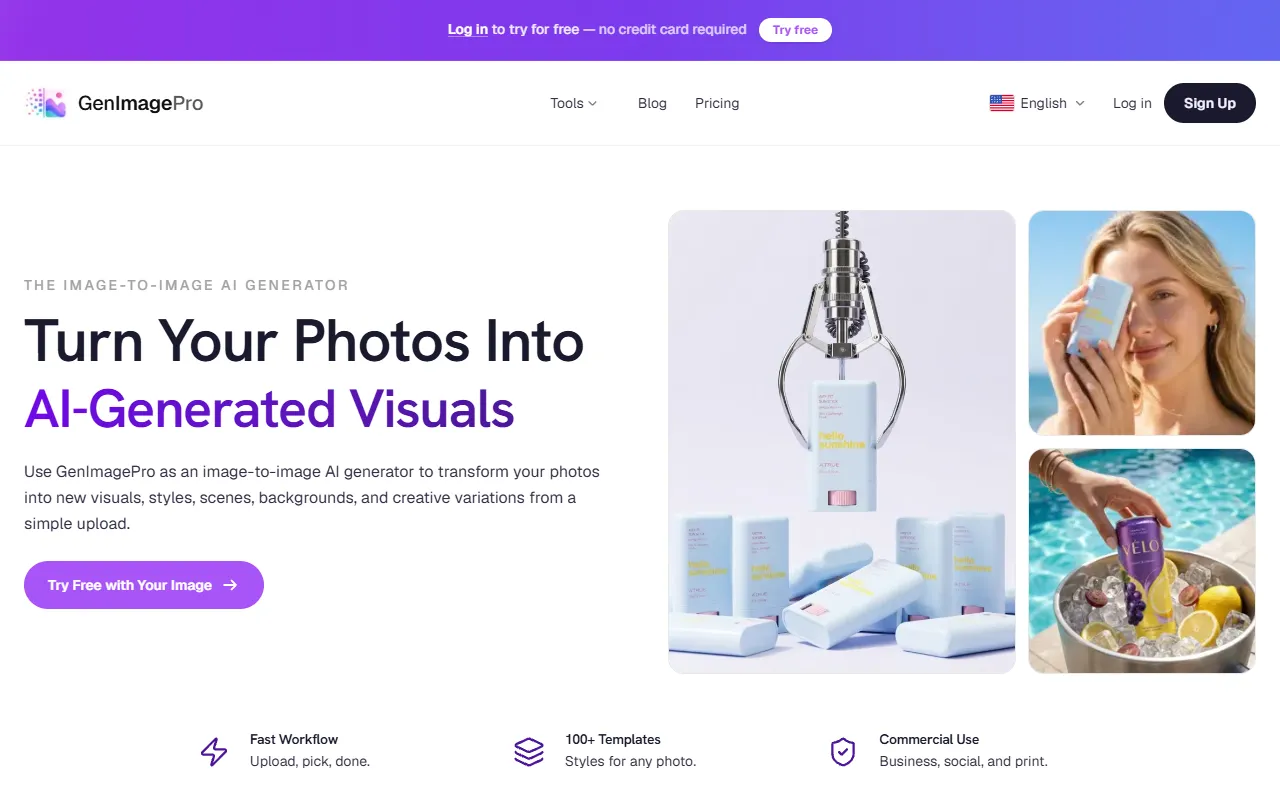
GenImagePro
AI Image GenerationTransform photos into unique AI-generated visuals, styles, and scenes with GenImagePro’s image-to-image functionality. Ideal for artists, marketers, and anyone needing creative variations, it offers free access with optional paid upgrades.
Get Your AI Tool
In Front of Thousands
Join hundreds of AI tools already featured on theWebrary. Get priority placement, a dedicated listing page, and reach an audience actively searching for AI tools.
1 Month
$5
$6
3 Months
$10
Save 50%
12 Months
$20
Save 75%