
Glasscribe
Transcribes spoken language into text in real-time, offering translation and privacy-focused subtitles for macOS users. Designed for educators, content creators, and anyone needing accurate transcriptions, it features a subscription plan for advanced functionalities.
Glasscribe — official website
Imagine you’re a freelance journalist working on a tight deadline. You’ve just recorded an hour-long interview and need to transcribe it quickly without compromising on accuracy or privacy. Uploading sensitive content to a cloud-based service isn’t an option due to confidentiality agreements, and manual transcription is too time-consuming. This is the exact scenario where an on-device transcription tool like Glasscribe can save the day. Glasscribe processes audio directly on your Mac, offering a real-time speech-to-text solution that ensures your data never leaves the device.
Glasscribe excels in providing real-time transcription with its unique on-device processing. You simply play the audio on your Mac, and Glasscribe captures and transcribes it instantly. The transcription is displayed in a floating overlay that you can adjust and move around your screen. This setup ensures that you can transcribe content from meetings, YouTube videos, or podcasts without needing an internet connection. The tool’s ability to work entirely offline is particularly beneficial for users concerned about data privacy and immediate access to transcriptions, all based on the tool’s own marketing.
Key Features
- Real-Time Transcription — Displays words as they are spoken with interim results that update live, perfect for immediate transcription needs.
- 100% On-Device Processing — All speech recognition takes place locally, maintaining privacy by ensuring no data is uploaded.
- Live Translation — Transcribe in one language and read in another, all in real-time, supporting 22+ languages.
- System Audio Capture — Captures any audio playing on your Mac, such as Zoom calls or YouTube videos, without additional drivers.
Pros & Cons
- ✓ Real-time transcription directly on your device with no need for the internet
- ✓ Privacy-focused, with no data sent to the cloud
- ✓ Supports a wide range of languages (22+), enhancing usability for multilingual users
- ✗ Available only for macOS, limiting its use to Mac users
- ✗ The website doesn’t specify pricing details, which could be a barrier for budget-conscious users
Glasscribe may not be the best fit for users on a budget or those not using macOS. Without specific pricing details available on the website, it’s difficult for cost-sensitive users to assess its financial viability. Moreover, Windows or Linux users looking for a similar offline transcription solution will need to look elsewhere, as Glasscribe is exclusive to Mac. This exclusivity can frustrate teams with diverse operating systems, potentially leading to workflow disruptions.
If you’re deciding between Glasscribe and other tools like Otter.ai or Whisper, consider your priorities. Otter.ai offers cloud-based transcription services, which can be convenient but may not suit those needing strict data privacy. Whisper, while also capable of offline transcription, lacks some of the real-time features Glasscribe offers, like system audio capture and live translation. Choose Glasscribe if you need seamless, private on-device transcription, but opt for Otter.ai if cross-platform access and cloud features are more critical for you.
Best For
Glasscribe is ideal for privacy-conscious Mac users who need fast, real-time transcription without internet dependence. It’s especially useful for professionals in journalism, academia, or consulting, where confidentiality is key. The tool’s offline capabilities and language support make it a solid choice for solo users or small teams that primarily rely on macOS devices.
Glasscribe is an excellent tool for those who prioritize on-device processing and privacy. It’s particularly suited for professional Mac users needing quick, reliable transcriptions. While its platform exclusivity and undisclosed pricing may deter some, its standout features make it a compelling choice for those it fits. Consider Glasscribe for your next project if data privacy and real-time accuracy are your top priorities.
This review is based on publicly available information from the tool's official website and is written independently by the theWebrary editorial team. We do not accept payment for review content.
Share
Tool Overview
Latest Featured


Browse More Tools
View all
Planpoint
AI ProductivityCreate interactive stacking plans for real estate properties with Planpoint. Designed for property owners and managers, it offers a user-friendly interface tailored to various sectors. Access is free, making it an accessible choice for all users.
Pawjojo
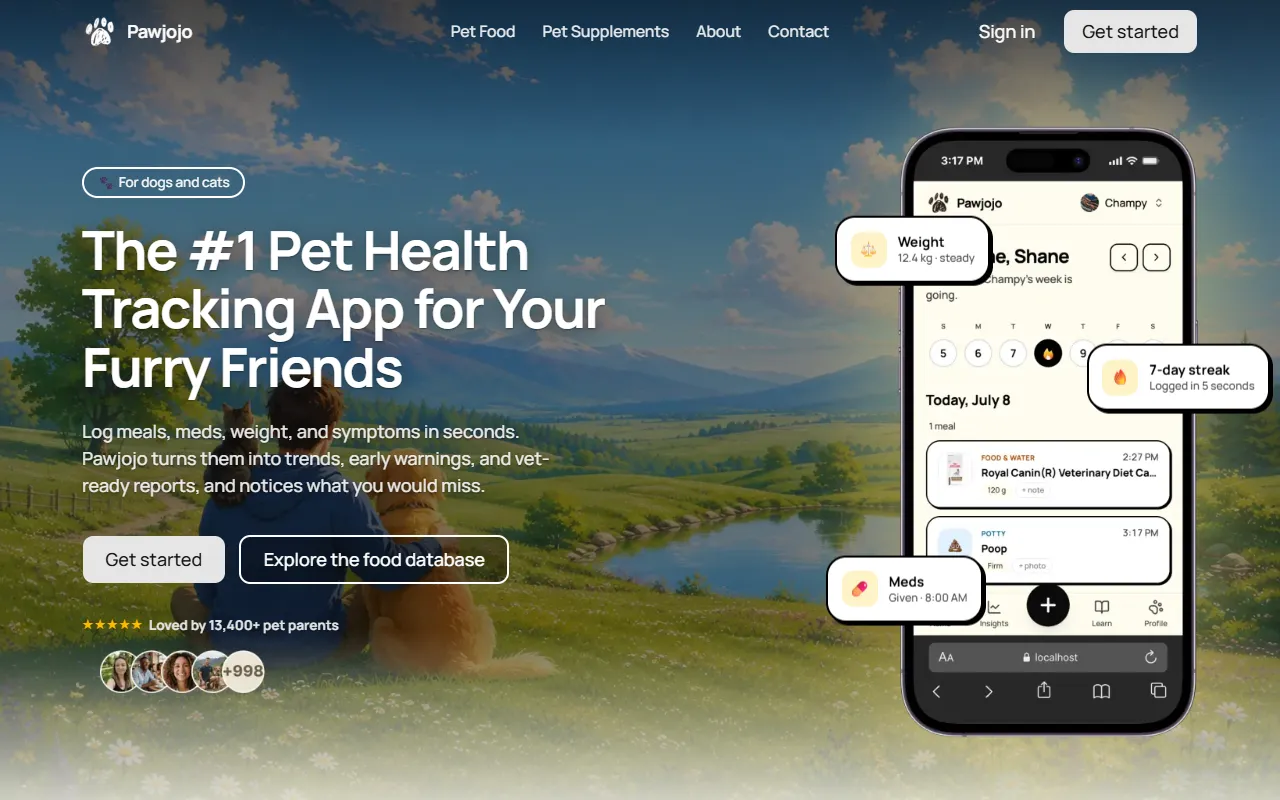
AI ResearchLog meals, medications, weight, and symptoms for pets with ease, generating trends and vet-ready reports. Designed for dog and cat owners, Pawjojo features an extensive database of over 7,377 pet foods. Free to use with optional paid upgrades.

lora ai Anime LoRA Training
AI Image GenerationGenerate high-quality images and train custom Anime LoRA models for consistent character and manga styles. Designed for creators without design skills, the platform offers 5 free credits to start, with additional paid upgrades available.

mainaro
AI MarketingVisualizes real estate profits after taxes, allowing users to analyze cash flow and exit simulations for their portfolios. Offers a free location analysis for all 16 federal states, with the first property analysis available at no charge.

AI House Plan
AI Image GenerationGenerate detailed floor plans for houses, rooms, offices, and restaurants using prompts or sketches. Ideal for designers and homeowners seeking quick, editable layouts, with free access and optional paid upgrades for enhanced features.
GenImagePro
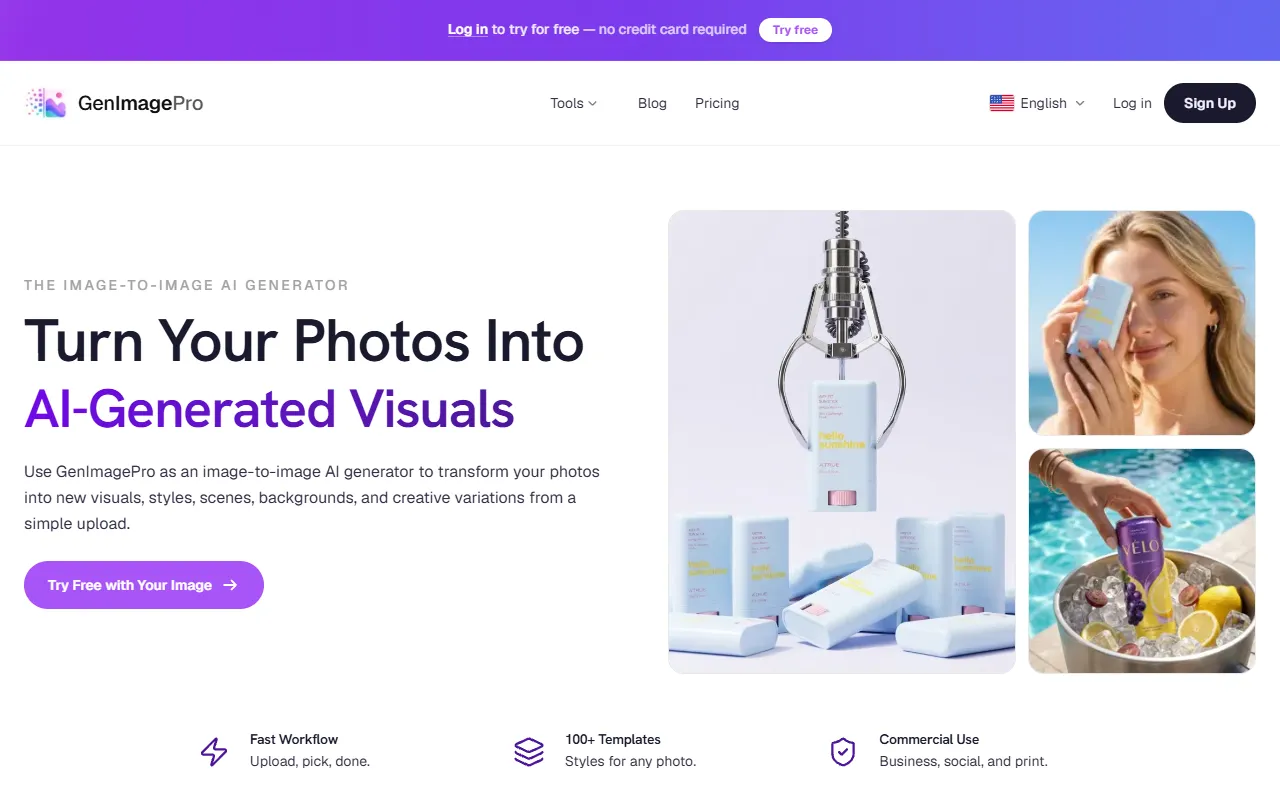
AI Image GenerationTransform photos into unique AI-generated visuals, styles, and scenes with GenImagePro’s image-to-image functionality. Ideal for artists, marketers, and anyone needing creative variations, it offers free access with optional paid upgrades.
Get Your AI Tool
In Front of Thousands
Join hundreds of AI tools already featured on theWebrary. Get priority placement, a dedicated listing page, and reach an audience actively searching for AI tools.
1 Month
$5
$6
3 Months
$10
Save 50%
12 Months
$20
Save 75%