LatexConvert
LatexConvert: Free, accurate picture-to-LaTeX tool—instantly converts formulas without typing or limits.
LatexConvert — official website
Consider a university student faced with the daunting task of digitizing pages of handwritten notes filled with complex mathematical equations. Manually typing out these equations in LaTeX can be time-consuming and error-prone. With a fast-approaching deadline for a research paper or homework assignment, the student needs an efficient solution to quickly convert these notes into a digital format without losing precision. This is where a tool like LatexConvert becomes indispensable, offering a rapid and accurate way to transform images of math equations into editable LaTeX code.
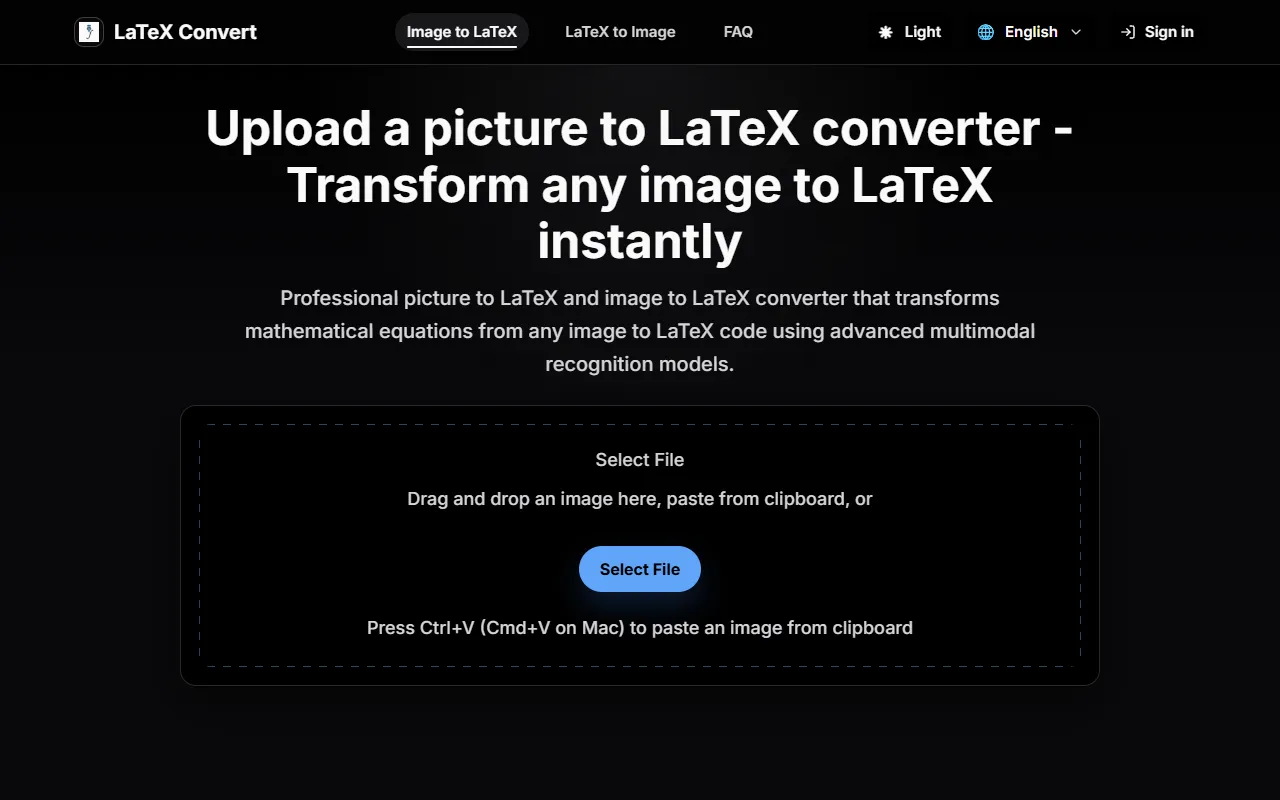
LatexConvert excels in converting images of mathematical equations into LaTeX code. The specific workflow involves uploading a picture of the handwritten or printed equation, and within seconds, the tool processes the image using advanced AI recognition technology. You receive a clean, editable LaTeX code that can be directly used in academic papers or presentations. The tool’s precision ensures that even complex mathematical formulas maintain their structure and syntax, making it particularly useful for students and educators who deal with detailed mathematical content.
Key Features
- Instant Image to LaTeX — Converts images to LaTeX in real time, saving you hours of manual input.
- Professional Precision — Ensures accurate conversion of complex math notation, crucial for academic integrity.
- Integrated Editing — Allows direct code editing and real-time preview for seamless workflow.
Pros & Cons
- ✓ High precision in converting detailed mathematical formulas
- ✓ Real-time processing delivers instant results
- ✓ Free to use, eliminating cost barriers for students and educators
- ✗ Limited to mathematical content; may not handle non-math elements in images well
- ✗ Requires clear, high-quality images for best results
While LatexConvert is highly effective for converting mathematical content, it may not be the best fit for users needing to process documents containing significant non-math elements. For instance, users who need to convert mixed content such as text, diagrams, or images that aren’t strictly mathematical may find its capabilities limited. It could be frustrating for users expecting a broader document conversion tool, as it’s tailored specifically for mathematical equations rather than general document processing.
Users might consider alternatives like Mathpix Snip, which also converts images to LaTeX and offers broader document recognition capabilities, including text and chemistry formulas. Mathpix might be preferable for those needing a more comprehensive document conversion solution, albeit at a cost. However, for users primarily focused on converting mathematical content without any cost, LatexConvert is an excellent choice, offering free access and high conversion accuracy.
Best For
LatexConvert is best suited for students, educators, and researchers who regularly convert mathematical equations from handwritten notes, textbooks, or other images into LaTeX code. Its free pricing model makes it an attractive option for those in academia who need a reliable tool without incurring additional costs.
LatexConvert is a valuable tool for those in academia needing to quickly and accurately convert images of equations into LaTeX code. It’s particularly well-suited for students and educators handling complex mathematical content. For those who require a dedicated tool for mathematical conversions, LatexConvert offers an efficient and cost-free solution. Use LatexConvert if you’re looking for a straightforward, precise, and free method to digitize your math work.
This review is based on publicly available information from the tool's official website and is written independently by the theWebrary editorial team. We do not accept payment for review content.
Share
Tool Overview
Latest Featured


Browse More Tools
View all
Planpoint
AI ProductivityCreate interactive stacking plans for real estate properties with Planpoint. Designed for property owners and managers, it offers a user-friendly interface tailored to various sectors. Access is free, making it an accessible choice for all users.

Pawjojo
AI ResearchLog meals, medications, weight, and symptoms for pets with ease, generating trends and vet-ready reports. Designed for dog and cat owners, Pawjojo features an extensive database of over 7,377 pet foods. Free to use with optional paid upgrades.

lora ai Anime LoRA Training
AI Image GenerationGenerate high-quality images and train custom Anime LoRA models for consistent character and manga styles. Designed for creators without design skills, the platform offers 5 free credits to start, with additional paid upgrades available.

mainaro
AI MarketingVisualizes real estate profits after taxes, allowing users to analyze cash flow and exit simulations for their portfolios. Offers a free location analysis for all 16 federal states, with the first property analysis available at no charge.

AI House Plan
AI Image GenerationGenerate detailed floor plans for houses, rooms, offices, and restaurants using prompts or sketches. Ideal for designers and homeowners seeking quick, editable layouts, with free access and optional paid upgrades for enhanced features.

GenImagePro
AI Image GenerationTransform photos into unique AI-generated visuals, styles, and scenes with GenImagePro’s image-to-image functionality. Ideal for artists, marketers, and anyone needing creative variations, it offers free access with optional paid upgrades.
Get Your AI Tool
In Front of Thousands
Join hundreds of AI tools already featured on theWebrary. Get priority placement, a dedicated listing page, and reach an audience actively searching for AI tools.
1 Month
$5
$6
3 Months
$10
Save 50%
12 Months
$20
Save 75%