OnboardUI — official website
Imagine you’re a mobile app developer racing against time to create an engaging user onboarding experience for your latest project. You’ve got the app all set, but the onboarding flow needs some polish, and you can’t afford to spend weeks coding it from scratch. This is where a tool like OnboardUI comes into play. Aimed at developers and designers who need to create beautiful onboarding screens without delving deep into code, OnboardUI offers a streamlined way to visually design and export onboarding flows into real app code across multiple frameworks.
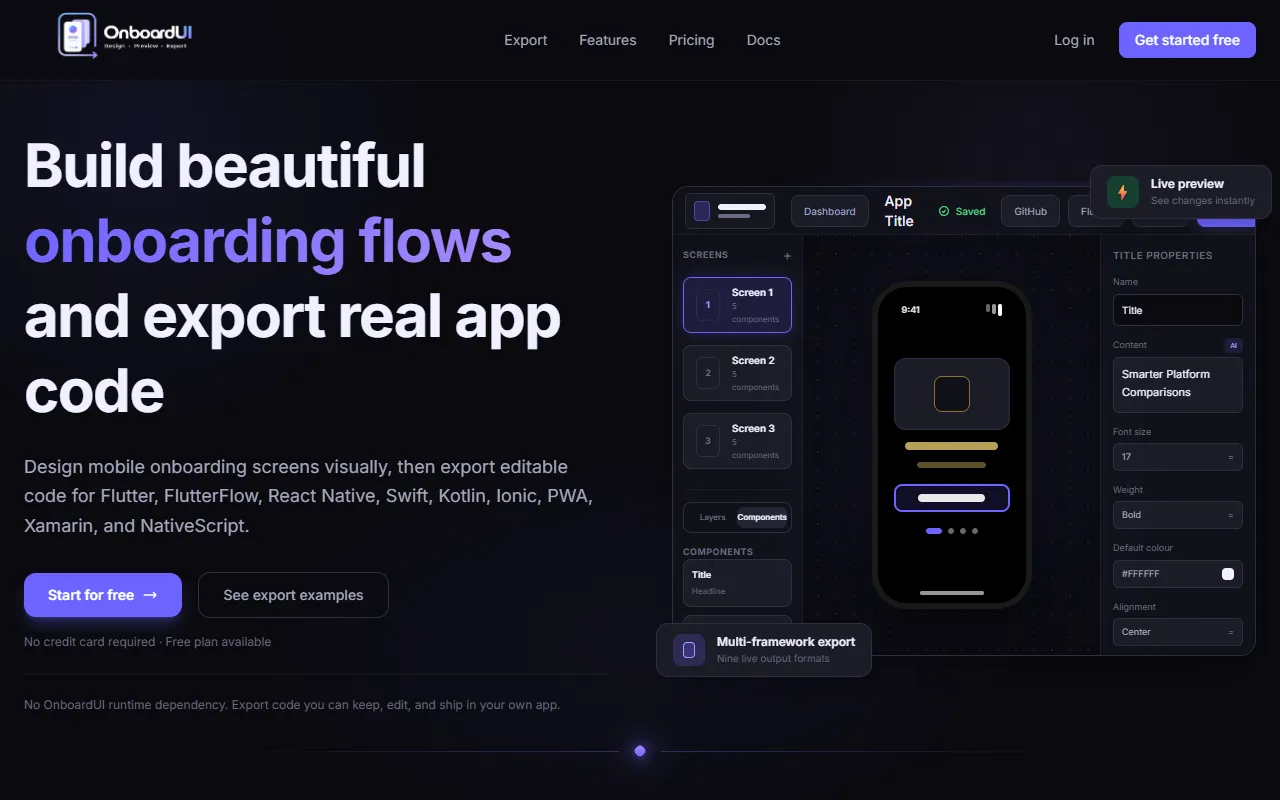
OnboardUI excels at providing a visual drag-and-drop builder for creating mobile onboarding screens. You start by dragging components like text, images, and buttons onto a canvas, arranging them as you see fit. The tool offers a real-time phone preview, allowing you to see how the onboarding flow will look on an actual device. Once satisfied, you can export the designs into editable code for platforms such as Flutter, React Native, and Swift. This feature saves significant time, as you’re not just creating mockups but getting production-ready code that you can integrate directly into your project.
Key Features
- Visual drag-and-drop builder — Allows you to compose onboarding screens with various components effortlessly.
- Real-time phone preview — Offers an instant view of how your onboarding flow will appear on devices.
- Multi-framework export — Supports exporting code in nine different formats, catering to various development platforms.
Pros & Cons
- ✓ Supports nine different export formats, making it versatile for different platform needs.
- ✓ Offers free plan with one project and three screens, allowing you to try before you buy.
- ✓ No runtime dependency on OnboardUI, giving you full control over the exported code.
- ✗ The free plan includes watermarked exports and is limited to one project.
- ✗ Advanced features like asset uploads and AI copy suggestions are locked behind paid plans.
If you’re a developer aiming to create onboarding screens for a smaller project, OnboardUI’s free plan could leave you constrained due to its limitations on the number of projects and screens. Additionally, if you’re looking to utilize advanced features like gradient backgrounds or AI suggestions, you’ll need to commit to a paid plan. This may frustrate freelancers or small startups who aim to keep costs low and flexibility high.
Compared to tools like Sketch or Figma, which require more manual coding work post-design, OnboardUI stands out for its ability to export production-ready code. However, for teams already deeply integrated with these design tools, the switch to OnboardUI might not be justified unless the specific need for multi-framework code export aligns with their workflow. Choose OnboardUI if you need quick, code-ready onboarding flows; stick with Sketch or Figma if your team is already settled into those ecosystems.
Best For
OnboardUI is ideal for small to mid-sized app development teams that require efficient onboarding screen design and need to export into code quickly. Its pricing model, starting with a free plan and scaling up to Pro+ for power users, suits both freelancers and small companies looking to manage costs while maintaining a productive workflow.
OnboardUI is a worthwhile investment for developers who need to streamline their onboarding design process and directly export usable code. Its ease of use combined with multi-framework support makes it a strong contender for teams needing quick turnaround times. If you fit this profile, OnboardUI is a solid choice.
This review is based on publicly available information from the tool's official website and is written independently by the theWebrary editorial team. We do not accept payment for review content.
Share
Tool Overview
Latest Featured


Browse More Tools
View all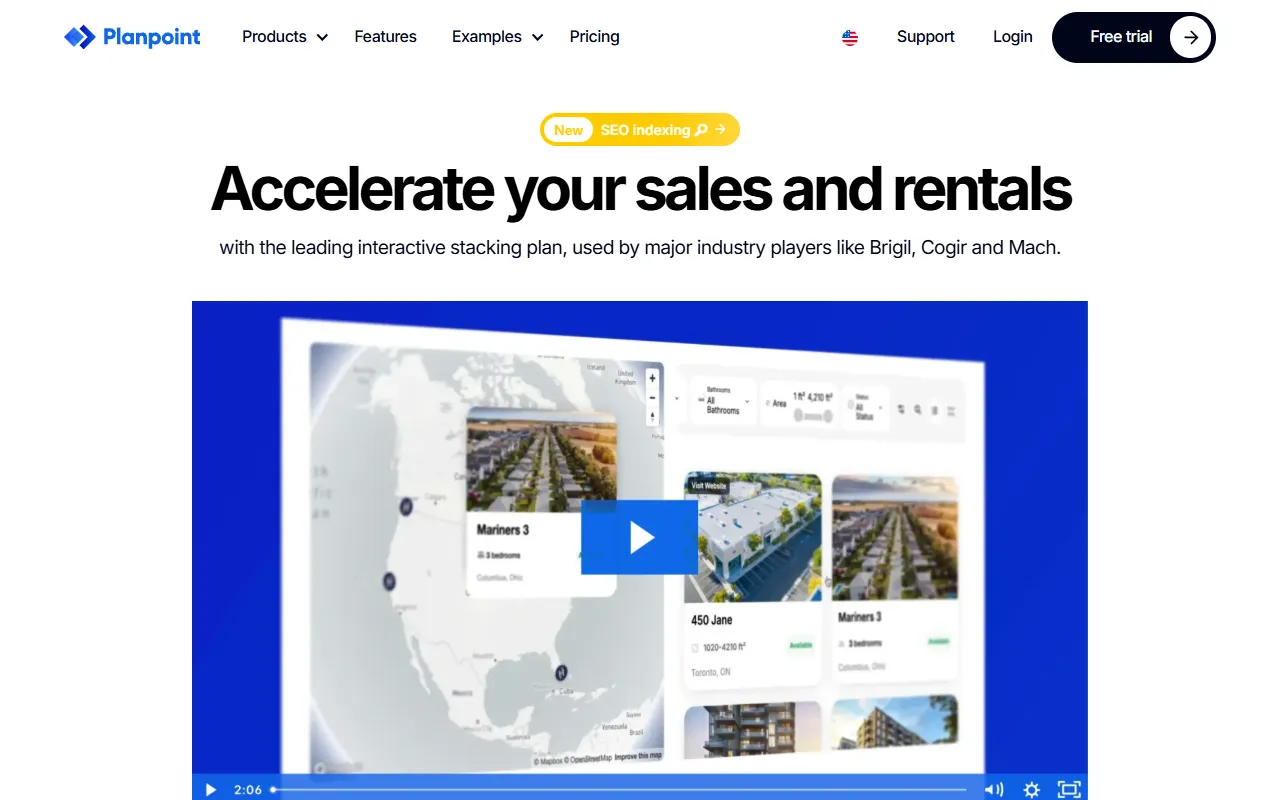
Planpoint
AI ProductivityCreate interactive stacking plans for real estate properties with Planpoint. Designed for property owners and managers, it offers a user-friendly interface tailored to various sectors. Access is free, making it an accessible choice for all users.
Pawjojo
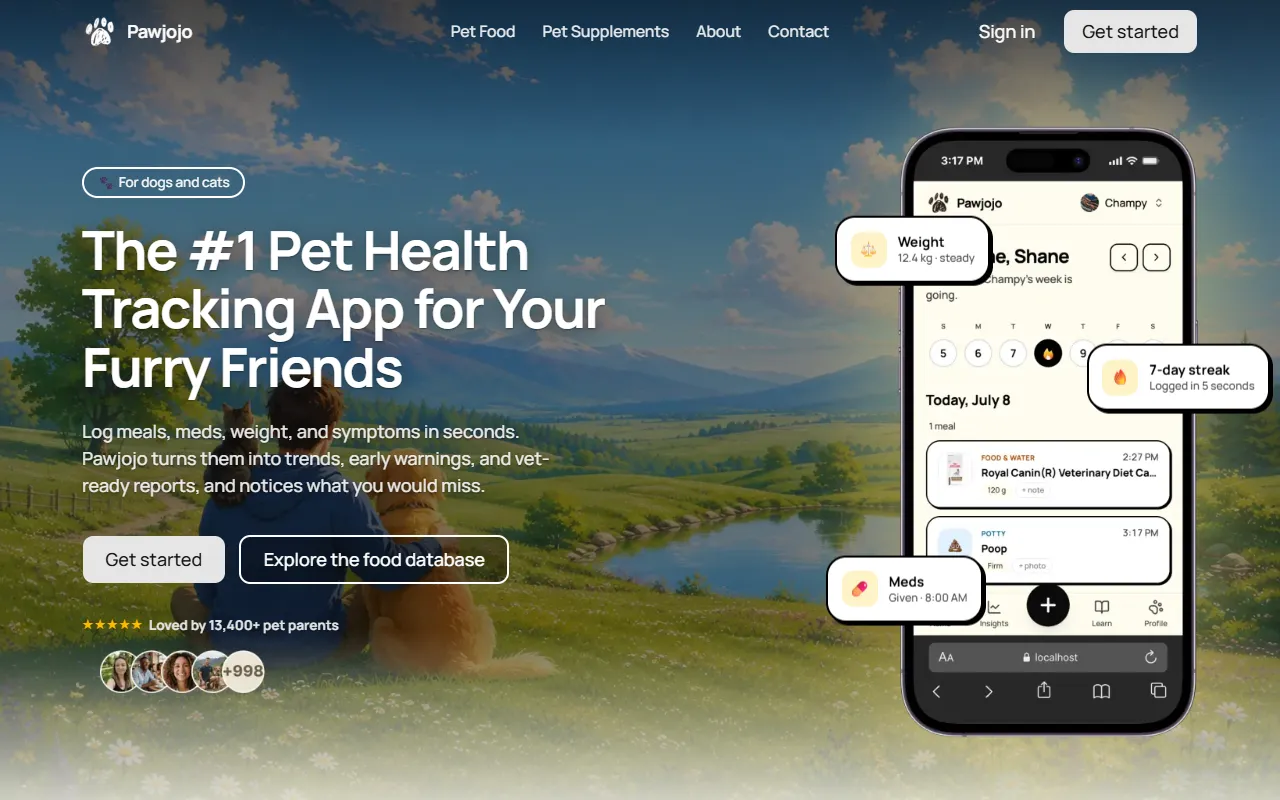
AI ResearchLog meals, medications, weight, and symptoms for pets with ease, generating trends and vet-ready reports. Designed for dog and cat owners, Pawjojo features an extensive database of over 7,377 pet foods. Free to use with optional paid upgrades.
lora ai Anime LoRA Training
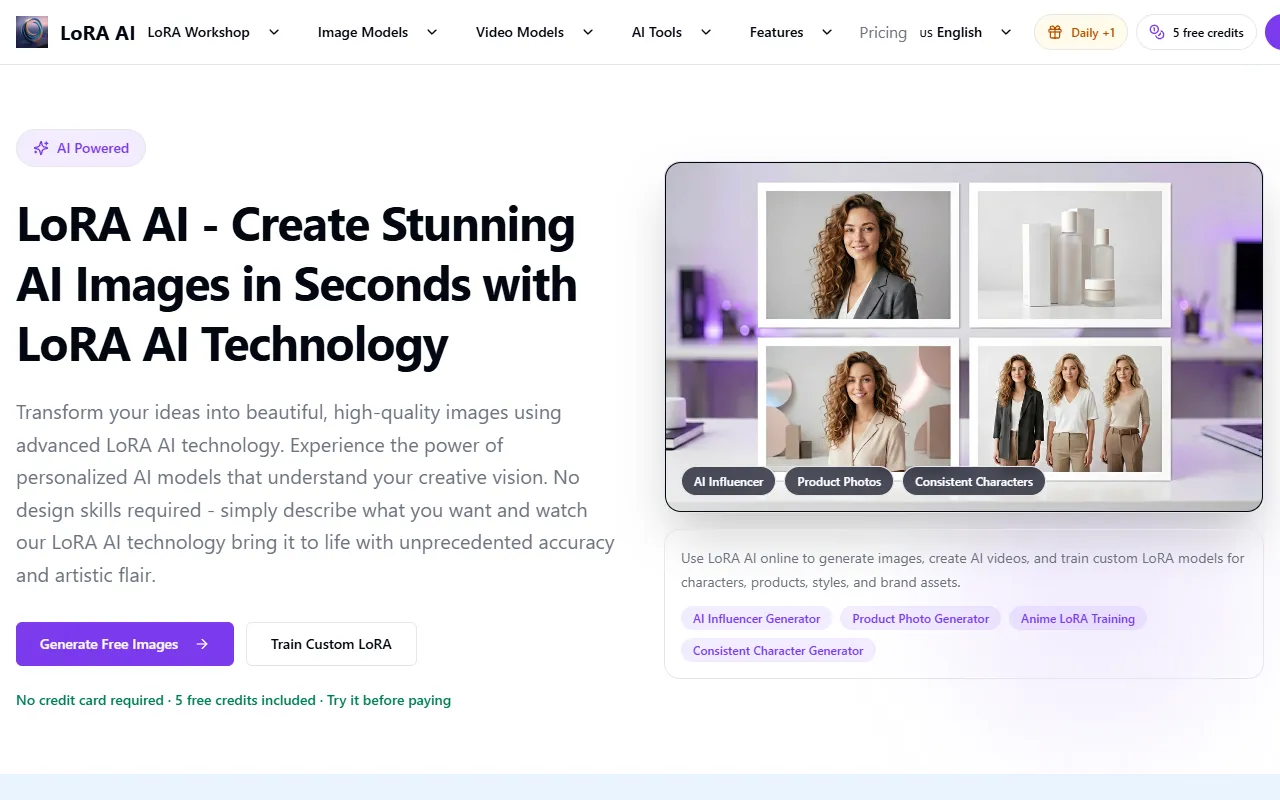
AI Image GenerationGenerate high-quality images and train custom Anime LoRA models for consistent character and manga styles. Designed for creators without design skills, the platform offers 5 free credits to start, with additional paid upgrades available.
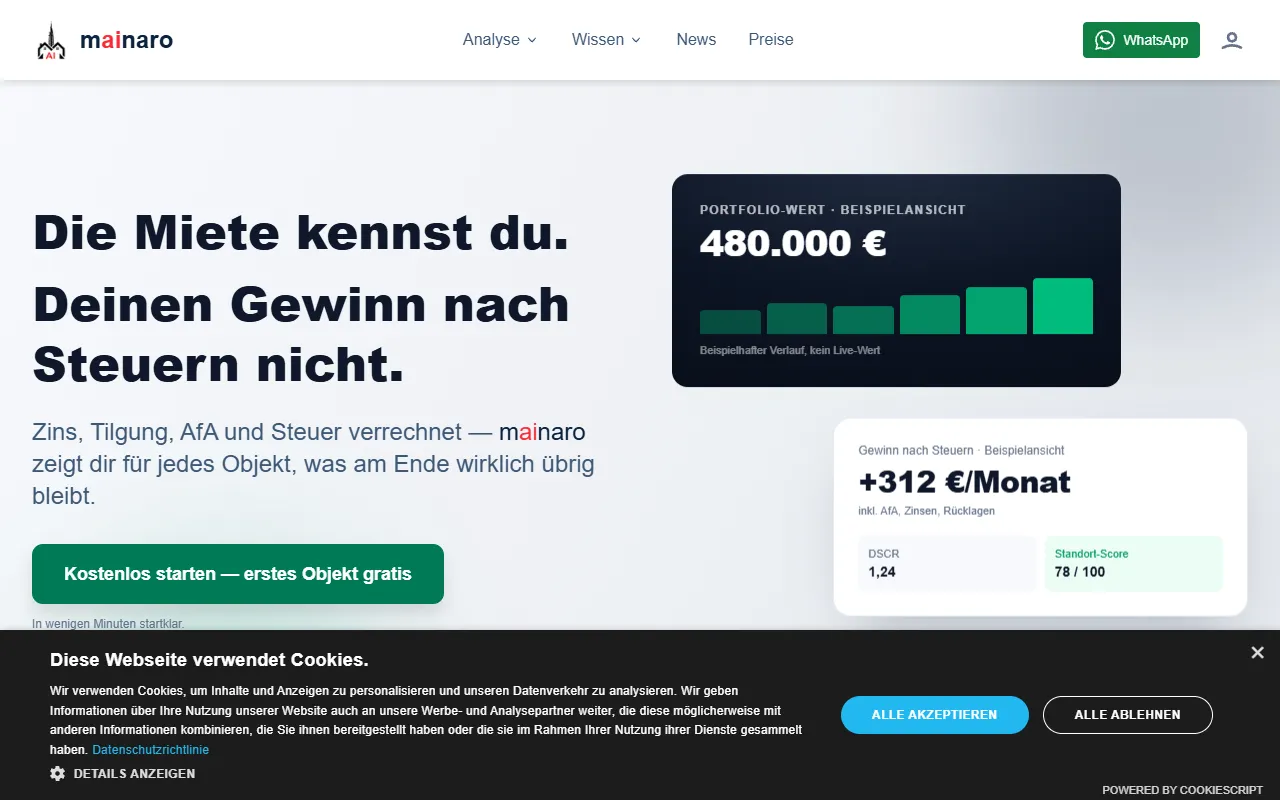
mainaro
AI MarketingVisualizes real estate profits after taxes, allowing users to analyze cash flow and exit simulations for their portfolios. Offers a free location analysis for all 16 federal states, with the first property analysis available at no charge.
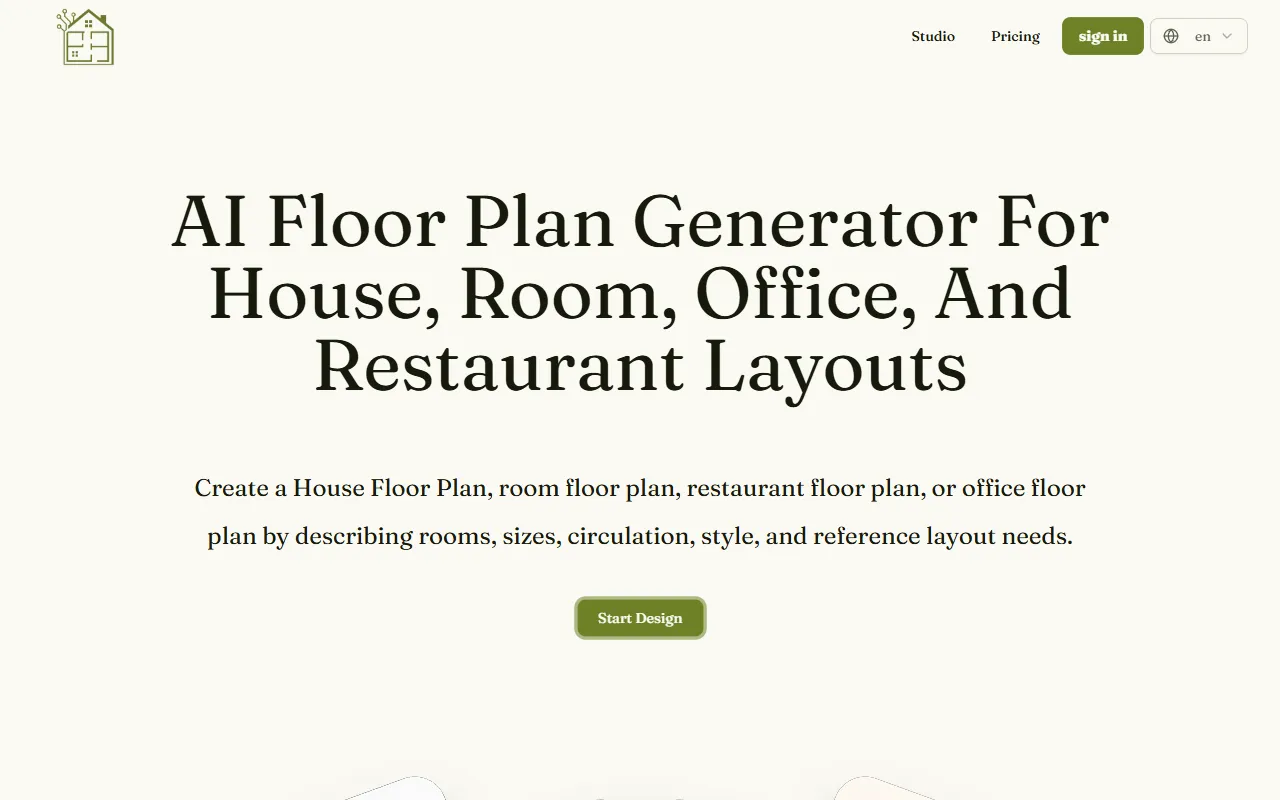
AI House Plan
AI Image GenerationGenerate detailed floor plans for houses, rooms, offices, and restaurants using prompts or sketches. Ideal for designers and homeowners seeking quick, editable layouts, with free access and optional paid upgrades for enhanced features.
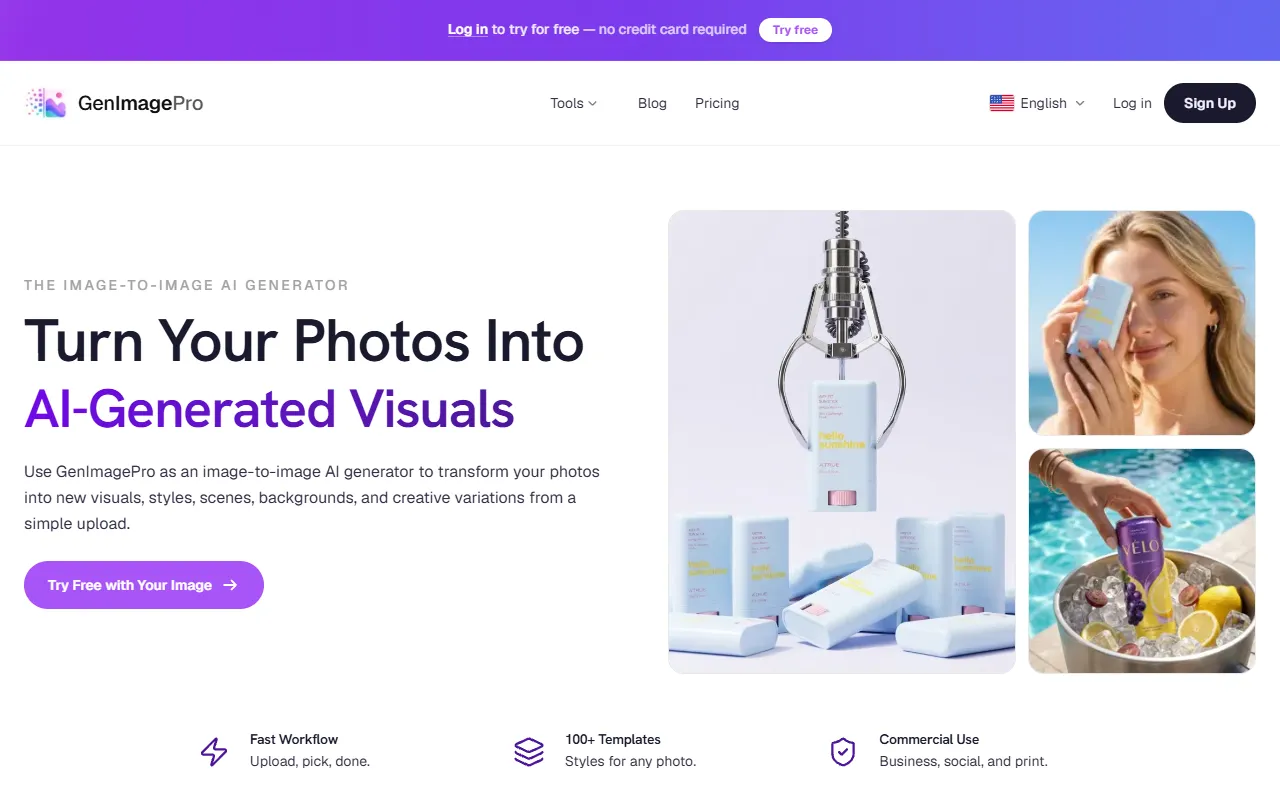
GenImagePro
AI Image GenerationTransform photos into unique AI-generated visuals, styles, and scenes with GenImagePro’s image-to-image functionality. Ideal for artists, marketers, and anyone needing creative variations, it offers free access with optional paid upgrades.
Get Your AI Tool
In Front of Thousands
Join hundreds of AI tools already featured on theWebrary. Get priority placement, a dedicated listing page, and reach an audience actively searching for AI tools.
1 Month
$5
$6
3 Months
$10
Save 50%
12 Months
$20
Save 75%