
Opal
Organizes information within a visual workspace to boost focus and reduce search time. Ideal for users with no design skills, it offers an easy way to enhance productivity at no cost.
Opal — official website
Imagine you’re a freelancer juggling multiple projects, each with its own set of notes, documents, and client communications. You spend countless hours trying to locate important information buried in cloud folders or hidden within nested pages of team collaboration apps. The frustration builds as deadlines loom and you still can’t find the client brief you need. You need a tool that lets you see everything at a glance without the constant digging. This is where a visual workspace like Opal can make a significant difference.
Opal excels at providing a visual organization system, allowing you to lay out notes, documents, and files on a giant grid. You can drag and drop these items anywhere on your digital desk, making it easy to group related content together as your brain thinks spatially. You can zoom out to see everything, giving you a holistic view of all your projects. This setup is especially helpful for freelancers or small teams who need to manage multiple projects simultaneously without losing track of important details. This feature is highlighted in Opal’s own marketing as a core capability.
Key Features
- Infinite Canvas — Offers a pannable digital desk where you can arrange all your work items visually. This spatial organization helps keep track of where everything is.
- Embed Google Docs & Sheets — You can directly edit and view Google Docs and Sheets within Opal, ensuring everything stays contextually relevant.
- Markdown-Enabled Block Editor — Simplifies creating beautiful, formatted documents using markdown or WYSIWYG editor.
- Public Links — Share items or binders with a public link, allowing easy client access without needing an Opal account.
- Drag and Drop Files — Easily integrate files and images by dragging them onto your workspace and viewing them directly within Opal.
Pros & Cons
- ✓ Visual organization helps keep all materials accessible and visible.
- ✓ Integration with Google Docs & Sheets allows seamless editing and viewing.
- ✓ No learning curve, as reported by early adopters on the site.
- ✗ Free mode is limited to only 15 items and 100 MB of storage.
- ✗ The file upload size limit is 5 MB in the Free mode and 25 MB in paid plans.
If you’re someone who likes to use a single tool to manage a large number of notes and documents, Opal might frustrate you with its Free mode limitations. With only 15 items allowed, the free version of Opal isn’t suitable for heavy users who need to manage numerous documents across multiple projects. Users will quickly find that they need to upgrade to one of the paid plans to fully leverage Opal’s capabilities, which may be a deterrent for those looking for a completely free solution.
In comparison to tools like Notion or Trello, Opal provides a unique visual organization that might appeal to users who think spatially. Notion offers more flexibility with nested pages and a richer ecosystem of integrations, while Trello is excellent for task management with its Kanban-style boards. If your priority is seeing everything at once and reducing search time, Opal is a solid pick. However, if you need more robust project management features, Notion or Trello might be better fits.
Best For
Opal is best suited for freelancers, solopreneurs, or small teams who value a visual approach to project management. Its pricing model starts from a Free tier with limitations, making it accessible to individuals who want to try before committing. If your workflow involves a lot of visual organization and you don’t mind upgrading for more storage and features, Opal could be the right tool for you.
Opal offers a compelling visual approach for those overwhelmed by traditional note-taking apps. The ability to see all your work laid out on a digital desk can reduce search time and increase productivity. For freelancers and small teams who often lose track of important documents, Opal provides a unique solution. Opal is highly recommended for anyone needing a more intuitive way to manage their projects and notes.
This review is based on publicly available information from the tool's official website and is written independently by the theWebrary editorial team. We do not accept payment for review content.
Share
Tool Overview
Latest Featured


Browse More Tools
View all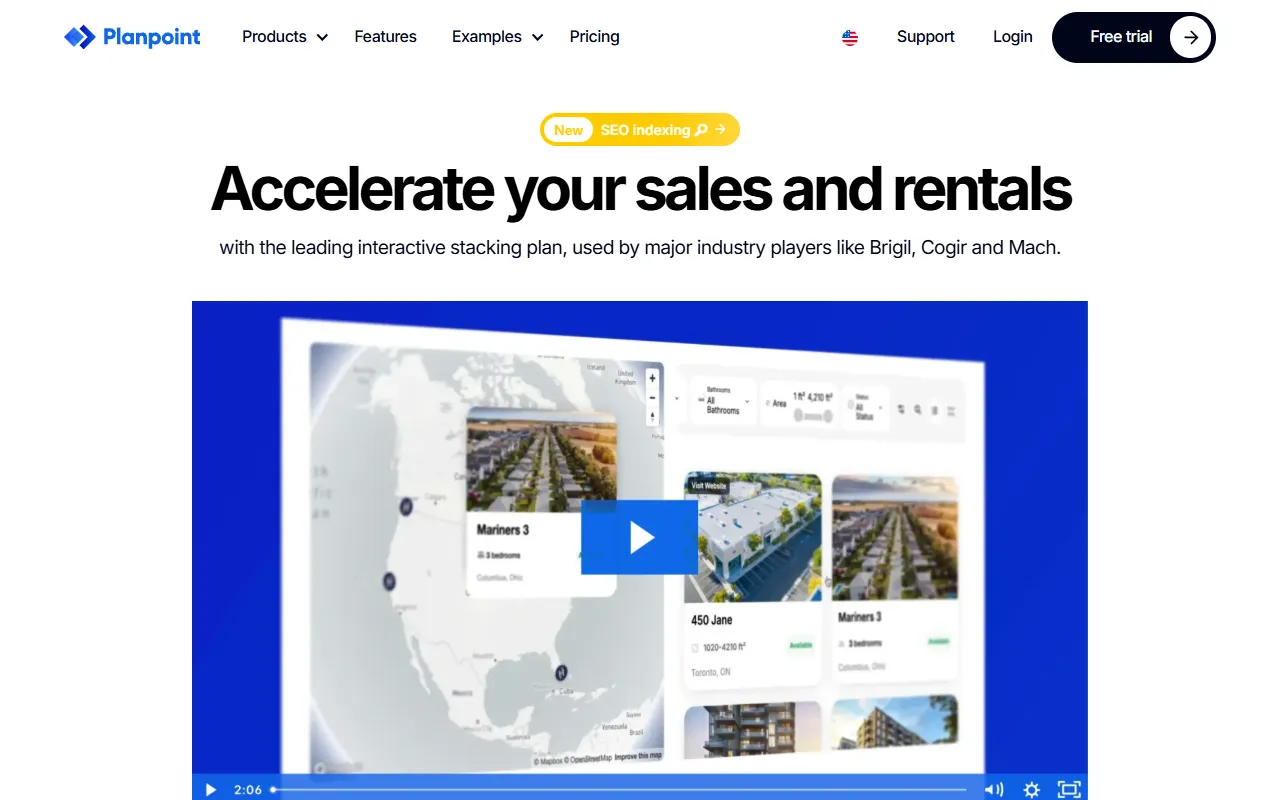
Planpoint
AI ProductivityCreate interactive stacking plans for real estate properties with Planpoint. Designed for property owners and managers, it offers a user-friendly interface tailored to various sectors. Access is free, making it an accessible choice for all users.

Pawjojo
AI ResearchLog meals, medications, weight, and symptoms for pets with ease, generating trends and vet-ready reports. Designed for dog and cat owners, Pawjojo features an extensive database of over 7,377 pet foods. Free to use with optional paid upgrades.

lora ai Anime LoRA Training
AI Image GenerationGenerate high-quality images and train custom Anime LoRA models for consistent character and manga styles. Designed for creators without design skills, the platform offers 5 free credits to start, with additional paid upgrades available.
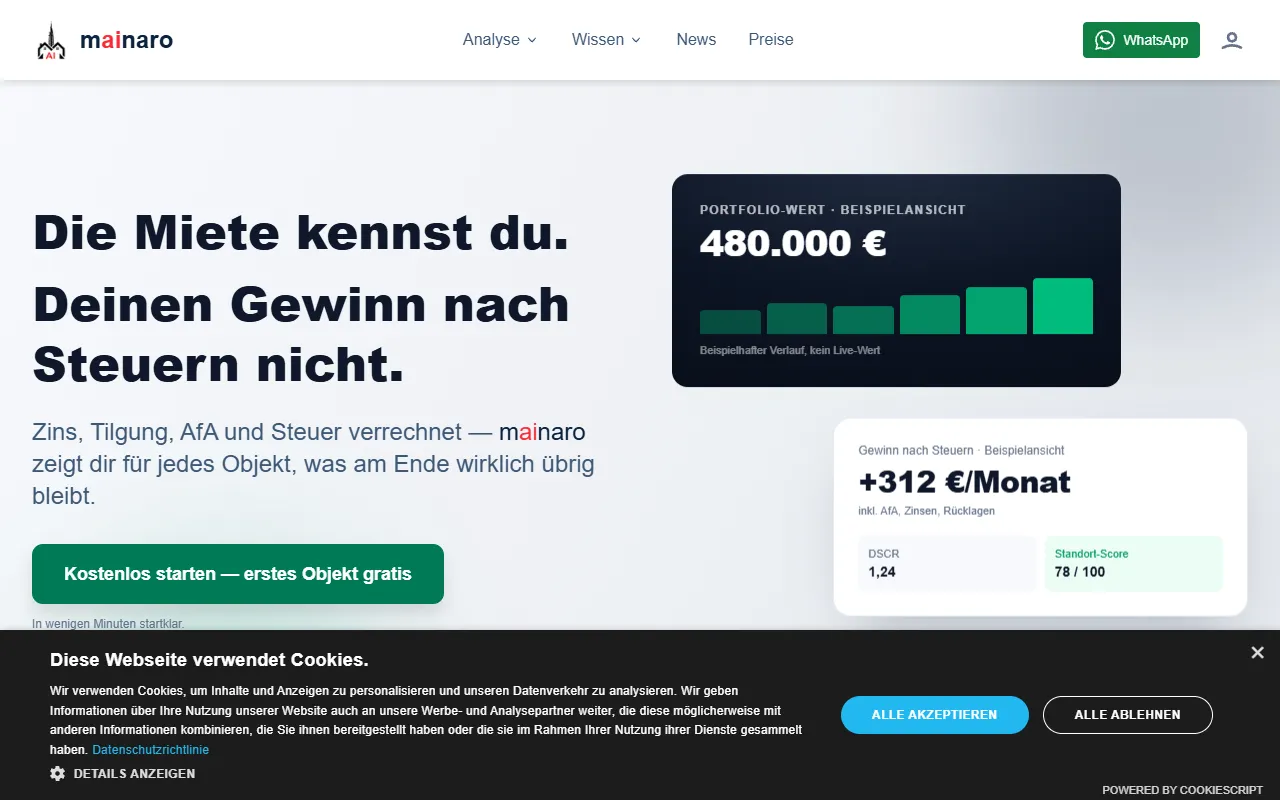
mainaro
AI MarketingVisualizes real estate profits after taxes, allowing users to analyze cash flow and exit simulations for their portfolios. Offers a free location analysis for all 16 federal states, with the first property analysis available at no charge.
AI House Plan
AI Image GenerationGenerate detailed floor plans for houses, rooms, offices, and restaurants using prompts or sketches. Ideal for designers and homeowners seeking quick, editable layouts, with free access and optional paid upgrades for enhanced features.
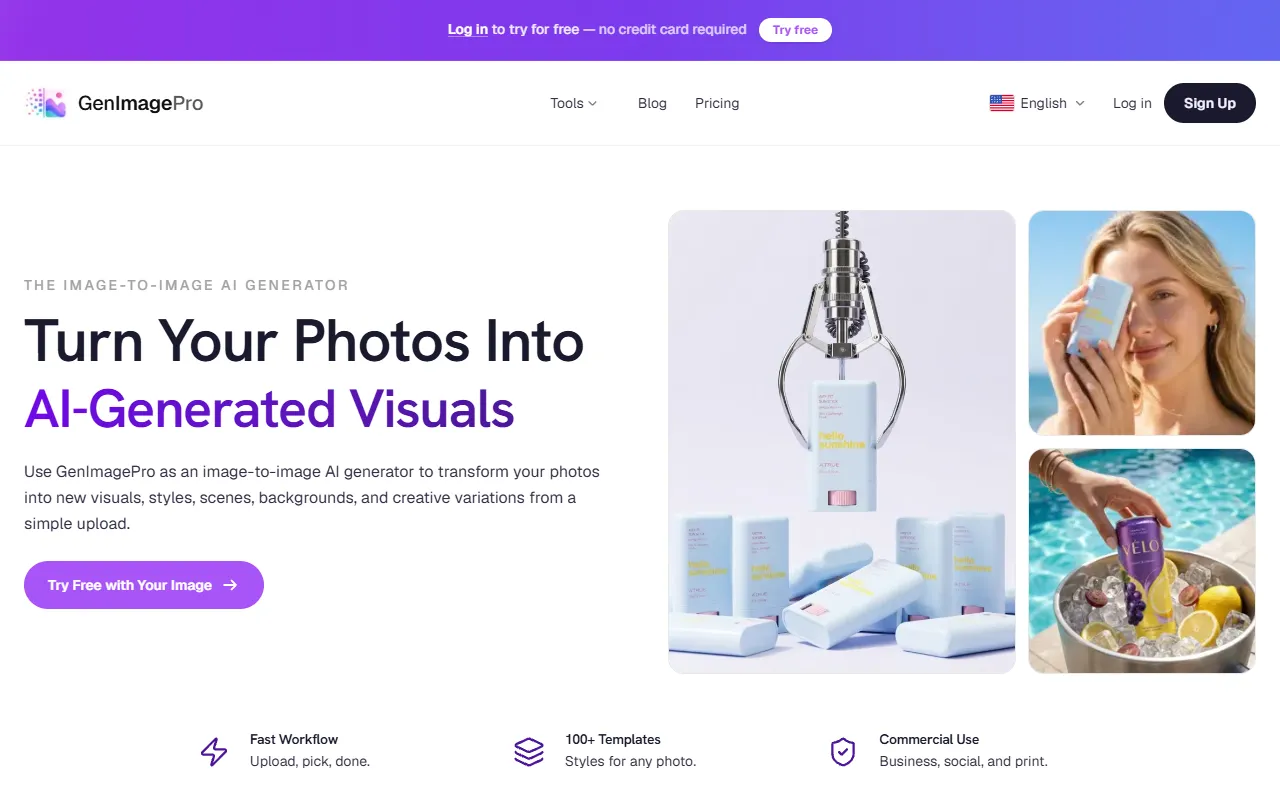
GenImagePro
AI Image GenerationTransform photos into unique AI-generated visuals, styles, and scenes with GenImagePro’s image-to-image functionality. Ideal for artists, marketers, and anyone needing creative variations, it offers free access with optional paid upgrades.
Get Your AI Tool
In Front of Thousands
Join hundreds of AI tools already featured on theWebrary. Get priority placement, a dedicated listing page, and reach an audience actively searching for AI tools.
1 Month
$5
$6
3 Months
$10
Save 50%
12 Months
$20
Save 75%