PDF-File
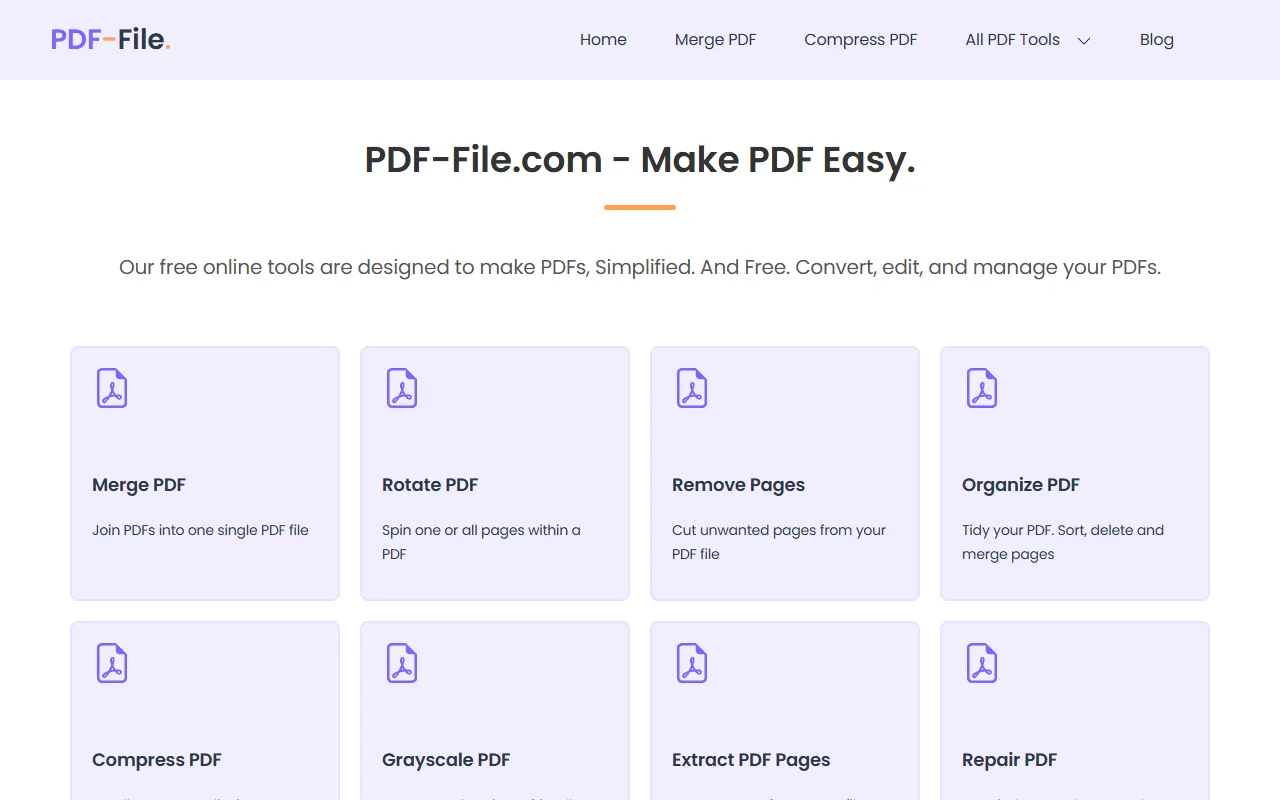
PDF-File.com: Free, instant online PDF tools to unlock, compress, convert, merge, sign, and repair files—no installs or accounts needed.
PDF-File — official website
Imagine you’re an office manager tasked with preparing a series of reports that need to be converted to different formats, and each has to be tailored for various stakeholders. The pressure is on because the deadline is approaching fast. You need a tool that can handle multiple file types, is easy to use, and doesn’t require downloading software or setting up accounts. Enter PDF-File, a web-based tool offering a suite of PDF management utilities designed to simplify these tasks. Whether it’s converting PDFs into Excel sheets for data analysis or merging multiple documents into a single report, this tool promises to reduce your workload significantly.
One of the standout capabilities of PDF-File is its PDF to Word conversion feature. You upload your PDF document, and it returns a Word file that you can easily edit, allowing for quick updates and modifications. This is perfect for when you need to make adjustments to a document without starting from scratch. According to the tool’s marketing, this feature ensures a “perfect conversion,” making it invaluable for tasks that require a lot of text editing after document conversion.
Key Features
- Merge PDF — Combines multiple PDFs into a single document, useful for consolidating reports or presentations.
- Compress PDF — Reduces the file size without compromising quality, ideal for easy sharing and storage.
- PDF to Word — Converts PDFs into editable Word documents, allowing for easy text edits and updates.
- PDF to Excel — Extracts tables from PDFs into Excel format, perfect for data analysis and manipulation.
- eSign PDF — Allows for electronic signing, making document approvals quick and legally secure.
Pros & Cons
- ✓ Completely free, allowing unlimited use without subscription costs.
- ✓ Offers over 25 tools for various PDF-related tasks, providing a comprehensive solution for PDF management.
- ✓ No software downloads or account setups required, making it accessible and convenient.
- ✗ Limited to basic PDF manipulation tasks; lacks advanced editing features found in premium software.
- ✗ As a web-based tool, it may not handle extremely large files efficiently.
If you’re a graphic designer working with large, complex PDFs, this tool might not meet all your needs. Its online nature can struggle with massive files, causing delays or errors during processing. For users who require intricate editing capabilities, like advanced image manipulation or full creative suite integration, PDF-File’s offerings could fall short. In such cases, desktop software with specialized graphic design tools would be a better fit.
When comparing PDF-File to alternatives like Adobe Acrobat or Smallpdf, PDF-File stands out for being completely free, making it an attractive choice for budget-conscious users or those with straightforward needs. However, if you require niche features like advanced OCR or seamless integration with other software, Adobe Acrobat might be worth the investment despite its cost. Smallpdf offers a middle-ground with a subscription model that provides some advanced features, but it may not match Adobe’s comprehensive capabilities.
Best For
PDF-File is ideal for small businesses or individuals who need basic PDF management without incurring costs. It’s perfect for students, freelancers, or small teams that require reliable PDF conversion and editing tools without the hassle of installations or subscriptions. Its free pricing model makes it particularly appealing to those who need occasional PDF manipulation without a long-term commitment.
PDF-File is great for anyone who needs a straightforward, cost-free solution for managing PDFs. It’s especially useful for individuals and small teams who perform basic PDF tasks frequently. Given its wide range of features and zero cost, PDF-File is a smart choice for those looking to simplify their document workflows without financial investment. Highly recommended for those who prioritize ease of access and simplicity.
This review is based on publicly available information from the tool's official website and is written independently by the theWebrary editorial team. We do not accept payment for review content.
Share
Tool Overview
Latest Featured


Browse More Tools
View all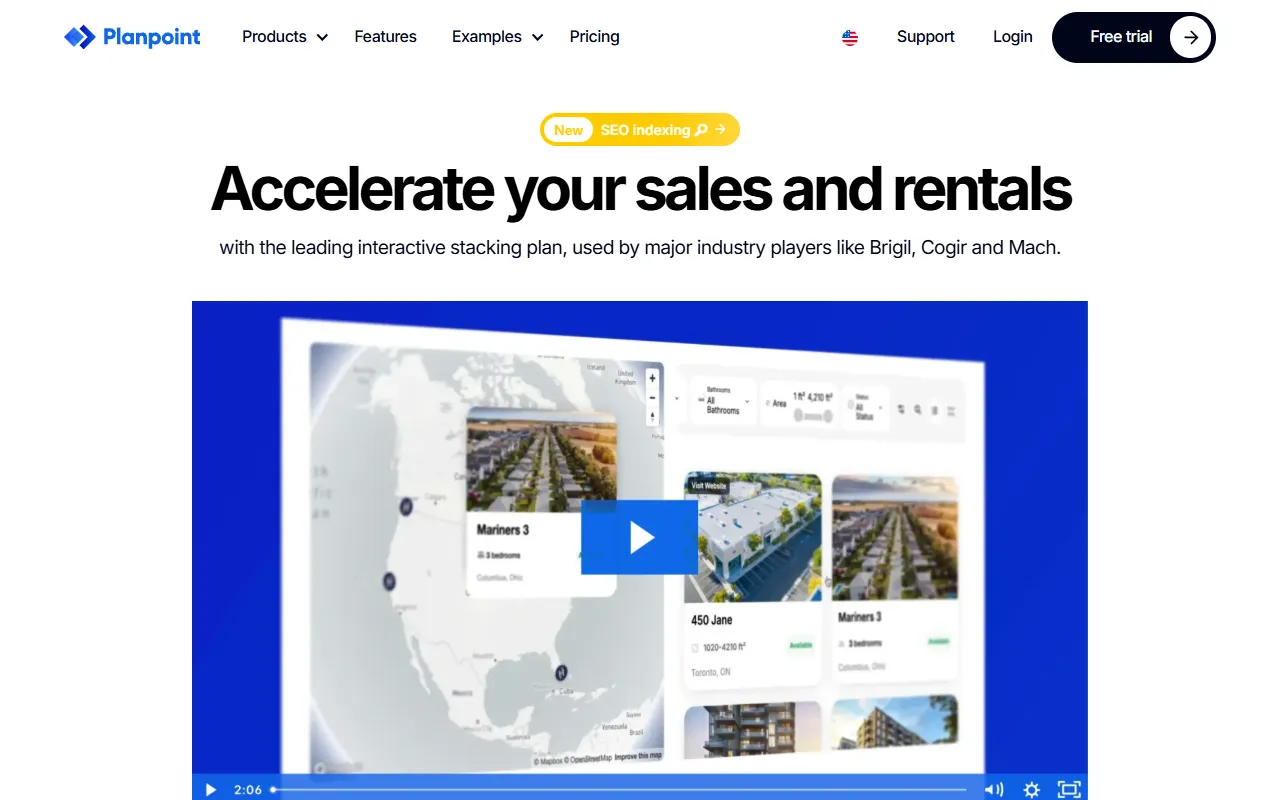
Planpoint
AI ProductivityCreate interactive stacking plans for real estate properties with Planpoint. Designed for property owners and managers, it offers a user-friendly interface tailored to various sectors. Access is free, making it an accessible choice for all users.

Pawjojo
AI ResearchLog meals, medications, weight, and symptoms for pets with ease, generating trends and vet-ready reports. Designed for dog and cat owners, Pawjojo features an extensive database of over 7,377 pet foods. Free to use with optional paid upgrades.

lora ai Anime LoRA Training
AI Image GenerationGenerate high-quality images and train custom Anime LoRA models for consistent character and manga styles. Designed for creators without design skills, the platform offers 5 free credits to start, with additional paid upgrades available.
mainaro
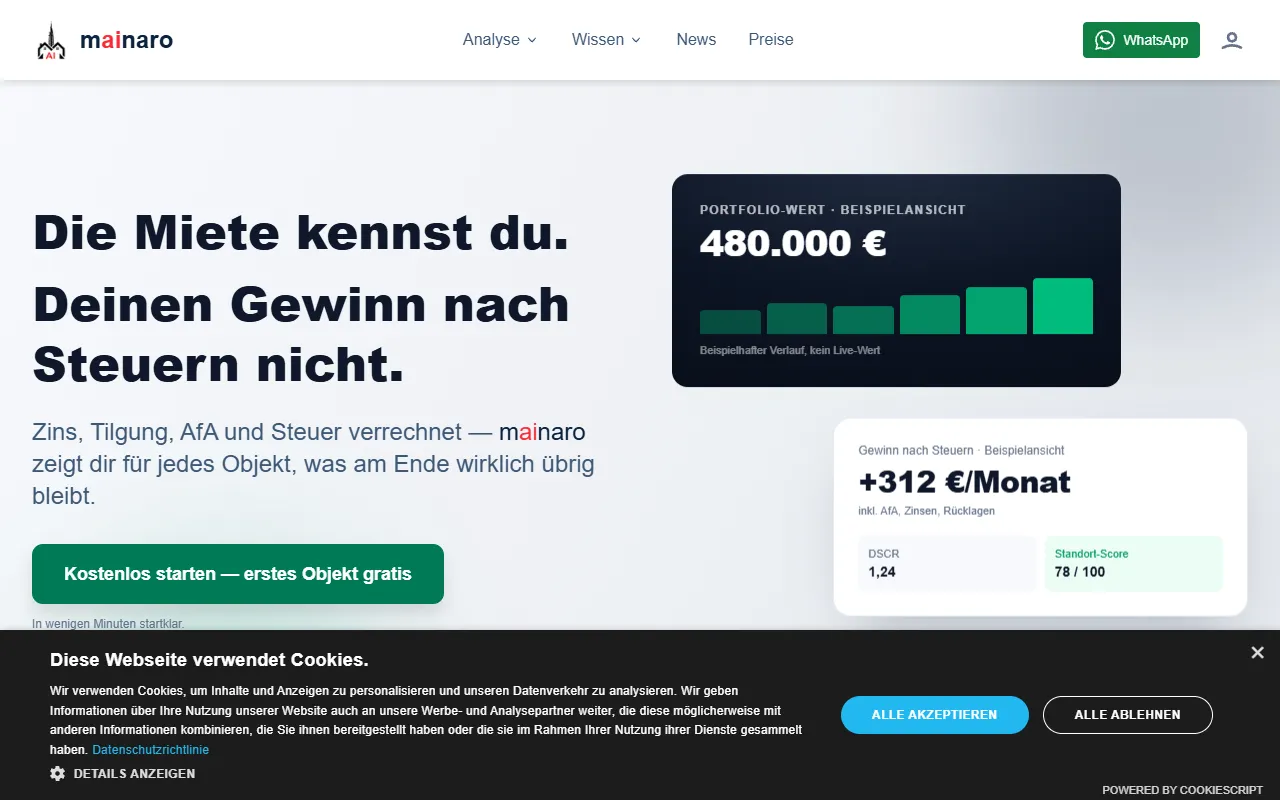
AI MarketingVisualizes real estate profits after taxes, allowing users to analyze cash flow and exit simulations for their portfolios. Offers a free location analysis for all 16 federal states, with the first property analysis available at no charge.
AI House Plan
AI Image GenerationGenerate detailed floor plans for houses, rooms, offices, and restaurants using prompts or sketches. Ideal for designers and homeowners seeking quick, editable layouts, with free access and optional paid upgrades for enhanced features.

GenImagePro
AI Image GenerationTransform photos into unique AI-generated visuals, styles, and scenes with GenImagePro’s image-to-image functionality. Ideal for artists, marketers, and anyone needing creative variations, it offers free access with optional paid upgrades.
Get Your AI Tool
In Front of Thousands
Join hundreds of AI tools already featured on theWebrary. Get priority placement, a dedicated listing page, and reach an audience actively searching for AI tools.
1 Month
$5
$6
3 Months
$10
Save 50%
12 Months
$20
Save 75%