ScanToExcel
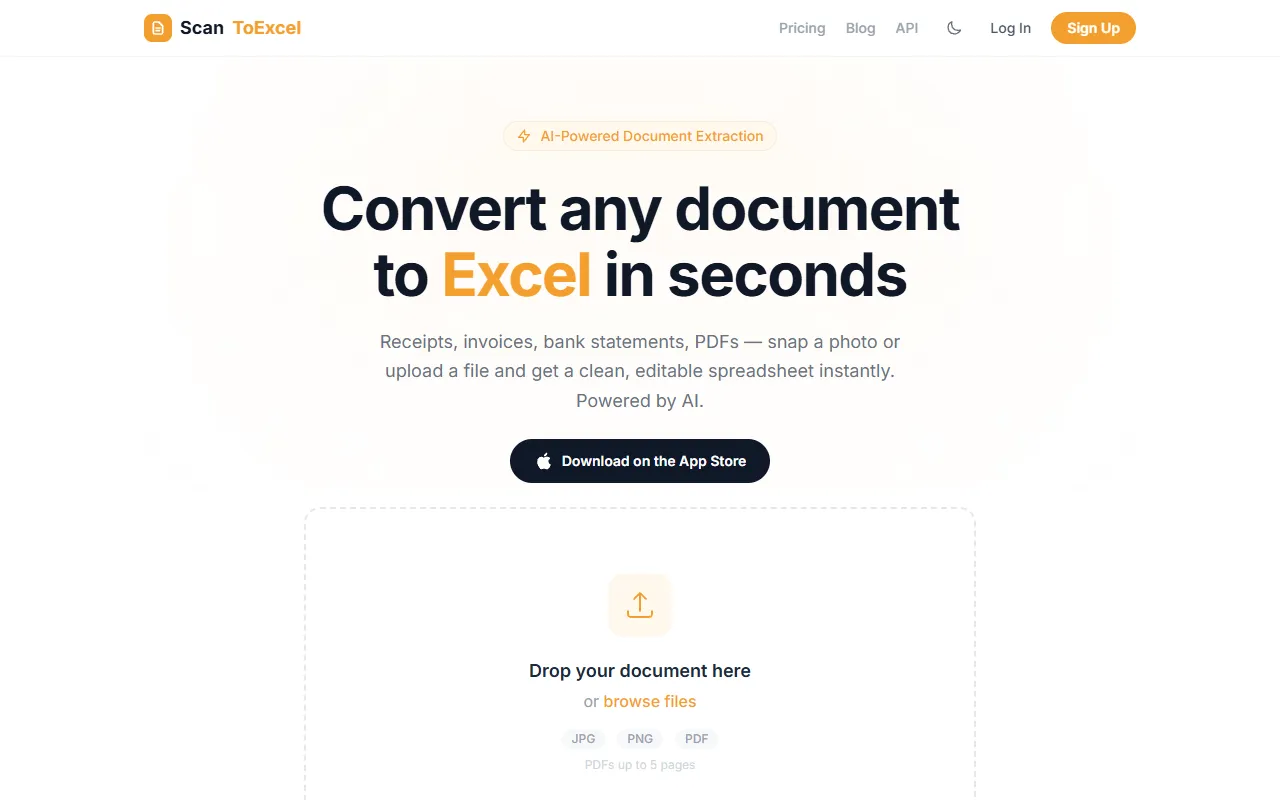
ScanToExcel uses AI to quickly convert scanned documents and PDFs into accurate Excel spreadsheets.
ScanToExcel — official website
Imagine you’re a freelancer tasked with digitizing stacks of client invoices, receipts, and statements. The manual data entry is eating away your productive time, and errors are creeping in, jeopardizing your financial records. You need a solution that not only speeds up the process but ensures accuracy. That’s when you might start looking for a tool that could automate this task, leaving you free to focus on more important work. ScanToExcel offers a promising solution by converting documents into Excel spreadsheets using AI technology, eliminating the need for tedious manual entry.
ScanToExcel excels at converting multi-page PDFs into structured spreadsheets. You upload a document, such as a bank statement or invoice, and the AI analyzes it, extracting dates, descriptions, amounts, and more into perfectly aligned columns. This feature is particularly beneficial for accountants and bookkeepers who deal with massive amounts of financial data. The tool promises to save time and reduce errors by creating ready-to-use .xlsx files in seconds, which you can then open in Excel, Google Sheets, or Apple Numbers. This capability underscores the tool’s potential for simplifying workflows based on its own marketing claims.
Key Features
- AI-Powered Document Extraction — Converts documents like invoices and bank statements into clean spreadsheets, saving hours of manual data entry.
- Multi-Page PDF Support — Seamlessly merges data from PDFs into a single spreadsheet, preserving headers and structure.
- Handwriting Recognition — Transforms handwritten notes and forms into structured data, making them editable in spreadsheets.
- Currency & Number Formatting — Ensures that extracted numbers are formatted as values, not text, which is crucial for financial calculations.
Pros & Cons
- ✓ Understands document layout, preserving column structure for accurate data representation.
- ✓ Handles multi-page PDFs, providing a consolidated view of data.
- ✓ Offers a free trial with 2 pages, allowing users to test the tool before committing.
- ✗ Free plan is limited to only 2 pages, which may not be sufficient for proper evaluation.
- ✗ Pricing could be high for casual users who only need occasional document conversions.
While ScanToExcel has impressive capabilities, it might not be ideal for users who only need to convert a small number of documents. The free plan’s limit of 2 pages means you’ll quickly need to purchase a Page Pack or subscribe to a plan. Additionally, if your documents have complex layouts or formats not specifically mentioned, the tool may struggle to interpret them correctly. Casual users or those with limited budgets might find the pricing model restrictive given their low-volume needs.
When comparing ScanToExcel to alternatives like Adobe Acrobat’s OCR feature, ScanToExcel stands out for its ability to handle multi-page PDFs and handwriting recognition. However, Adobe offers a broader suite of document management tools. Choose ScanToExcel if you specifically need high-volume, accurate conversion to Excel and can take advantage of the Pro plan’s 1,000 pages per month. Adobe might be better if you require versatile document editing and management in addition to basic conversion capabilities.
Best For
ScanToExcel is best suited for professionals such as accountants, bookkeepers, or small business owners who regularly handle significant amounts of documents for digital conversion. Its monthly Pro plan at $39.99 offers great value for those needing to process up to 1,000 pages each month, making it especially useful for those with ongoing document management needs.
ScanToExcel delivers a specialized, efficient solution for converting documents to Excel spreadsheets. It’s ideal for professionals whose work involves frequent handling of financial documents. The tool’s AI-powered capabilities streamline data extraction, saving time and reducing errors. For those with substantial document processing requirements, ScanToExcel is a worthwhile investment.
This review is based on publicly available information from the tool's official website and is written independently by the theWebrary editorial team. We do not accept payment for review content.
Share
Tool Overview
Latest Featured


Browse More Tools
View all
Planpoint
AI ProductivityCreate interactive stacking plans for real estate properties with Planpoint. Designed for property owners and managers, it offers a user-friendly interface tailored to various sectors. Access is free, making it an accessible choice for all users.

Pawjojo
AI ResearchLog meals, medications, weight, and symptoms for pets with ease, generating trends and vet-ready reports. Designed for dog and cat owners, Pawjojo features an extensive database of over 7,377 pet foods. Free to use with optional paid upgrades.

lora ai Anime LoRA Training
AI Image GenerationGenerate high-quality images and train custom Anime LoRA models for consistent character and manga styles. Designed for creators without design skills, the platform offers 5 free credits to start, with additional paid upgrades available.
mainaro
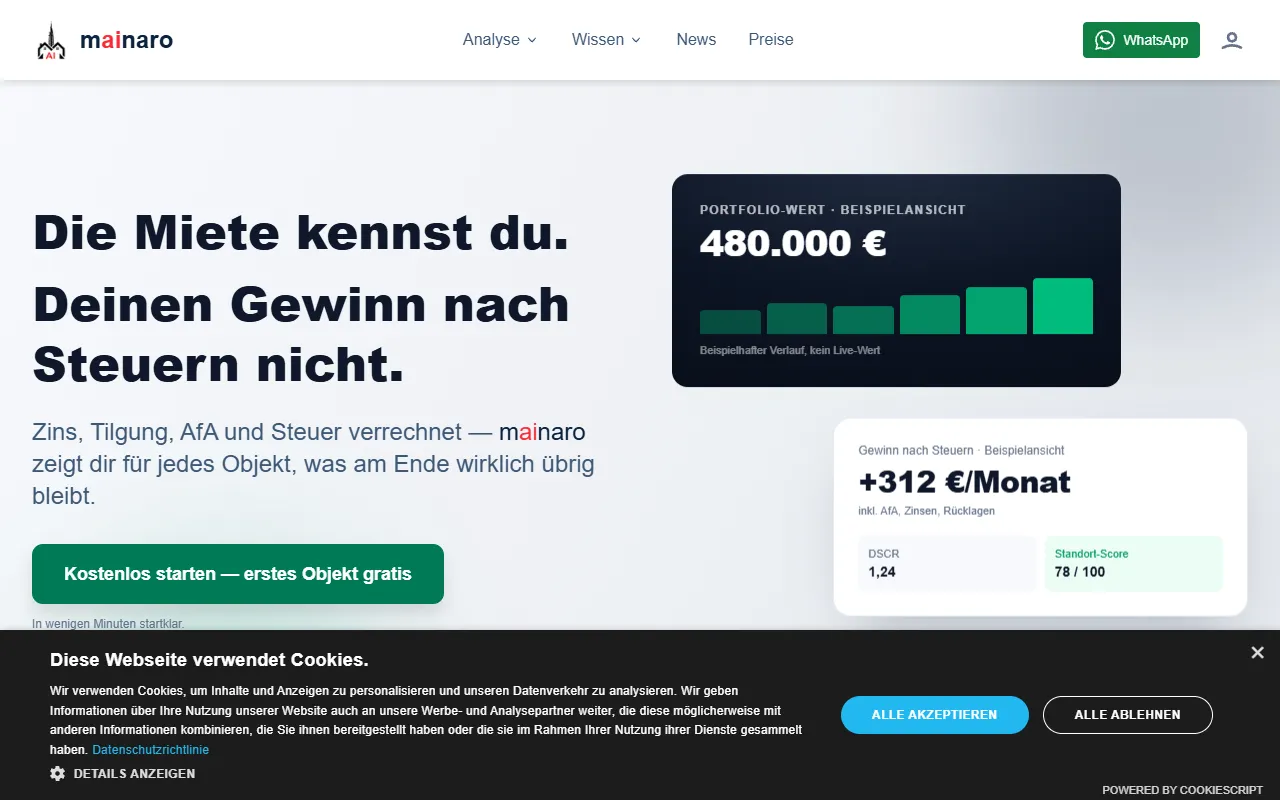
AI MarketingVisualizes real estate profits after taxes, allowing users to analyze cash flow and exit simulations for their portfolios. Offers a free location analysis for all 16 federal states, with the first property analysis available at no charge.

AI House Plan
AI Image GenerationGenerate detailed floor plans for houses, rooms, offices, and restaurants using prompts or sketches. Ideal for designers and homeowners seeking quick, editable layouts, with free access and optional paid upgrades for enhanced features.

GenImagePro
AI Image GenerationTransform photos into unique AI-generated visuals, styles, and scenes with GenImagePro’s image-to-image functionality. Ideal for artists, marketers, and anyone needing creative variations, it offers free access with optional paid upgrades.
Get Your AI Tool
In Front of Thousands
Join hundreds of AI tools already featured on theWebrary. Get priority placement, a dedicated listing page, and reach an audience actively searching for AI tools.
1 Month
$5
$6
3 Months
$10
Save 50%
12 Months
$20
Save 75%