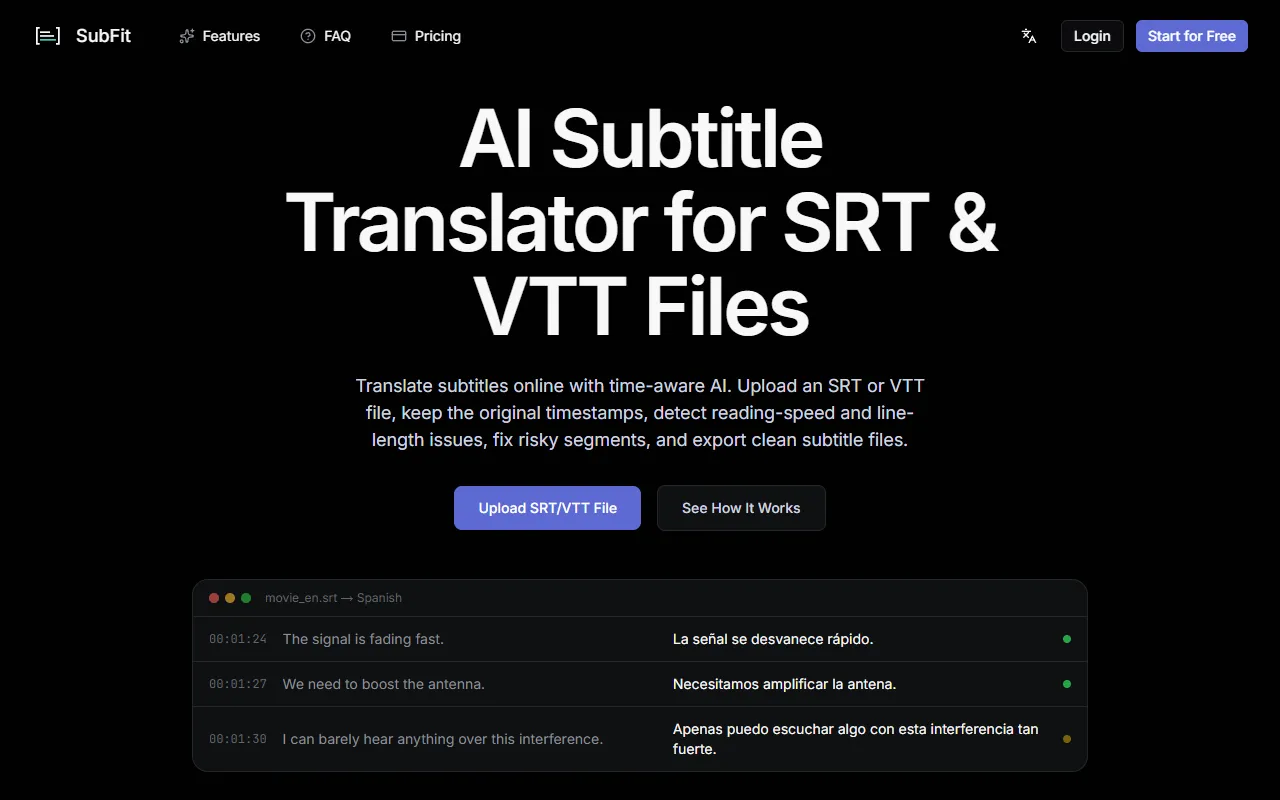
SubFit
Translate SRT and VTT subtitles with a time-aware AI that maintains original timestamps and checks for reading speed and line length issues. Ideal for content creators and translators, SubFit offers a free version with paid upgrades for enhanced features.
SubFit — official website
For a media producer or translator working with international content, maintaining the integrity of subtitles across multiple languages can be a headache. Imagine having a tight deadline to translate subtitles for a film festival, with the need to ensure the text fits within the time constraints of the original video. The task is to translate existing SRT or VTT files into another language without losing crucial formatting or timing, all while ensuring readability. This is when you might start searching for a specialized tool that can handle these complexities efficiently.
SubFit excels in streamlining the subtitle translation process, primarily for SRT and VTT files. When you upload a subtitle file, SubFit uses time-aware AI to translate it into any of the 50+ supported languages while preserving the original timestamps. This means you don’t have to worry about re-syncing subtitles post-translation. The tool also runs quality checks for reading speed and line length, flagging segments that exceed 21 characters per second or those that are too lengthy for the display duration. You can then easily review and fix these issues before exporting a clean subtitle file ready for professional use.
Key Features
- Time-Aware Translation — Translates SRT and VTT files without altering original timestamps, ensuring seamless integration with video playback.
- Reading Speed & CPS Check — Flags segments exceeding 21 characters per second to maintain readability.
- Line Length QA — Detects and alerts you about subtitles that might wrap awkwardly or overflow on narrow screens.
- AI Fix Suggestions — Offers alternative translations for segments that exceed character limits, simplifying the editing process.
Pros & Cons
- ✓ Intuitive quality assurance features that flag readability issues, backed by the tool’s integrated QA system
- ✓ Allows translation into over 50 languages, covering a wide array of regional needs
- ✓ Preserves all original subtitle formatting and timing, eliminating the need for post-translation syncing
- ✗ Each translation requires credits, which may not be cost-effective for high-volume projects
- ✗ Translation and QA processes are limited to SRT and VTT formats only, restricting flexibility
SubFit might not be ideal for users who need to translate subtitles in formats beyond SRT and VTT. For those who work with diverse subtitle file types or need to process integrated video content, SubFit’s focus on only SRT and VTT could be limiting. Additionally, the credit-based pricing model might be a drawback for small teams or independent creators who require frequent translations, as costs could accumulate quickly.
Compared to Subtitle Edit, an open-source tool that offers broader file format support and is free to use, SubFit is more specialized with its AI-driven, time-aware translation capabilities. However, if you require extensive batch processing and integrated video editing, Subtitle Edit might be a better fit. SubFit is more suitable for users needing high-quality, time-aware translations and QA within the supported formats, making it a better choice for those who prioritize precision over flexibility.
Best For
SubFit is best for small to medium-sized media production teams or freelance translators who need to ensure time-accurate subtitle translations in SRT or VTT formats. It’s particularly suited for those who work on multiple language projects and can benefit from the credit-based pricing for targeted tasks.
SubFit stands out for those who require precise, time-aware translations and quality assurance for their subtitles. It’s particularly beneficial for users who need to maintain the integrity of their subtitle files across multiple languages without the hassle of manual QA. Overall, SubFit is a reliable choice for professionals looking to streamline their subtitle translation workflow.
This review is based on publicly available information from the tool's official website and is written independently by the theWebrary editorial team. We do not accept payment for review content.
Share
Tool Overview
Latest Featured


Browse More Tools
View all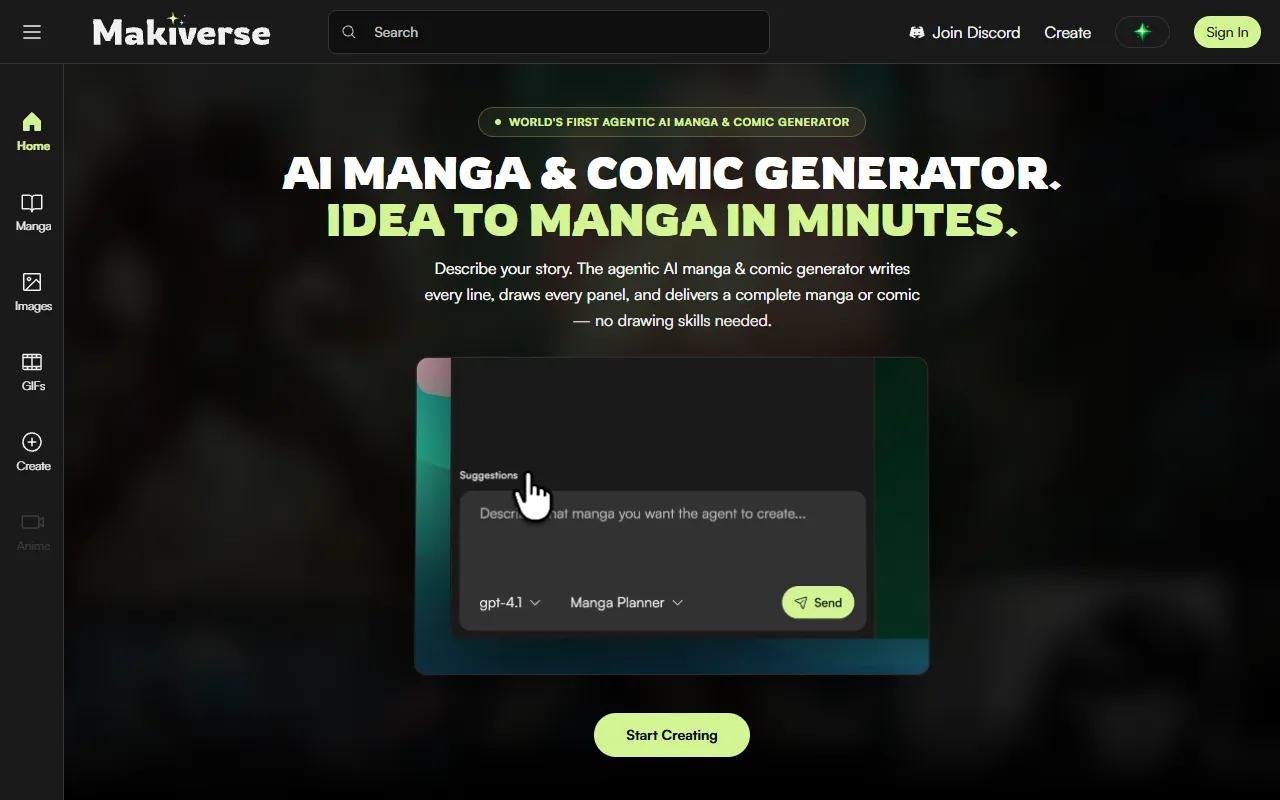
Makiverse
AI Image GenerationCreate manga and comics effortlessly with an AI generator that transforms text into vivid illustrations and stories. Ideal for aspiring creators and those without drawing skills, it offers free access with options for paid upgrades.
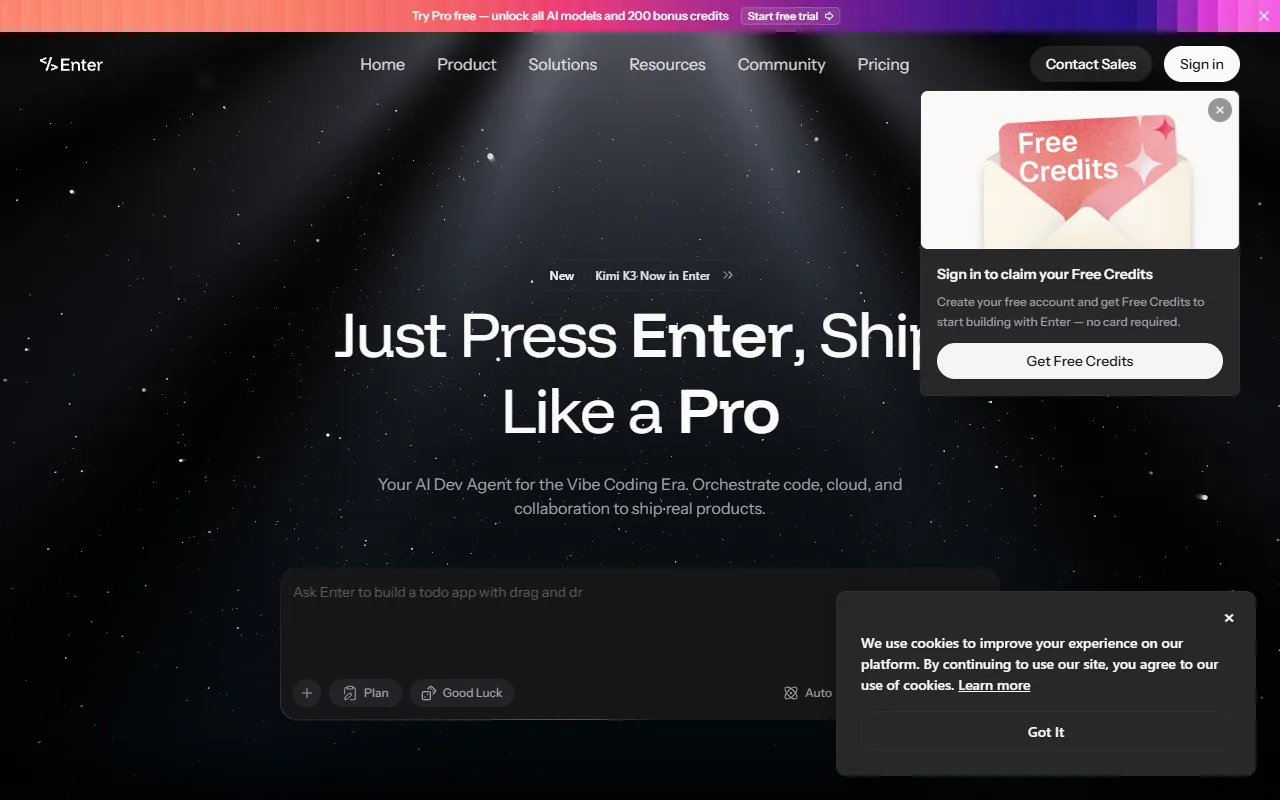
AI Vibe Coding Tool Free Online – Instantly, No Sign-Up | Enter Pro
AI DesignBuild full-stack apps, websites, and AI agents in minutes with Vibe Coding. Ideal for businesses and individuals looking to turn ideas into live projects without any coding experience. Free to use, with no sign-up required.
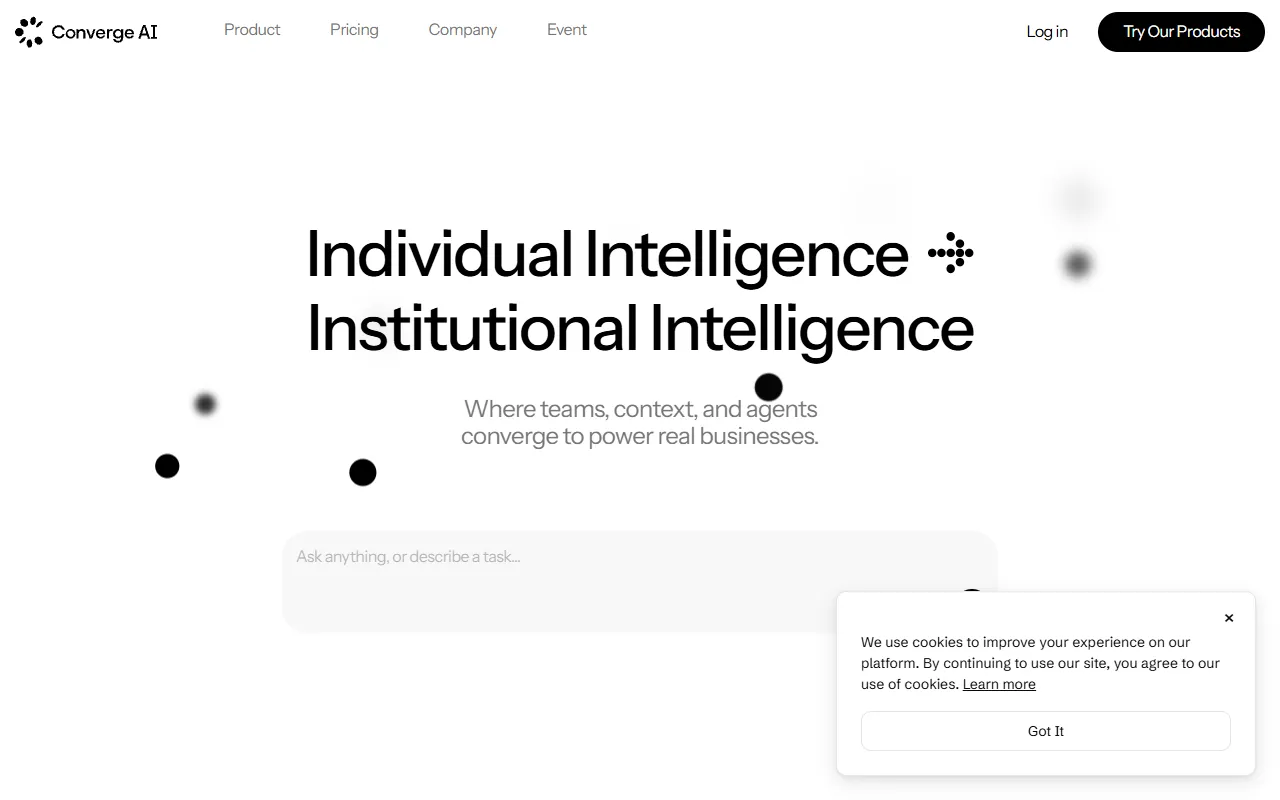
Converge AI – AI for Building, Creating, and Growing Your Business
AI MarketingAutomates workflows and integrates specialized AI products to enhance collaboration across teams. Designed for businesses looking to streamline operations and achieve tangible results without increasing headcount. Paid pricing plans are available.
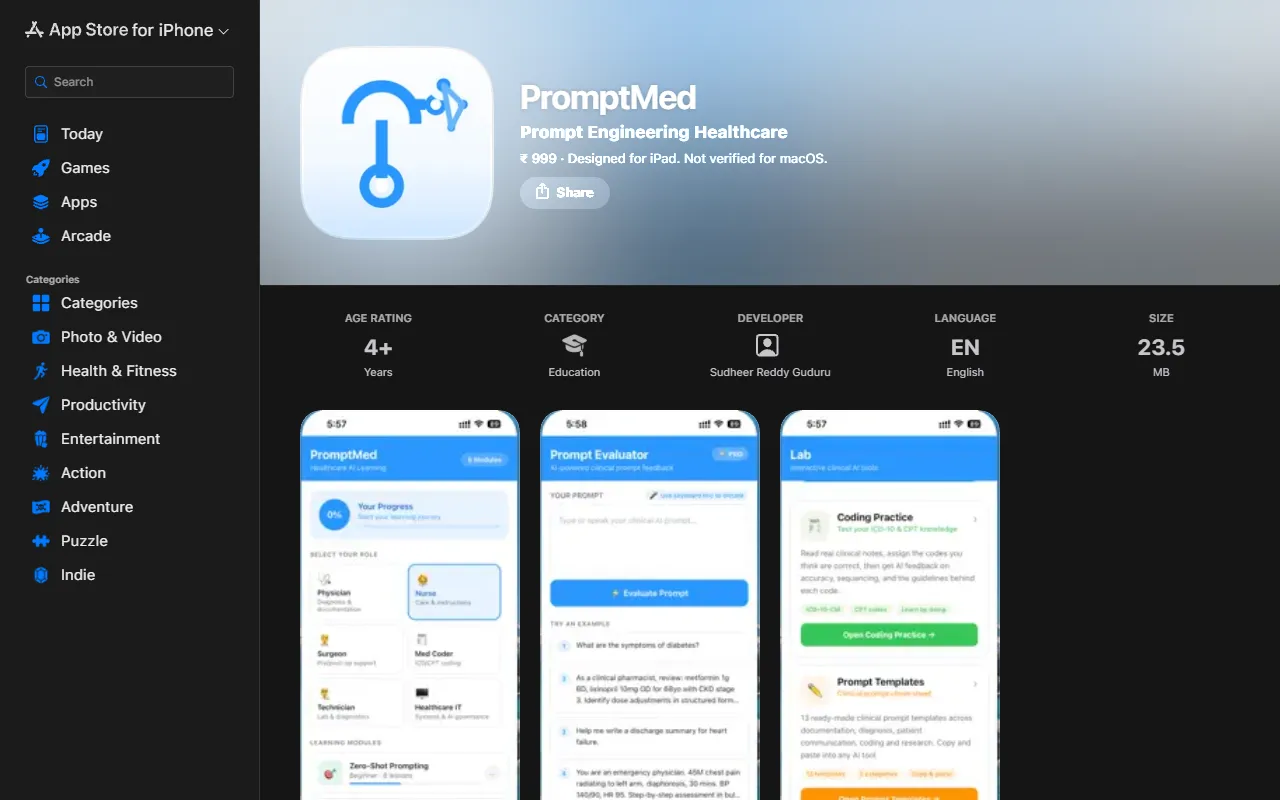
PromptMed
AI ProductivityEnhance AI tool usage for healthcare professionals through interactive learning modules and practical clinical examples. PromptMed teaches six essential prompting techniques tailored for physicians and nurses, making AI integration in healthcare more effective. Priced at ₹ 999.
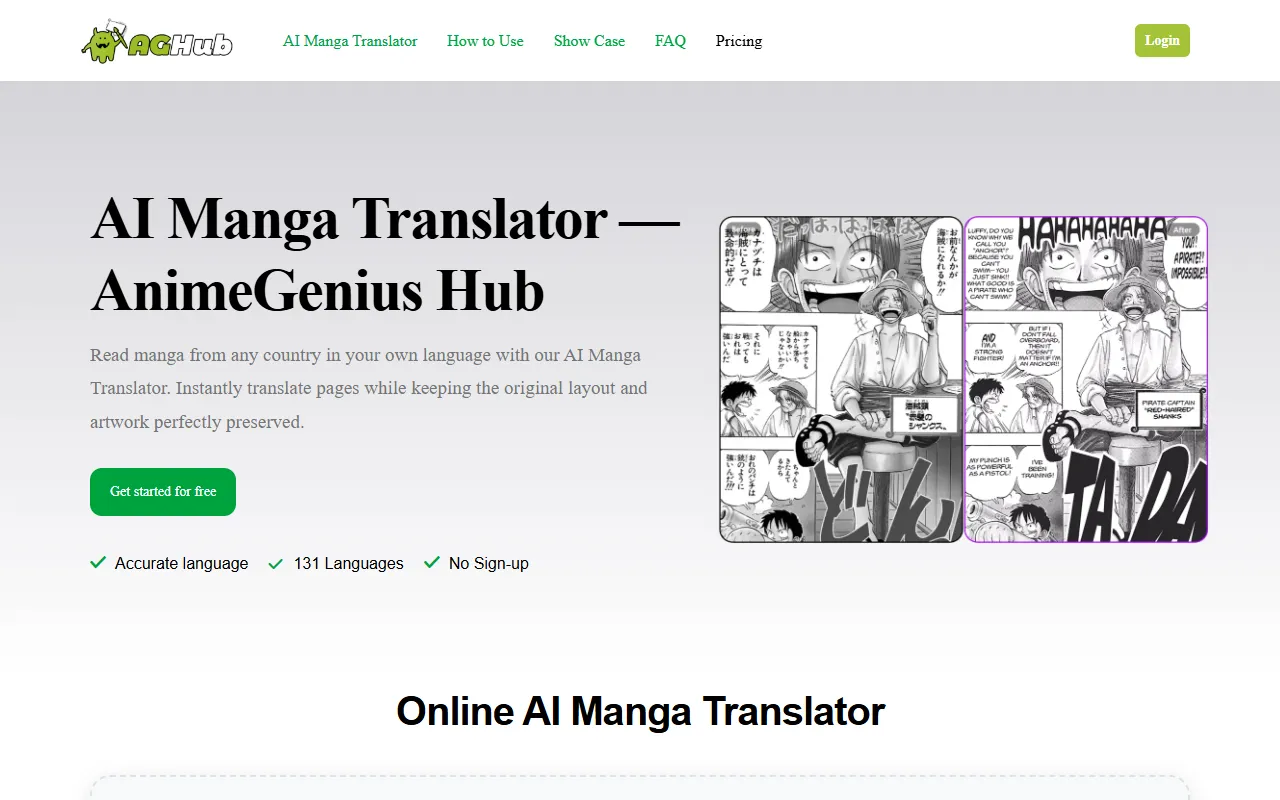
AnimeGenius Hub
AI Image GenerationTranslate manga pages into over 131 languages while preserving the original layout and artwork. Ideal for manga fans worldwide who want to enjoy their favorite stories in their native tongues, this AI translator is available for free without sign-up.
Bimg AI
AI Image GenerationGenerate and enhance images with AI-driven editing, upscaling, and restoration features. Ideal for users needing quick background removal or old photo restoration, Bimg AI offers free access with options for paid upgrades.
Get Your AI Tool
In Front of Thousands
Join hundreds of AI tools already featured on theWebrary. Get priority placement, a dedicated listing page, and reach an audience actively searching for AI tools.
1 Month
$5
$6
3 Months
$10
Save 50%
12 Months
$20
Save 75%