
vibeaha
Creates images and videos rapidly within a single workspace. Features automated responses and collaboration tools, making it ideal for teams and individuals looking to enhance their creative workflow. Free plan available with optional paid upgrades.
vibeaha — official website
Imagine you’re a content creator tasked with producing a high volume of unique visual content for multiple social media platforms within a tight deadline. Jumping between different tools for image editing, video creation, and optimization can be a drag—each switch costing you precious time. This is where a multi-functional tool like VibeAha comes in handy, offering a streamlined workflow to generate and edit both images and videos within a single platform.
VibeAha excels in its parallel AI video generator and image studio workflow. You start by inputting a single idea or prompt, and VibeAha fans it across multiple top-tier AI models. This allows you to see varied interpretations of your concept side by side, so you can choose the best output—the “Aha” moment. This feature is particularly useful for marketers juggling multiple campaigns, as it ensures brand consistency while speeding up content production.
Key Features
- AI Image & Video Generator — Generates multiple outputs from one prompt, allowing you to compare results side by side.
- One-Time Credit Packs — Offers flexible, non-expiring credit packs for those who prefer not to commit to a subscription.
- Parallel Model Comparison — Lets users see different model outputs simultaneously, enhancing decision-making speed and creativity.
Pros & Cons
- ✓ Allows direct comparison of outputs from multiple AI models.
- ✓ No subscription needed—credits can be purchased as a one-time pack.
- ✓ Full commercial rights and watermark-free exports while you have credits.
- ✗ Only offers one-time credit packs, which may not suit long-term, heavy-use scenarios.
- ✗ The website doesn’t specify any real-time collaboration features.
If you’re a large team needing real-time collaboration, VibeAha might frustrate you. The tool’s focus on one-time credit packs means there’s no ongoing subscription model, which might be inconvenient for high-frequency users who prefer predictable budgeting. Additionally, the lack of specific mention of real-time collaboration features could be a dealbreaker for teams looking to work on projects simultaneously.
Compared to other tools like Adobe Creative Cloud, which offers comprehensive design capabilities with a subscription model, VibeAha stands out for its focus on AI-driven content generation and flexibility through credit packs. However, if you need advanced editing features or subscription-based pricing, Adobe might be a better fit. On the other hand, if you’re focused on generating content quickly and appreciate the ability to compare multiple outputs from different models, VibeAha holds a unique advantage.
Best For
VibeAha is ideal for solo creators or small teams that need to produce a high volume of visually diverse content without committing to a subscription. The one-time credit system is perfect for those who want flexibility and full commercial rights to their creations. It’s particularly suited for content creators working on platforms like TikTok, YouTube, or Instagram.
VibeAha is a solid choice for creative professionals focused on generating varied content quickly across multiple platforms. It’s especially beneficial for those who appreciate flexibility and the ability to test multiple AI models side by side. If you fit this profile, VibeAha is well worth a try.
This review is based on publicly available information from the tool's official website and is written independently by the theWebrary editorial team. We do not accept payment for review content.
Share
Tool Overview
Latest Featured


Browse More Tools
View all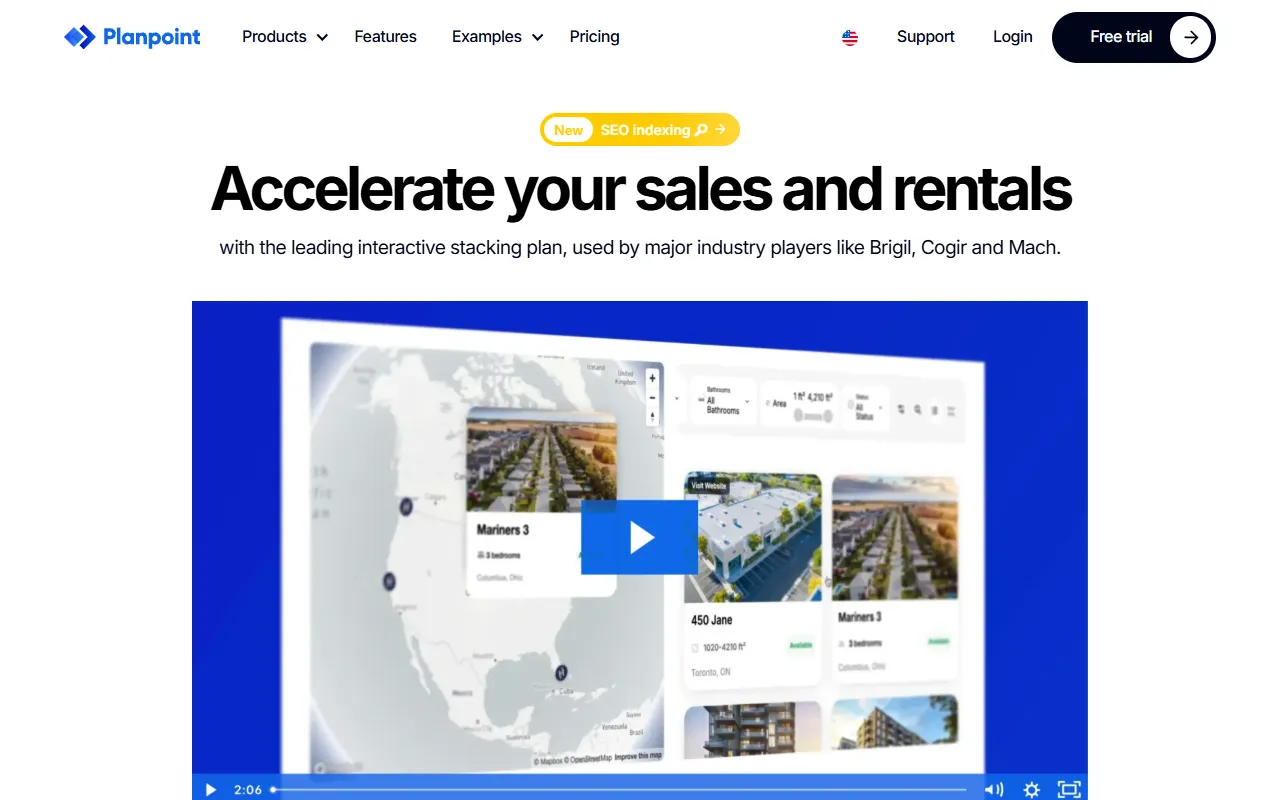
Planpoint
AI ProductivityCreate interactive stacking plans for real estate properties with Planpoint. Designed for property owners and managers, it offers a user-friendly interface tailored to various sectors. Access is free, making it an accessible choice for all users.
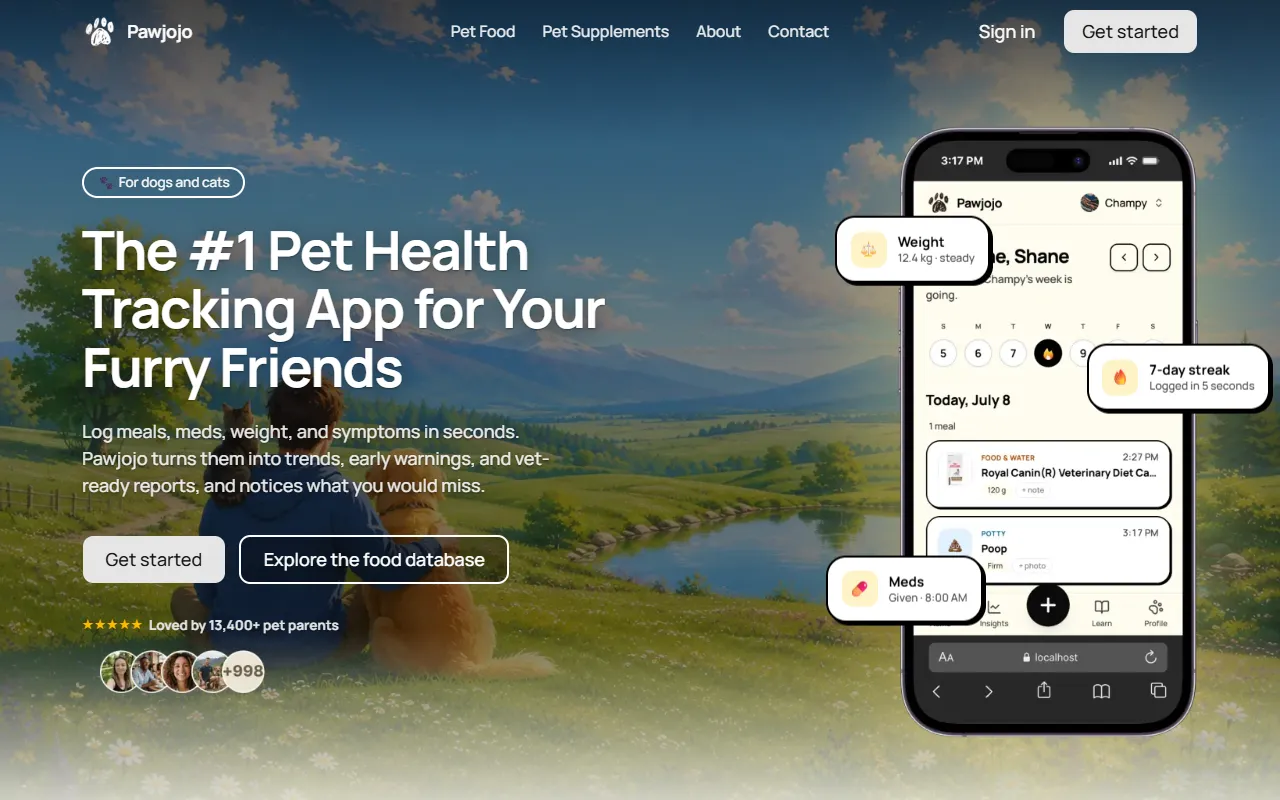
Pawjojo
AI ResearchLog meals, medications, weight, and symptoms for pets with ease, generating trends and vet-ready reports. Designed for dog and cat owners, Pawjojo features an extensive database of over 7,377 pet foods. Free to use with optional paid upgrades.
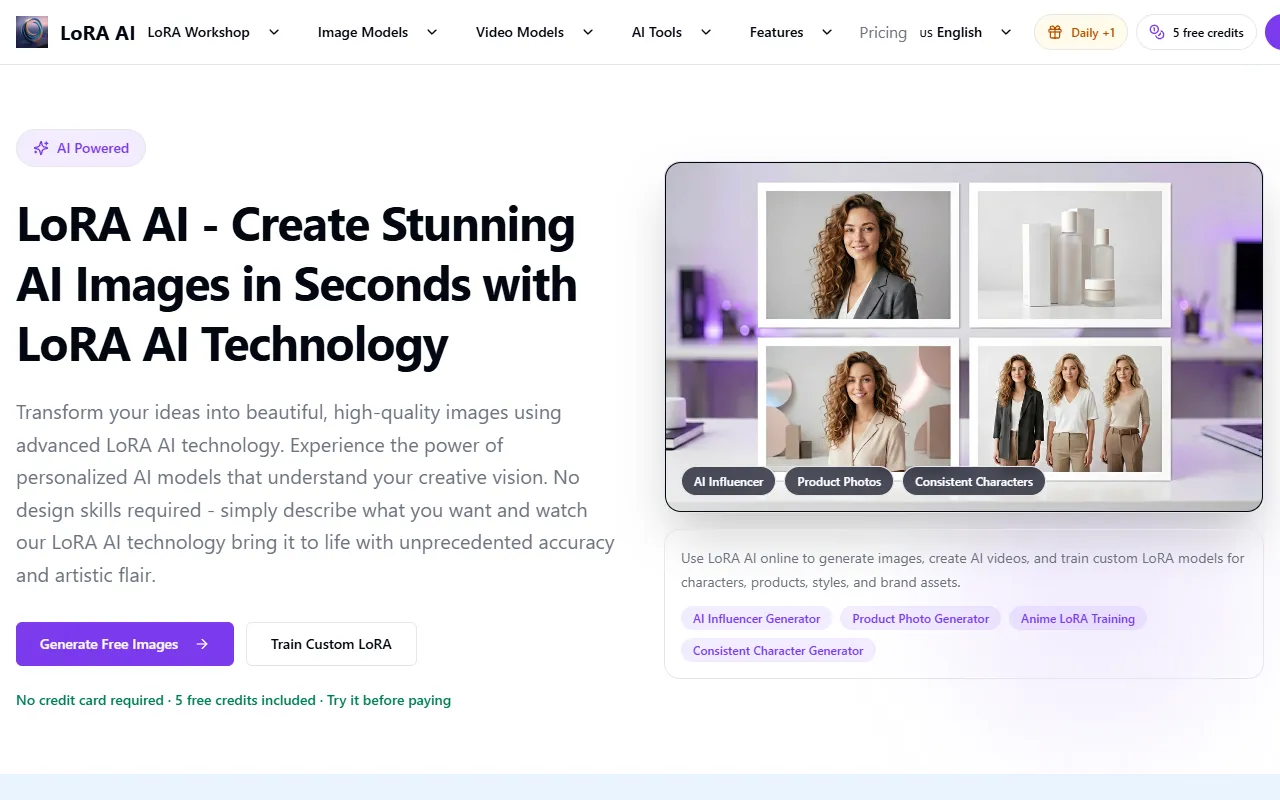
lora ai Anime LoRA Training
AI Image GenerationGenerate high-quality images and train custom Anime LoRA models for consistent character and manga styles. Designed for creators without design skills, the platform offers 5 free credits to start, with additional paid upgrades available.
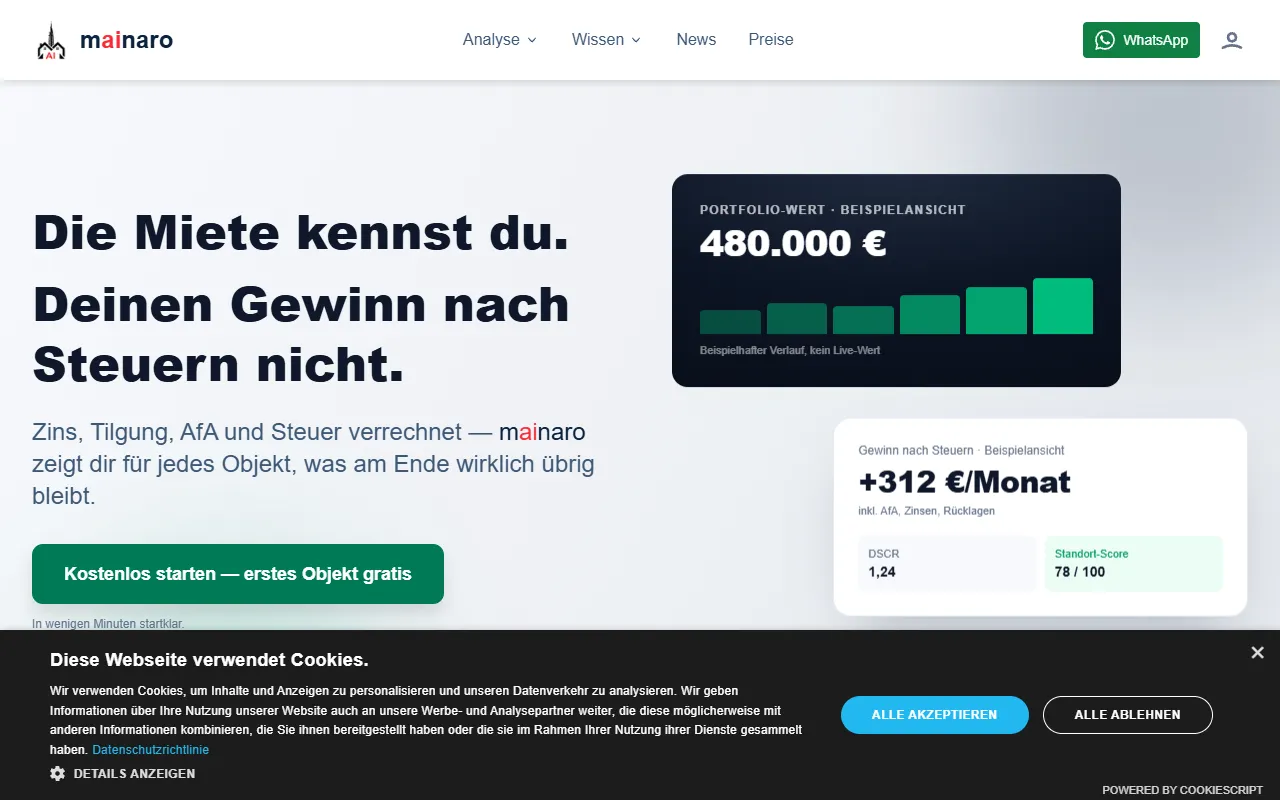
mainaro
AI MarketingVisualizes real estate profits after taxes, allowing users to analyze cash flow and exit simulations for their portfolios. Offers a free location analysis for all 16 federal states, with the first property analysis available at no charge.
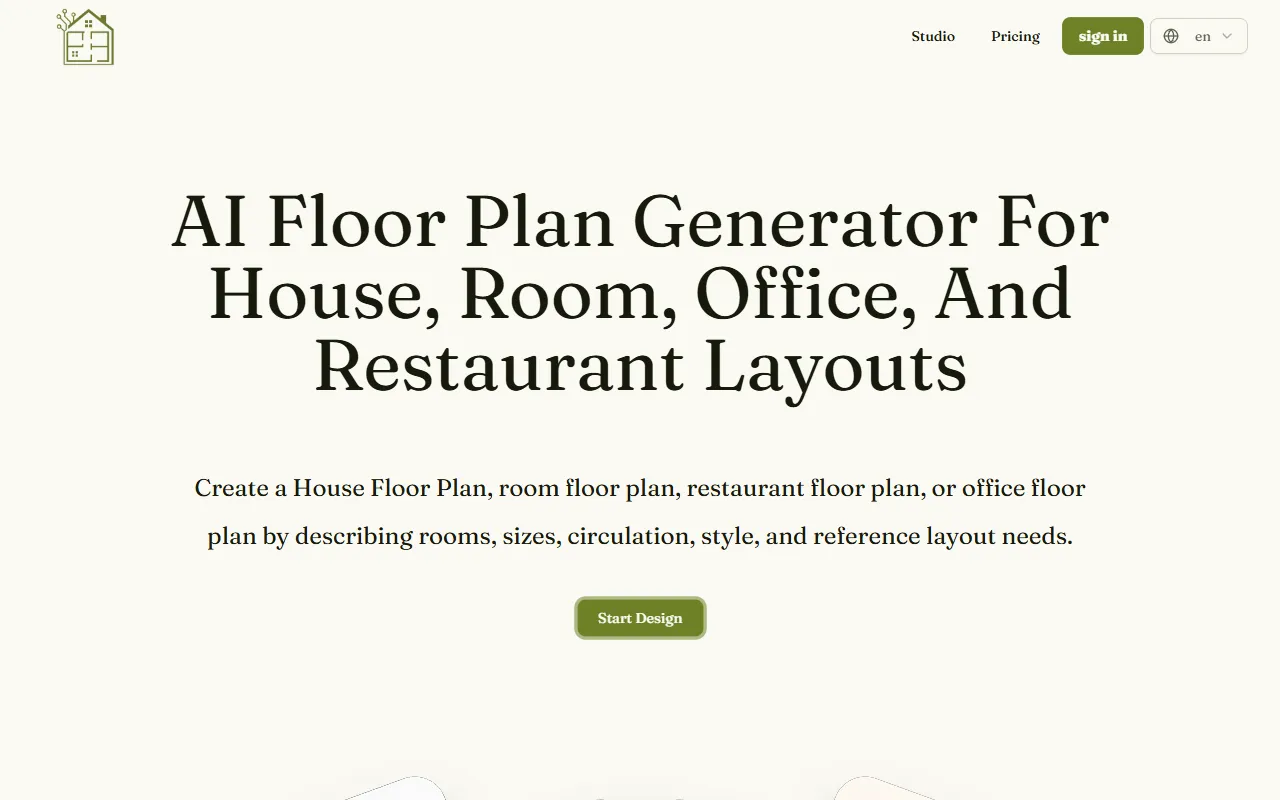
AI House Plan
AI Image GenerationGenerate detailed floor plans for houses, rooms, offices, and restaurants using prompts or sketches. Ideal for designers and homeowners seeking quick, editable layouts, with free access and optional paid upgrades for enhanced features.
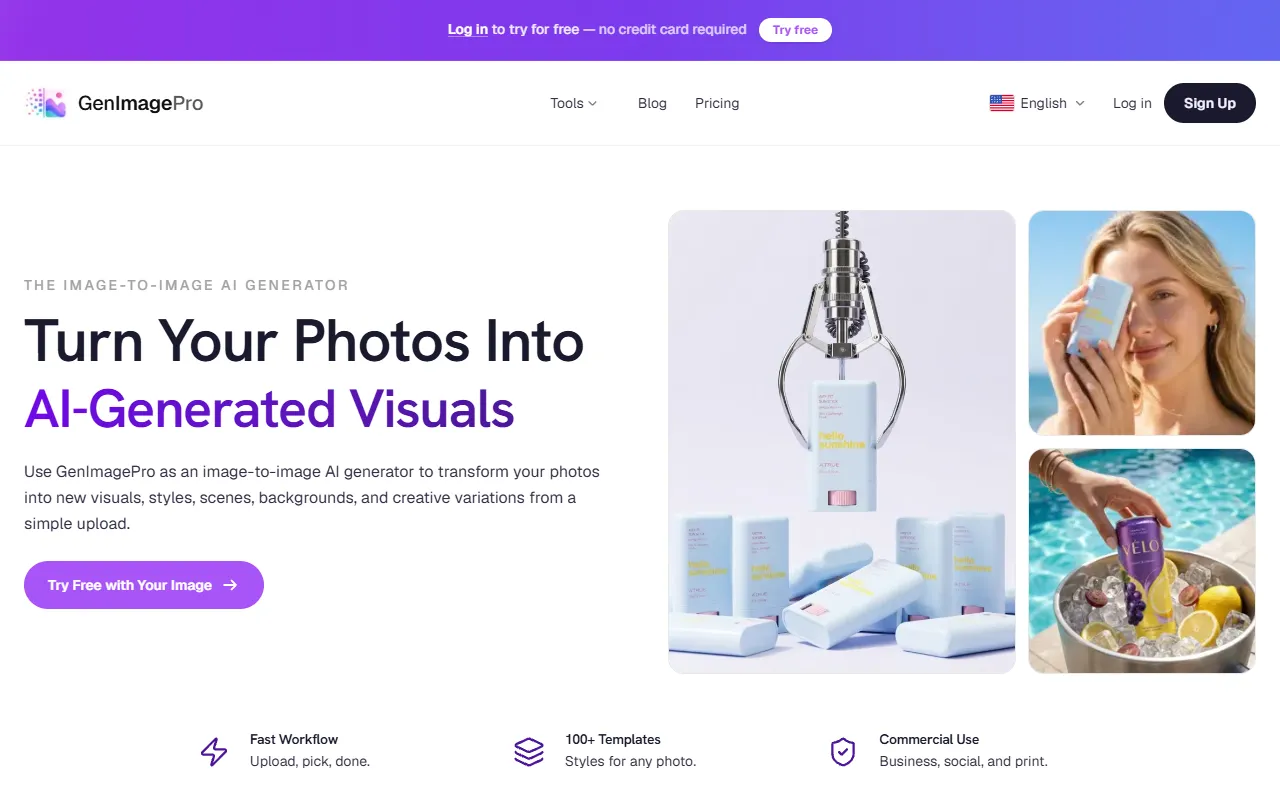
GenImagePro
AI Image GenerationTransform photos into unique AI-generated visuals, styles, and scenes with GenImagePro’s image-to-image functionality. Ideal for artists, marketers, and anyone needing creative variations, it offers free access with optional paid upgrades.
Get Your AI Tool
In Front of Thousands
Join hundreds of AI tools already featured on theWebrary. Get priority placement, a dedicated listing page, and reach an audience actively searching for AI tools.
1 Month
$5
$6
3 Months
$10
Save 50%
12 Months
$20
Save 75%