VoiceCleaner
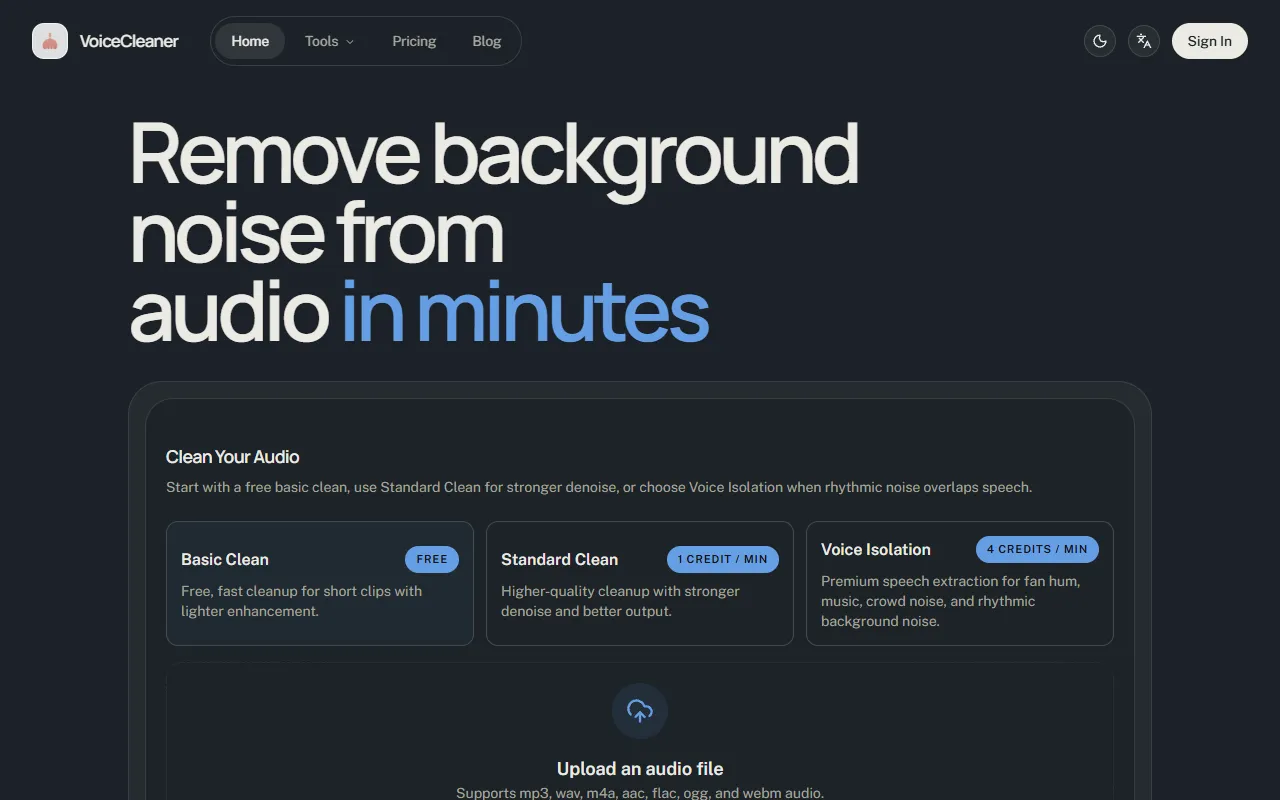
Remove background noise from audio files quickly and easily with VoiceCleaner. Ideal for podcasters and professionals, it offers a free basic clean, with options for enhanced cleanup and premium speech extraction available for purchase.
VoiceCleaner — official website
Imagine you’re a podcast producer racing against the clock to edit a new episode. The content is gold, but the recording is marred by background noise from a bustling cafe. Traditional editing tools feel cumbersome, and time is short. You need a quick, online solution that can clean up the audio without demanding a deep dive into audio engineering. This is where a tool like VoiceCleaner comes into play, offering a streamlined way to remove unwanted noise and focus on what really matters: the conversation.
VoiceCleaner excels in removing background noise from spoken-audio recordings. A specific workflow highlighted on their website is the use of the “Standard Clean” mode. You upload an audio file, choose the Standard Clean option for a higher-quality cleanup with stronger denoise, and within minutes, the tool processes your file. You can then preview both the original and processed versions, allowing you to make an informed decision on which version fits your needs best. This feature is particularly valuable for those involved in podcast editing or meeting transcription, where clarity is crucial.
Key Features
- Basic Clean — Offers a free, fast cleanup for short clips with lighter enhancement, ideal for quick checks.
- Standard Clean — Provides higher-quality cleanup with stronger denoise, suitable for more important recordings.
- Voice Isolation — Premium mode for extracting speech from complex, noisy environments like crowds or music.
- Preview and Download — Allows comparison between original and processed audio before downloading the preferred version.
- Task History — Keeps a record of processed jobs, enabling users to revisit and download past results.
Pros & Cons
- ✓ Free Basic Clean mode for testing short clips without commitment
- ✓ Supports a wide range of audio file formats up to 50 MB
- ✓ Offers advanced Voice Isolation for cleaning up complex noise
- ✗ Voice Isolation is costly at 4 credits per minute with an 8-credit minimum per file
- ✗ Basic Clean is limited to clips of up to 3 minutes only
VoiceCleaner might not be the best fit for users who need to process long recordings extensively without incurring high costs. The credit-based pricing, especially for the Voice Isolation feature, can quickly add up, making it less viable for users with tight budgets or those requiring frequent processing of lengthy files. Someone regularly working with extended audio formats might find the 3-minute limitation in the free mode and the high credit consumption for premium features frustrating.
When compared to alternatives like Krisp or Auphonic, VoiceCleaner stands out with its credit-based model that could be more economical for users with sporadic needs. Krisp offers real-time noise cancellation, which might be preferable for live calls, while Auphonic provides more extensive post-processing features, including volume leveling and metadata management. If you need a straightforward tool specifically for background noise removal in pre-recorded clips, VoiceCleaner is a suitable choice. However, for more comprehensive audio post-processing, Auphonic might be more appropriate.
Best For
VoiceCleaner is best suited for podcasters, small teams, or educational content creators who regularly deal with shorter audio clips needing basic to moderate background noise removal. Its credit-based model is particularly advantageous for users who don’t require constant processing, offering flexibility without long-term commitment.
VoiceCleaner offers a valuable service for those needing to clean up spoken-audio recordings quickly and efficiently. It’s particularly beneficial for podcasters, educators, and content creators who require a reliable tool without the hassle of complex editing. If your workflow involves frequently cleaning up short audio clips and you value the ability to test with a free mode, VoiceCleaner is a solid choice. Begin with the free Basic Clean to see if it meets your needs, then consider the Standard or Voice Isolation features for more demanding tasks.
This review is based on publicly available information from the tool's official website and is written independently by the theWebrary editorial team. We do not accept payment for review content.
Share
Tool Overview
Latest Featured


Browse More Tools
View all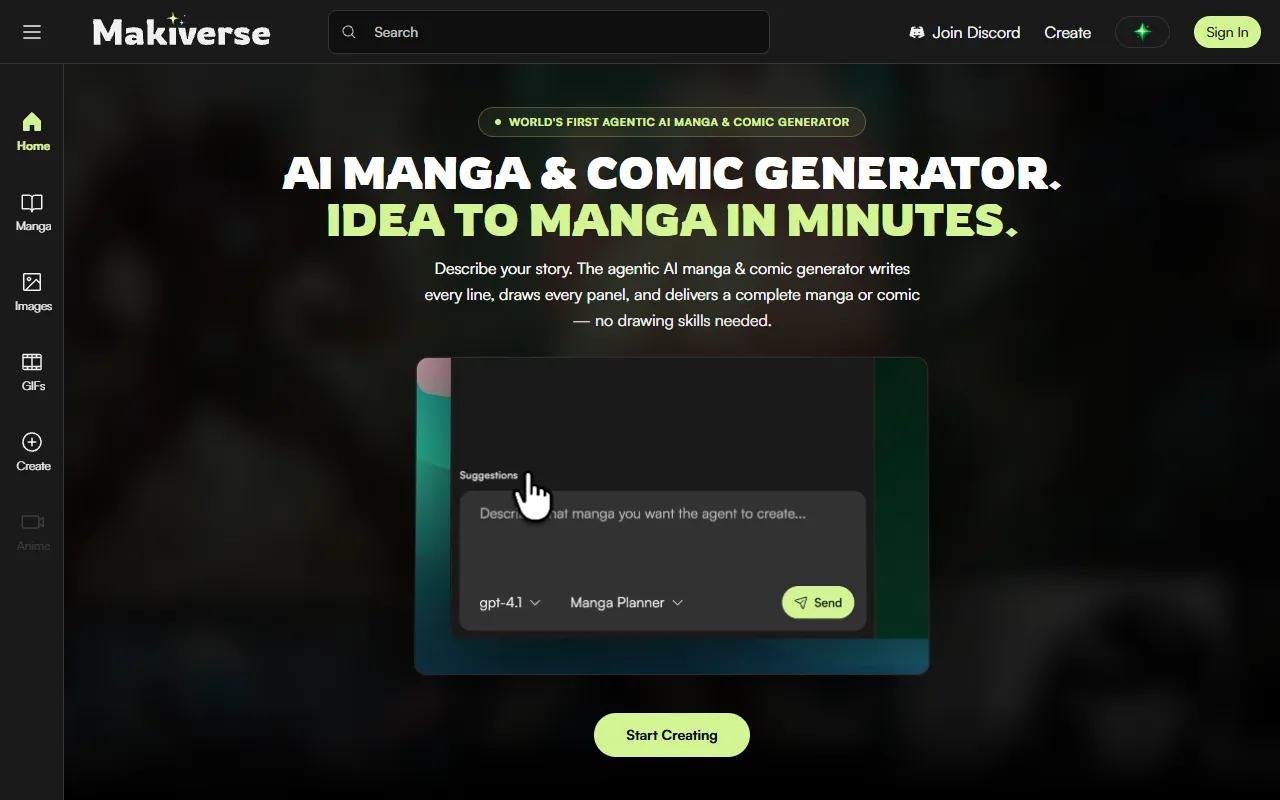
Makiverse
AI Image GenerationCreate manga and comics effortlessly with an AI generator that transforms text into vivid illustrations and stories. Ideal for aspiring creators and those without drawing skills, it offers free access with options for paid upgrades.
AI Vibe Coding Tool Free Online – Instantly, No Sign-Up | Enter Pro
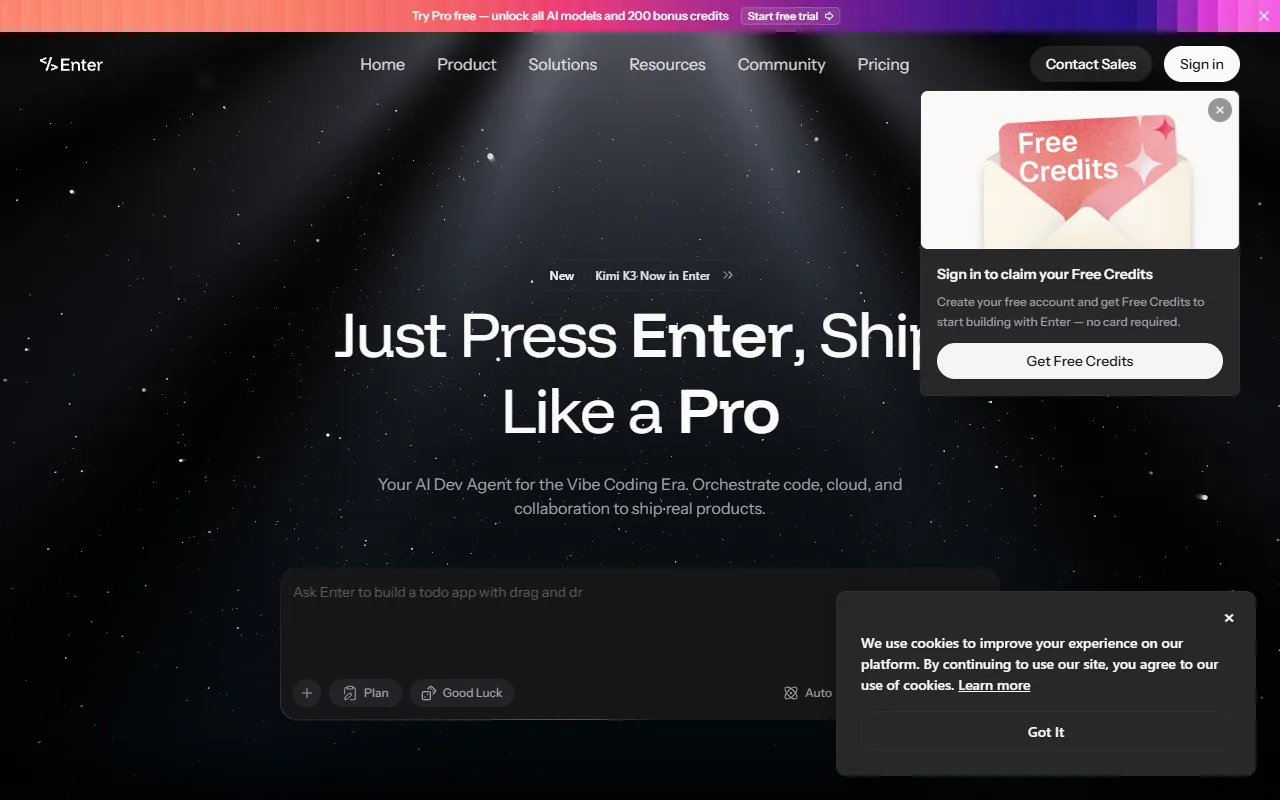
AI DesignBuild full-stack apps, websites, and AI agents in minutes with Vibe Coding. Ideal for businesses and individuals looking to turn ideas into live projects without any coding experience. Free to use, with no sign-up required.
Converge AI – AI for Building, Creating, and Growing Your Business
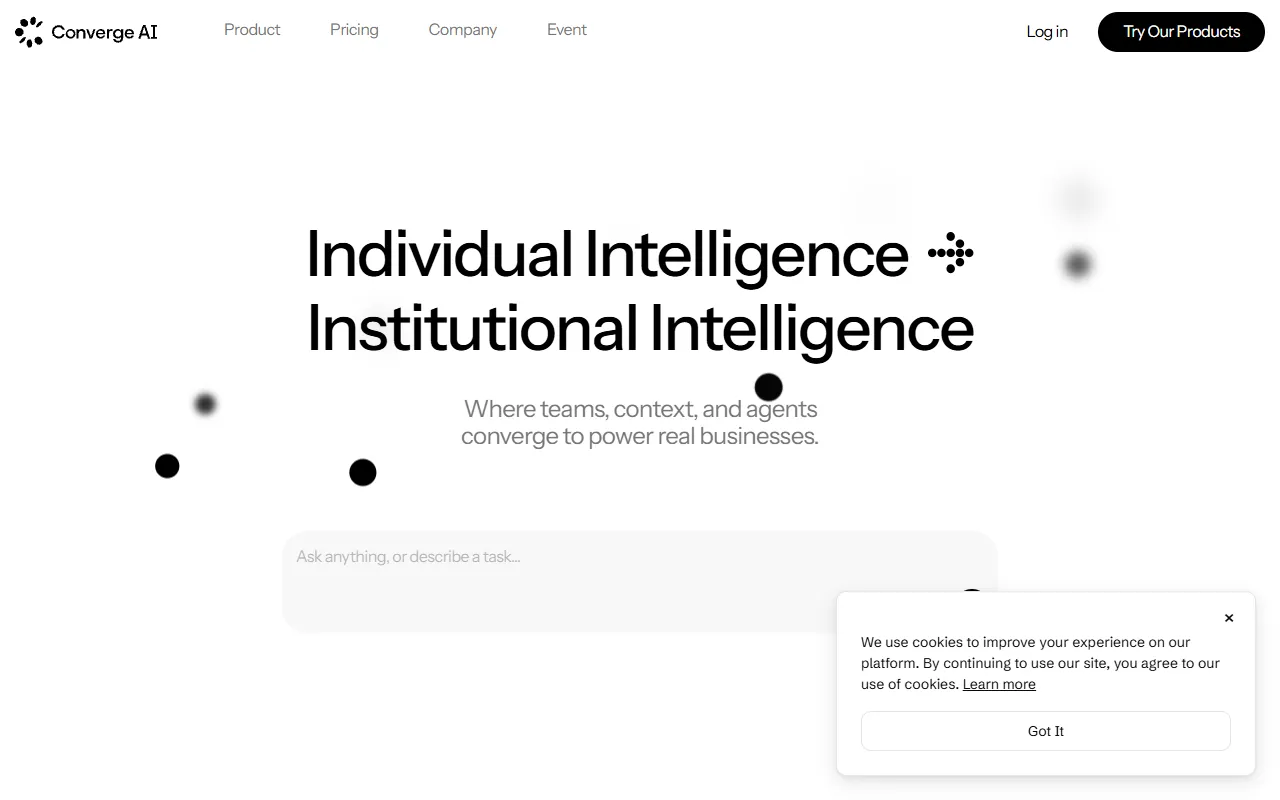
AI MarketingAutomates workflows and integrates specialized AI products to enhance collaboration across teams. Designed for businesses looking to streamline operations and achieve tangible results without increasing headcount. Paid pricing plans are available.
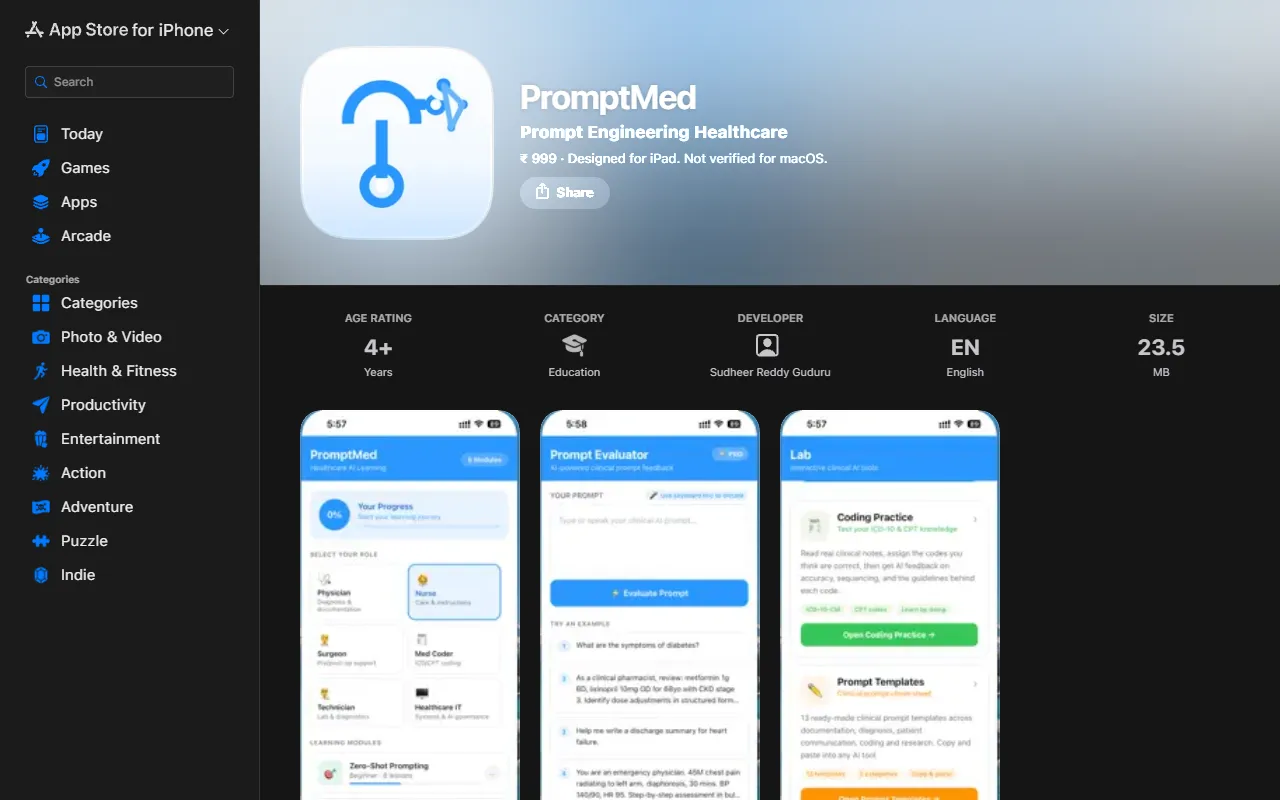
PromptMed
AI ProductivityEnhance AI tool usage for healthcare professionals through interactive learning modules and practical clinical examples. PromptMed teaches six essential prompting techniques tailored for physicians and nurses, making AI integration in healthcare more effective. Priced at ₹ 999.

AnimeGenius Hub
AI Image GenerationTranslate manga pages into over 131 languages while preserving the original layout and artwork. Ideal for manga fans worldwide who want to enjoy their favorite stories in their native tongues, this AI translator is available for free without sign-up.
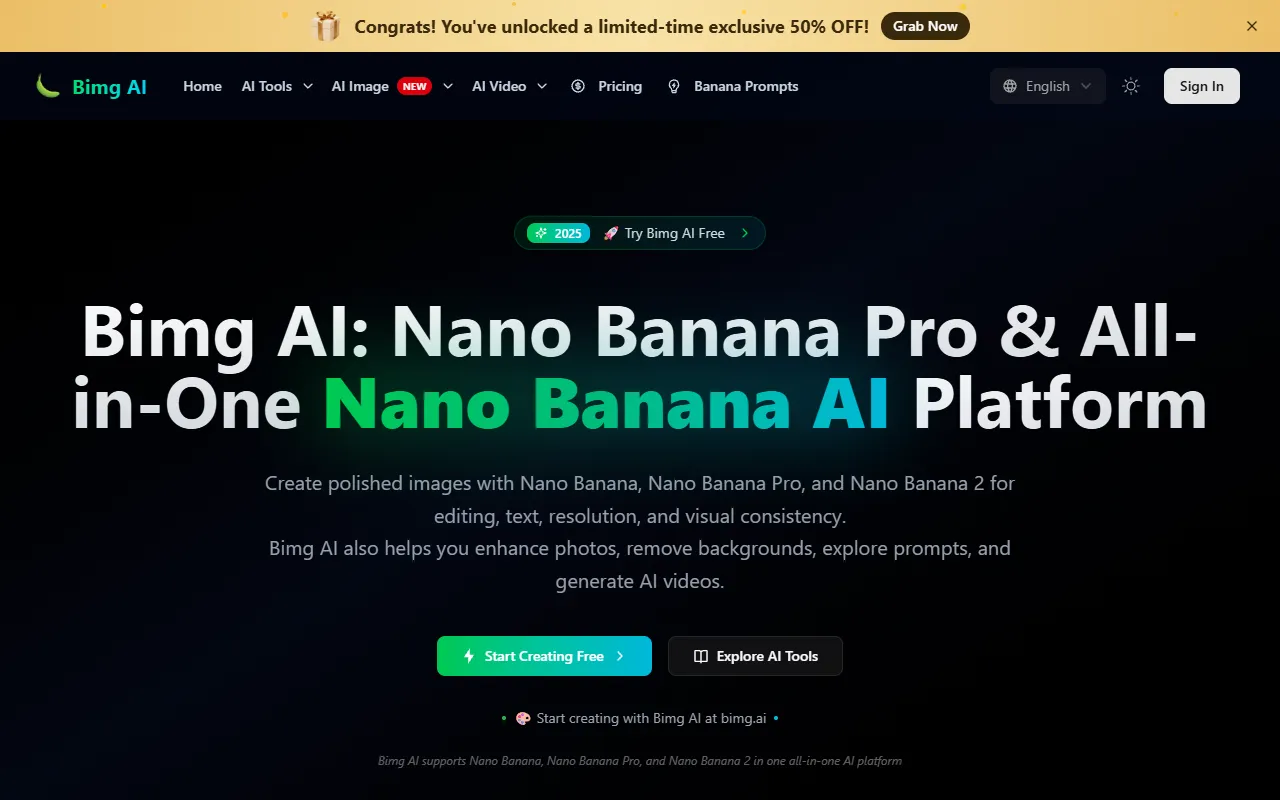
Bimg AI
AI Image GenerationGenerate and enhance images with AI-driven editing, upscaling, and restoration features. Ideal for users needing quick background removal or old photo restoration, Bimg AI offers free access with options for paid upgrades.
Get Your AI Tool
In Front of Thousands
Join hundreds of AI tools already featured on theWebrary. Get priority placement, a dedicated listing page, and reach an audience actively searching for AI tools.
1 Month
$5
$6
3 Months
$10
Save 50%
12 Months
$20
Save 75%