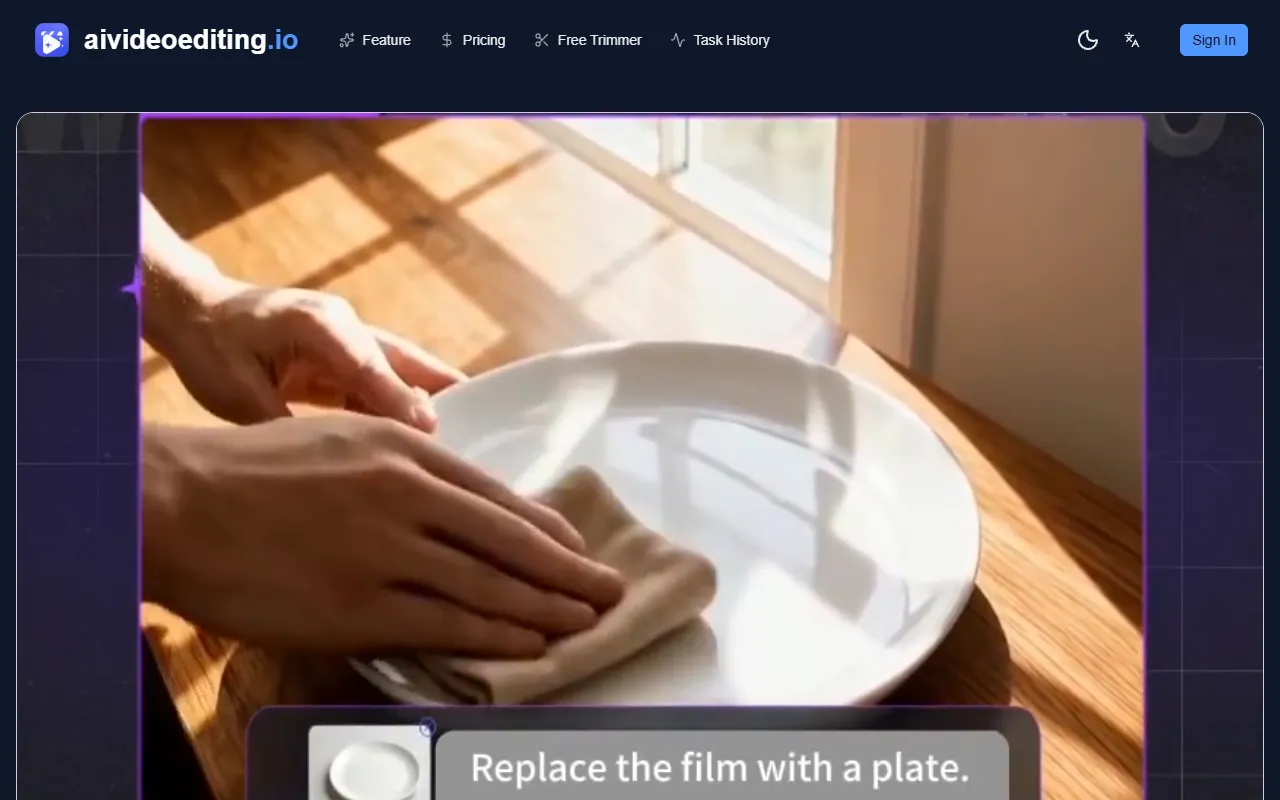
ai video editting
Generate edited versions of short videos by uploading a source clip and describing the desired changes. Ideal for users seeking a quick and efficient way to edit videos with AI assistance. Free to use with options for paid upgrades.
ai video editting — official website
Imagine you’re a content creator with a tight schedule, juggling multiple short video projects each week. You need to quickly edit video clips to fit various social media formats without spending hours on each one. In such scenarios, AI-powered video editing tools like AI Video Editing can be a lifesaver. By streamlining the editing process, these tools help creators produce high-quality content more efficiently, allowing them to focus on creativity rather than technical details.
AI Video Editing excels in simplifying short-form video edits for creators and marketers. You start by uploading a video clip in formats like MP4 or MOV, and then describe the desired changes using natural language prompts. With a straightforward credit-based system, you can estimate costs before generating edits. The tool allows you to preview the edited result before downloading, ensuring that you get the output you envisioned. This process is particularly beneficial for those who need quick iterations without the hassle of complex video editing software.
Key Features
- Prompt-based editing — Allows you to use natural language to instruct the AI on specific changes, streamlining the editing process.
- Reference image support — Helps maintain visual consistency by allowing you to include a reference image.
- Task tracking — Enables you to monitor the status of your video editing tasks and revisit past projects.
- Download-ready output — Lets you preview edits in the browser and download the final video, ensuring satisfaction with the result.
- Credit-based usage — Provides a clear cost estimation for video edits, allowing efficient budget management.
Pros & Cons
- ✓ Efficient prompt-based editing system for quick iterations
- ✓ Supports common video formats like MP4 and MOV
- ✓ Credit system allows budget control and flexibility
- ✗ Limited to short video clips (2-10 seconds)
- ✗ Additional costs for higher resolutions and reference images
This tool may not suit users looking to edit longer videos or those who require extensive, detailed editing features. The 2-10 second clip length restriction can be a significant limitation for filmmakers or users needing to edit longer content. Additionally, those who prefer a subscription model might find the credit-based system inconvenient, as it requires ongoing credit purchases for regular use.
Compared to tools like Adobe Premiere Pro, which offers extensive editing capabilities for longer videos, AI Video Editing is more specialized for short-form content creators. It simplifies the process with AI-driven prompts but lacks the depth and control of traditional software. On the other hand, tools such as Lumen5 might be more suitable for marketers looking for automated social media content creation. Choose AI Video Editing if you need quick, AI-driven edits for short clips, especially when fast turnaround matters most.
Best For
AI Video Editing is ideal for small content teams or individual creators who regularly produce short videos for social media. It’s best suited for those who value speedy turnaround and simplicity over detailed editing capabilities. With its credit-based model, it’s perfect for users who need flexible yet cost-conscious editing solutions without committing to ongoing subscriptions.
AI Video Editing is a valuable tool for content creators focused on short, quick-turnaround projects. By using prompt-driven edits and a credit system, it offers flexibility and efficiency for those working within specific video length constraints. If you need to rapidly generate social media-ready videos, AI Video Editing is a reliable choice.
This review is based on publicly available information from the tool's official website and is written independently by the theWebrary editorial team. We do not accept payment for review content.
Share
Tool Overview
Latest Featured


Browse More Tools
View all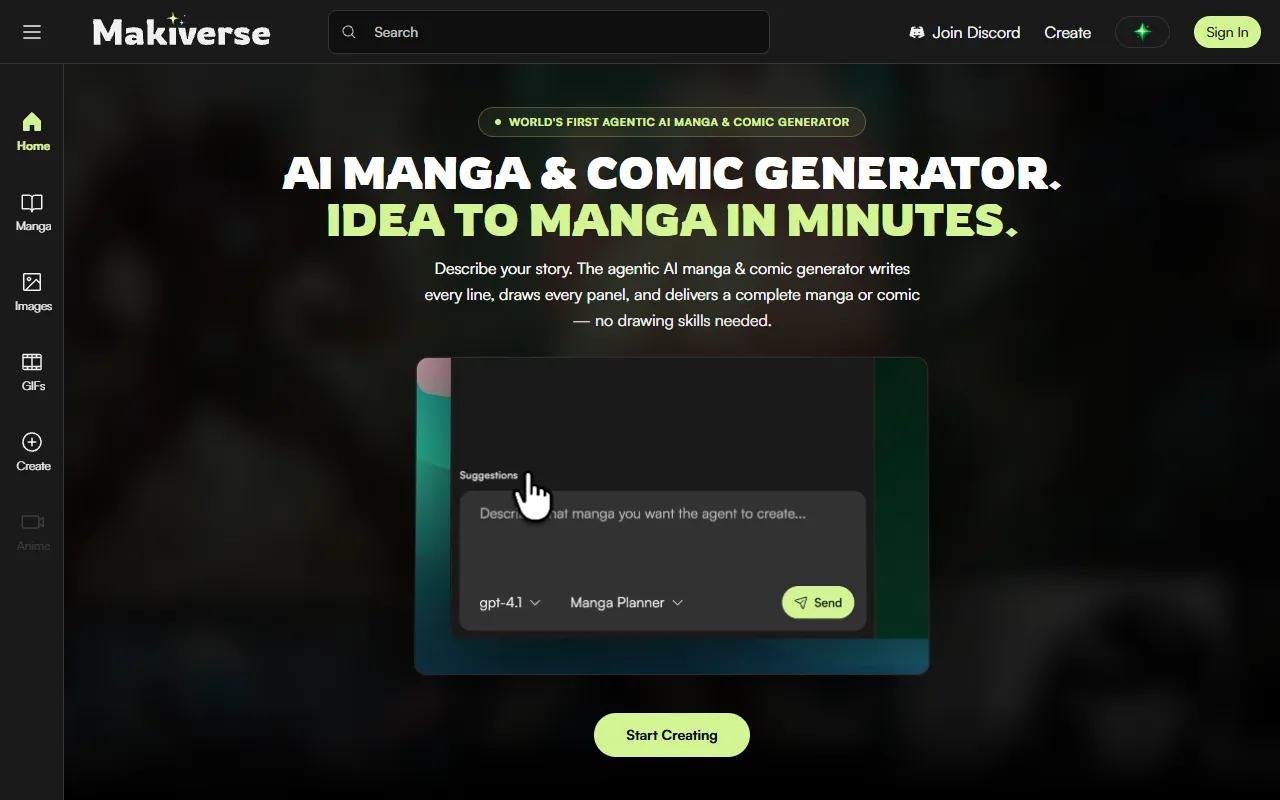
Makiverse
AI Image GenerationCreate manga and comics effortlessly with an AI generator that transforms text into vivid illustrations and stories. Ideal for aspiring creators and those without drawing skills, it offers free access with options for paid upgrades.
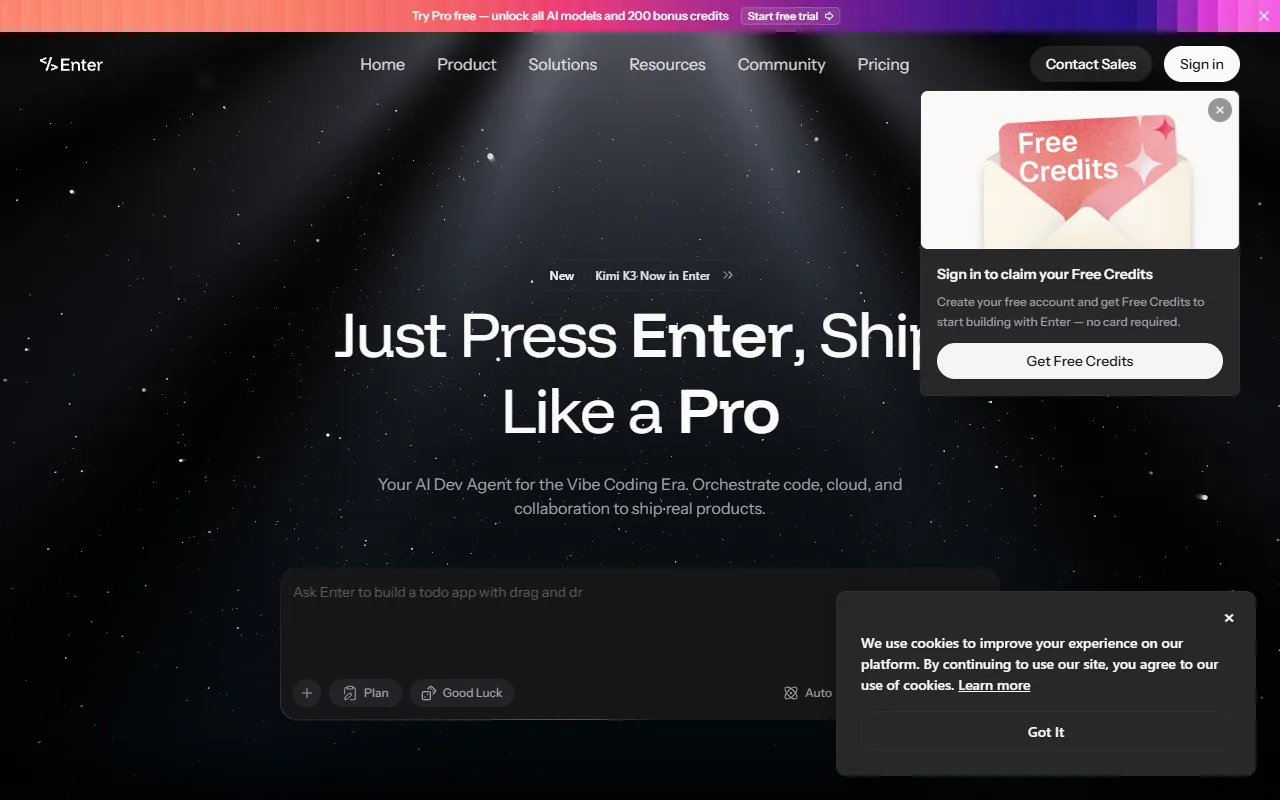
AI Vibe Coding Tool Free Online – Instantly, No Sign-Up | Enter Pro
AI DesignBuild full-stack apps, websites, and AI agents in minutes with Vibe Coding. Ideal for businesses and individuals looking to turn ideas into live projects without any coding experience. Free to use, with no sign-up required.
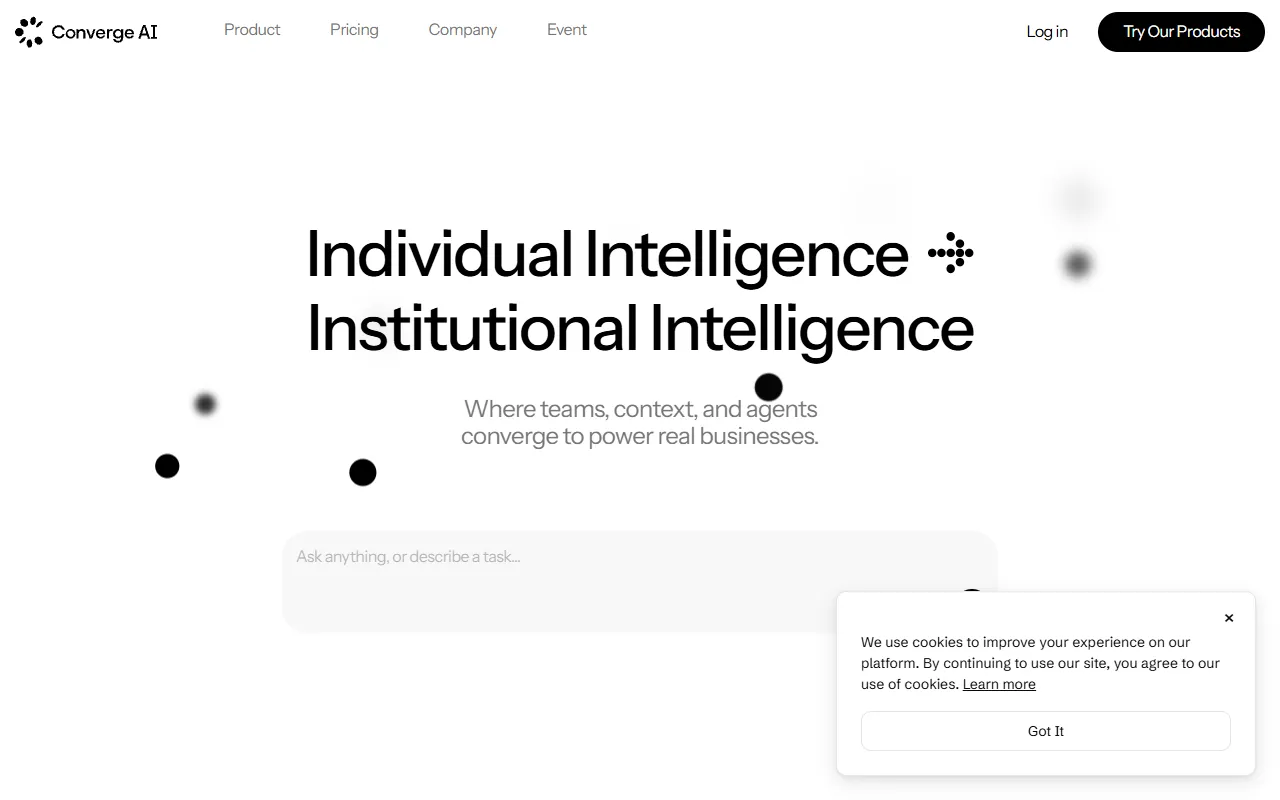
Converge AI – AI for Building, Creating, and Growing Your Business
AI MarketingAutomates workflows and integrates specialized AI products to enhance collaboration across teams. Designed for businesses looking to streamline operations and achieve tangible results without increasing headcount. Paid pricing plans are available.
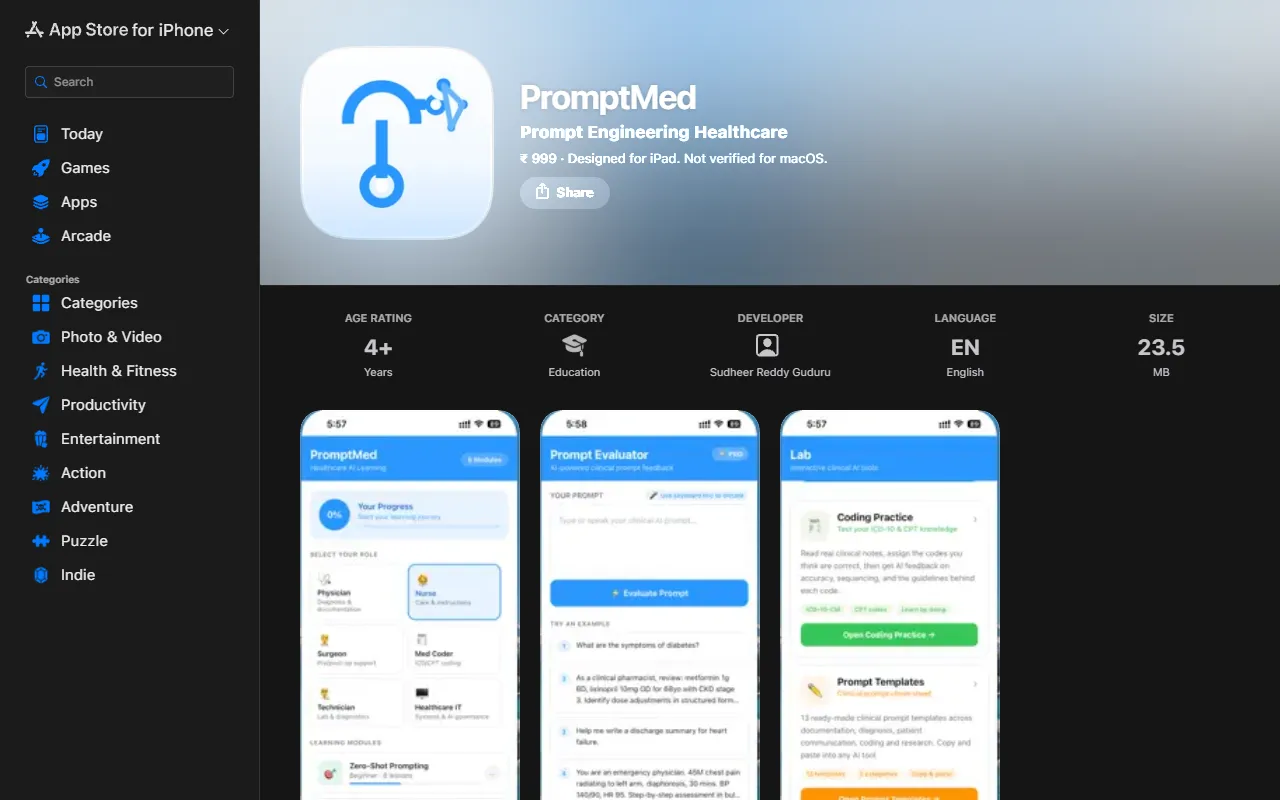
PromptMed
AI ProductivityEnhance AI tool usage for healthcare professionals through interactive learning modules and practical clinical examples. PromptMed teaches six essential prompting techniques tailored for physicians and nurses, making AI integration in healthcare more effective. Priced at ₹ 999.
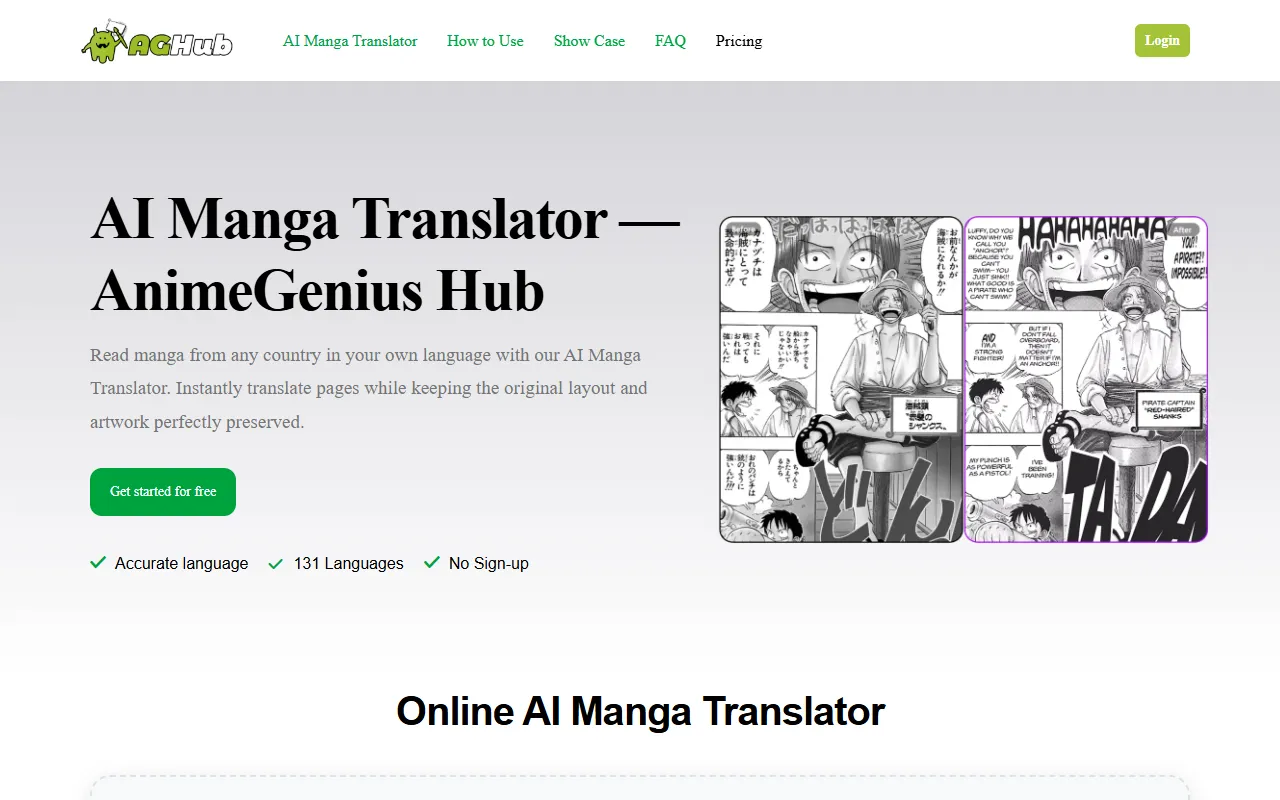
AnimeGenius Hub
AI Image GenerationTranslate manga pages into over 131 languages while preserving the original layout and artwork. Ideal for manga fans worldwide who want to enjoy their favorite stories in their native tongues, this AI translator is available for free without sign-up.
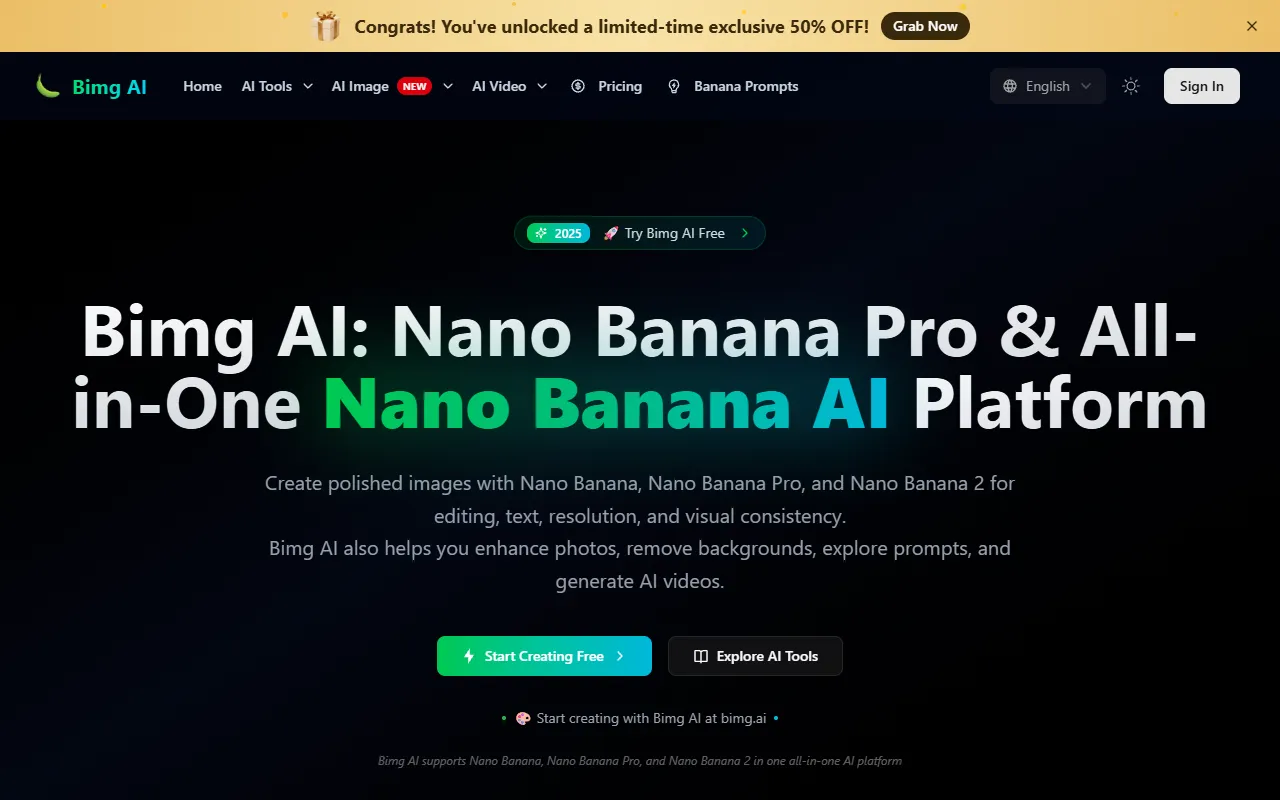
Bimg AI
AI Image GenerationGenerate and enhance images with AI-driven editing, upscaling, and restoration features. Ideal for users needing quick background removal or old photo restoration, Bimg AI offers free access with options for paid upgrades.
Get Your AI Tool
In Front of Thousands
Join hundreds of AI tools already featured on theWebrary. Get priority placement, a dedicated listing page, and reach an audience actively searching for AI tools.
1 Month
$5
$6
3 Months
$10
Save 50%
12 Months
$20
Save 75%