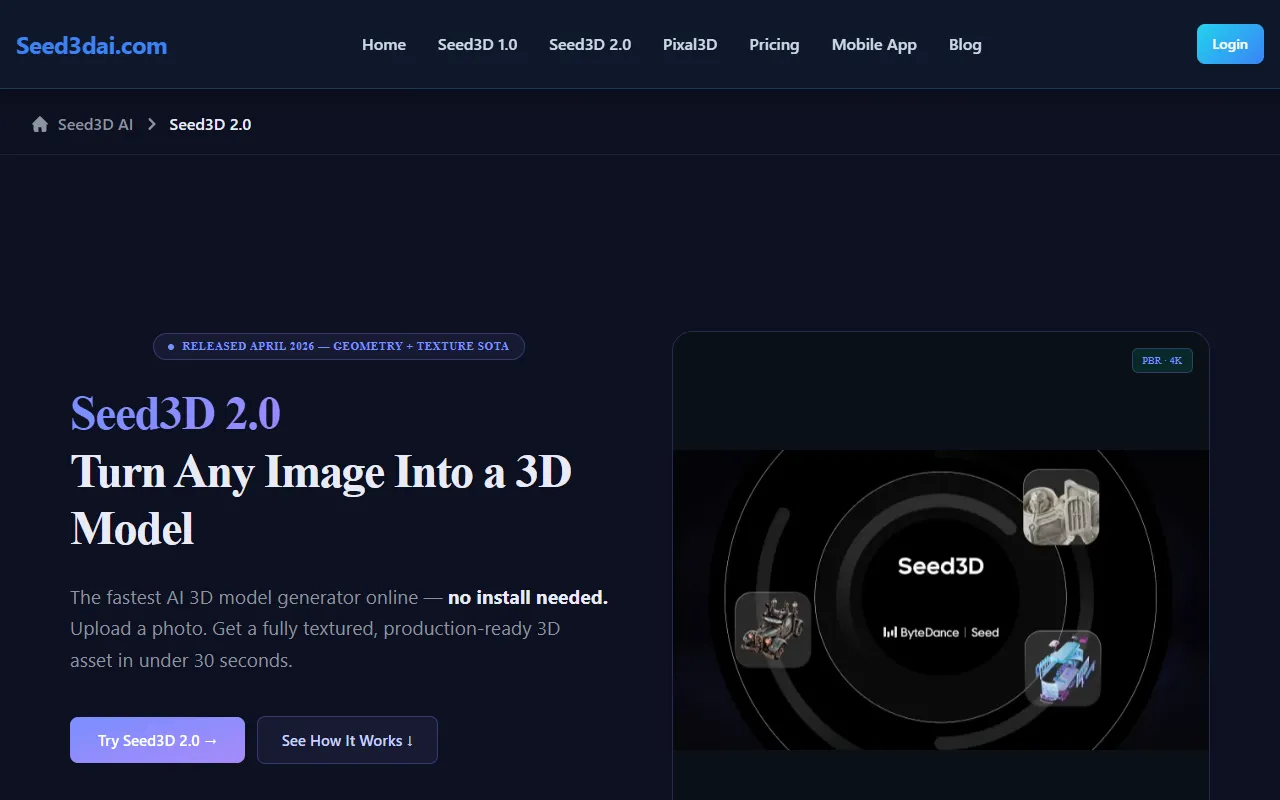
seed3d 2.0 AI 3D Model Generator
Seed3D 2.0 generates sharp, detailed 3D models from text, images, and video for seamless game and metaverse integration.
seed3d 2.0 AI 3D Model Generator — official website
Imagine you’re a product designer on a tight deadline, striving to turn sketches into tangible 3D models for a client presentation. You’ve got the creativity but lack the time and technical skills to manually build each asset from scratch. Here’s where an AI 3D model generator could save the day. Such a tool should quickly transform your 2D concepts into detailed, production-ready 3D models with minimal input, freeing you to focus on the design rather than the technical intricacies of model creation.
Seed3D 2.0 excels at converting any image into a high-quality 3D model, a process it promises to complete in under 30 seconds. You start by uploading an image—be it a concept sketch or a product shot. The tool’s two-stage DiT architecture then constructs the model’s geometry, sharpening edges and refining details. This is followed by applying full PBR materials in one unified pass. The output is a fully textured, production-ready 3D asset, ready for integration into your existing workflows.
Key Features
- Two-stage DiT Sharp Geometry — Builds precise shapes with sharp edges, eliminating soft edges typically produced by other AI generators.
- Unified PBR Model — Generates albedo, normal, roughness, and metallic maps simultaneously, offering detailed texture quality.
- Part-Level Decomposition — Decomposes generated assets into independently addressable parts, ideal for animation and physics simulation.
- URDF Export — Allows direct integration with robotics simulations, like Isaac Sim, supporting advanced use cases.
Pros & Cons
- ✓ High-quality geometry and texture, confirmed by blind tests against competitors like Hunyuan3D.
- ✓ Quick 30-second model generation speeds, which help meet tight deadlines.
- ✓ No 3D modeling skills required, lowering the entry barrier for new users.
- ✗ The website doesn’t specify pricing, which may be a constraint for budget-sensitive users.
- ✗ Lack of detailed customization options for advanced 3D artists requiring specific control.
Seed3D 2.0 might not be ideal for highly experienced 3D artists who require extensive control over every aspect of their models. The tool’s strength lies in its speed and ease of use, but it sacrifices deep customization. For users who need to fine-tune every detail, a manual 3D modeling software might be a better fit. This tool is best suited for those needing quick, quality results rather than intricate, tailored designs.
Compared to tools like Blender and 3DF Zephyr, Seed3D 2.0 offers speed and simplicity but lacks the in-depth editing features these competitors provide. Blender is more suited for users who need extensive modeling tools and customization, while 3DF Zephyr excels in photogrammetry tasks. Choose Seed3D 2.0 if you prioritize speed and ease of use over detailed customization, especially for projects that require rapid prototyping.
Best For
Seed3D 2.0 is best for small to medium-sized design teams or solo creators who need to quickly convert 2D images into 3D models without the need for specialized 3D modeling skills. It’s particularly useful for those in the product design and virtual simulation sectors. However, potential users should be aware that the pricing model is not disclosed upfront.
Seed3D 2.0 is a strong choice for those who need rapid and high-quality 3D model generation from 2D images, especially if they lack 3D modeling expertise. Its speed and ease of use make it ideal for designers and developers working under tight deadlines. For those seeking quick, quality results, Seed3D 2.0 is a tool worth considering.
This review is based on publicly available information from the tool's official website and is written independently by the theWebrary editorial team. We do not accept payment for review content.
Share
Tool Overview
Latest Featured


Browse More Tools
View all
Planpoint
AI ProductivityCreate interactive stacking plans for real estate properties with Planpoint. Designed for property owners and managers, it offers a user-friendly interface tailored to various sectors. Access is free, making it an accessible choice for all users.

Pawjojo
AI ResearchLog meals, medications, weight, and symptoms for pets with ease, generating trends and vet-ready reports. Designed for dog and cat owners, Pawjojo features an extensive database of over 7,377 pet foods. Free to use with optional paid upgrades.

lora ai Anime LoRA Training
AI Image GenerationGenerate high-quality images and train custom Anime LoRA models for consistent character and manga styles. Designed for creators without design skills, the platform offers 5 free credits to start, with additional paid upgrades available.

mainaro
AI MarketingVisualizes real estate profits after taxes, allowing users to analyze cash flow and exit simulations for their portfolios. Offers a free location analysis for all 16 federal states, with the first property analysis available at no charge.

AI House Plan
AI Image GenerationGenerate detailed floor plans for houses, rooms, offices, and restaurants using prompts or sketches. Ideal for designers and homeowners seeking quick, editable layouts, with free access and optional paid upgrades for enhanced features.

GenImagePro
AI Image GenerationTransform photos into unique AI-generated visuals, styles, and scenes with GenImagePro’s image-to-image functionality. Ideal for artists, marketers, and anyone needing creative variations, it offers free access with optional paid upgrades.
Get Your AI Tool
In Front of Thousands
Join hundreds of AI tools already featured on theWebrary. Get priority placement, a dedicated listing page, and reach an audience actively searching for AI tools.
1 Month
$5
$6
3 Months
$10
Save 50%
12 Months
$20
Save 75%