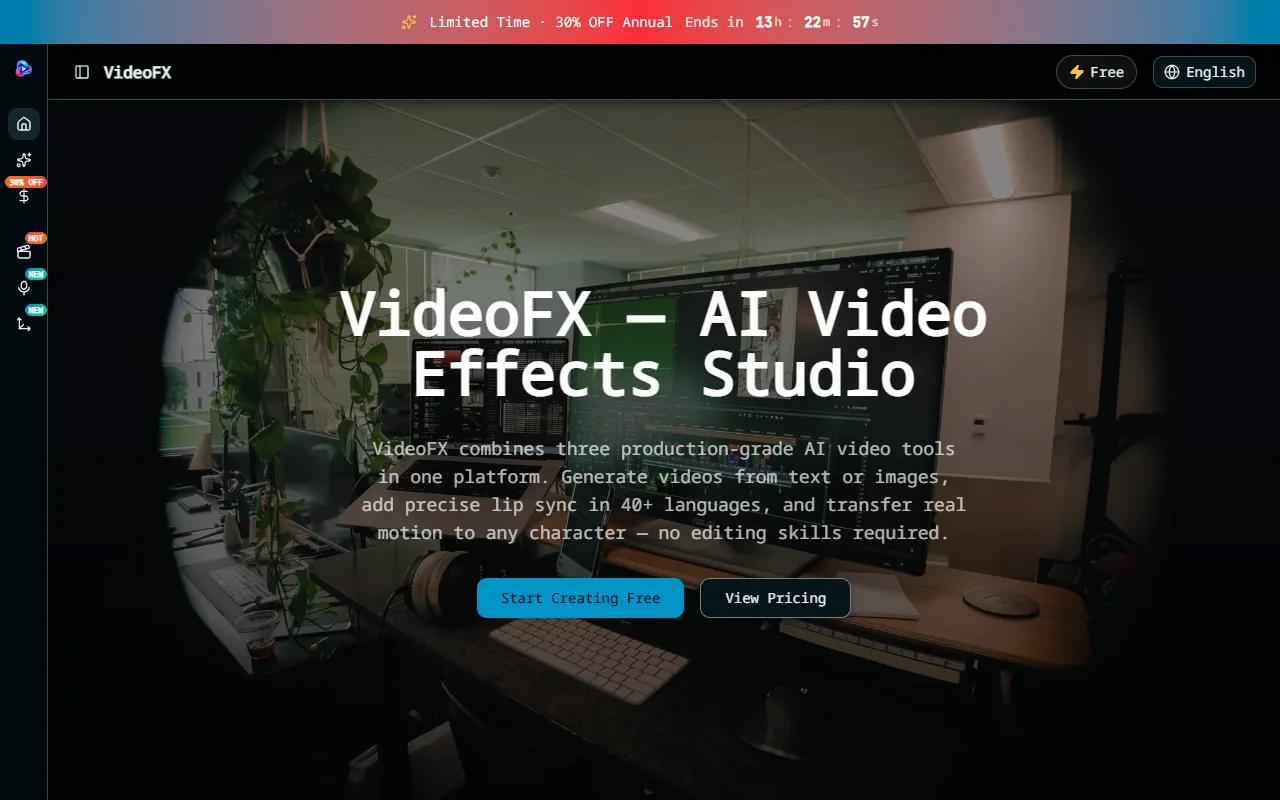
VideoFX Studio
VideoFX: AI-powered video creation with text prompts, lip sync, motion control, and multi-format output.
VideoFX Studio — official website
Imagine you’re a YouTube content creator aiming to expand your channel’s reach by dubbing your videos into multiple languages. You’ve got a tight schedule, and re-recording voiceovers for each language manually feels daunting. You need a tool that can seamlessly add accurate lip sync to your videos in a variety of languages, all while maintaining a professional look. That’s where VideoFX Studio might come into play, offering an AI-based solution designed to simplify this process with limited technical skills required.
VideoFX Studio excels in providing a streamlined workflow for lip syncing any voice to any face. You upload your video and the new audio track you want to sync, and the tool meticulously adjusts the lip movements frame-by-frame to match the audio, working with over 40 languages, including complex tonal languages. The output is a natural-looking dubbing, making it easy for you to expand your content’s accessibility without needing to reshoot or manually sync the audio.
Key Features
- AI Video Generator — Quickly transforms text descriptions into 1080p videos, complete with specified camera angles and actions.
- 40+ Language Lip Sync — Offers phoneme-level accuracy, ensuring natural dubbing across various languages and scripts.
- Motion Control — Allows motion transfer from webcam or phone footage to AI-generated characters without special equipment.
- Built-in Audio — Automatically generates sound effects and ambient audio to match the video scene, reducing post-production effort.
Pros & Cons
- ✓ Fast video generation in under 45 seconds, ideal for quick iterations and real-time feedback
- ✓ Multi-model pipeline that supports chaining processes for more complex video creation
- ✓ Flexible export options for different formats suitable for various platforms like YouTube and TikTok
- ✗ Free plan is limited to 720p and only 3 video exports per day
- ✗ Advanced features like 4K video generation and commercial usage rights are locked behind higher-tier plans
If you’re a professional filmmaker expecting high-resolution, prolonged video outputs, VideoFX Studio might leave you wanting. The free plan’s 720p resolution and 5-second clip limitation could frustrate those needing longer and higher quality clips without a financial commitment. For extensive production needs, the tool’s tiered pricing could become costly, especially as you scale up with more complex projects.
For those considering alternatives, tools like Adobe After Effects offer more robust video editing and effects capabilities, but at the cost of a much steeper learning curve. Conversely, Synthesia.io provides similar AI video generation features, particularly excelling in professional presentation videos. VideoFX Studio is ideal for creators prioritizing quick, multi-lingual lip sync and motion transfer capabilities without requiring intricate post-production skills. Choose VideoFX if ease and speed are more critical than deep editing functionalities.
Best For
VideoFX Studio is best suited for individual creators or small teams focused on producing short, multilingual video content quickly. Its affordable basic plans cater well to hobbyists and content creators who need to iterate quickly without delving into complex editing processes. The pricing model allows for experimentation with minimal financial risk.
VideoFX Studio is a practical choice for creators needing fast, AI-driven video effects, especially those focused on multilingual content. The tool’s streamlined processes and language support make it particularly useful for social media managers and small creative teams. VideoFX Studio offers a practical entry point for those needing efficient video production without the overhead of heavy-duty editing software.
This review is based on publicly available information from the tool's official website and is written independently by the theWebrary editorial team. We do not accept payment for review content.
Share
Tool Overview
Latest Featured


Browse More Tools
View all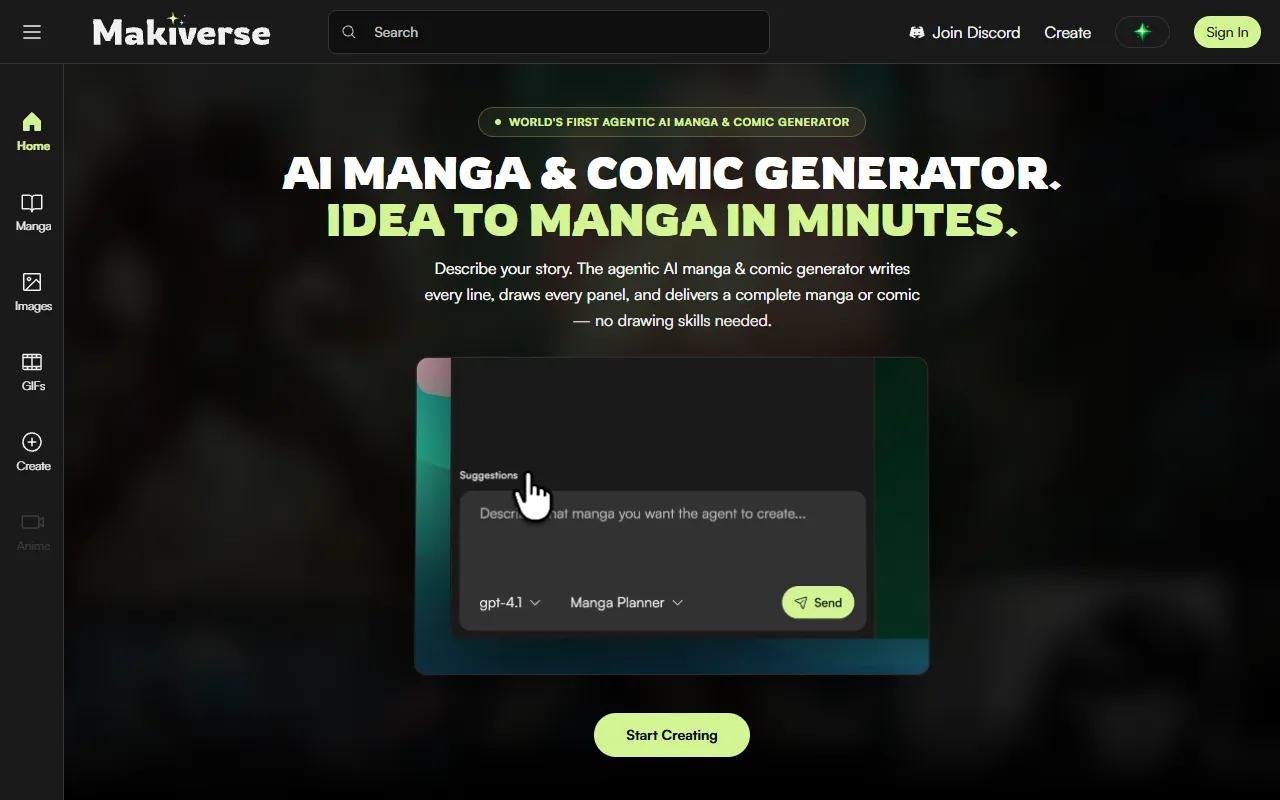
Makiverse
AI Image GenerationCreate manga and comics effortlessly with an AI generator that transforms text into vivid illustrations and stories. Ideal for aspiring creators and those without drawing skills, it offers free access with options for paid upgrades.
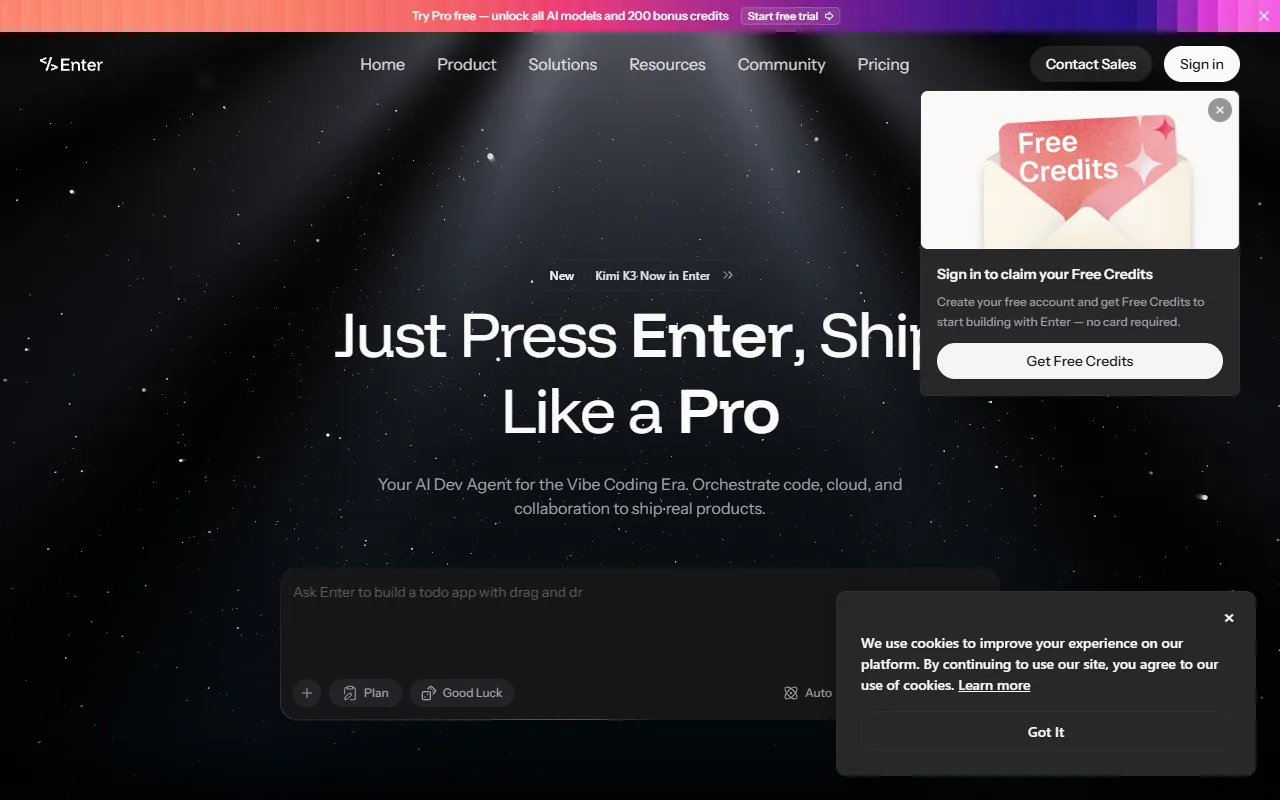
AI Vibe Coding Tool Free Online – Instantly, No Sign-Up | Enter Pro
AI DesignBuild full-stack apps, websites, and AI agents in minutes with Vibe Coding. Ideal for businesses and individuals looking to turn ideas into live projects without any coding experience. Free to use, with no sign-up required.
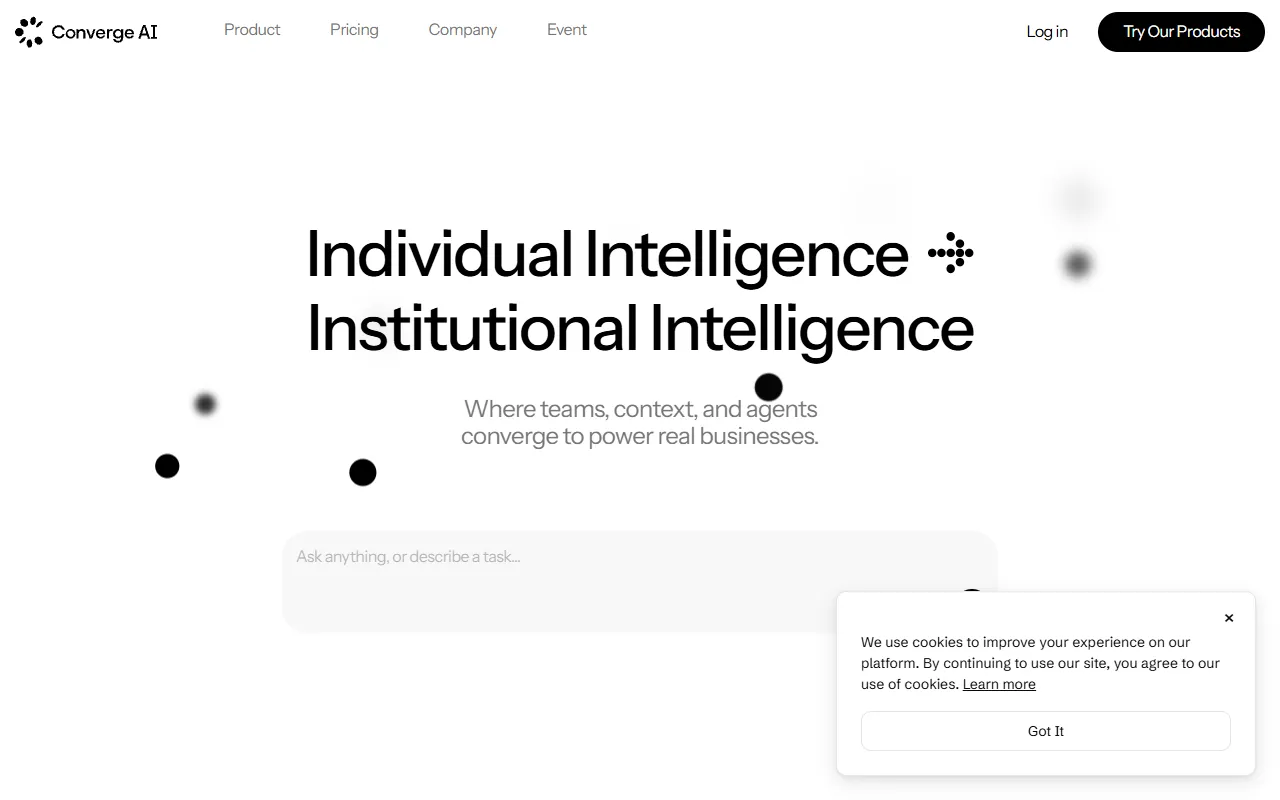
Converge AI – AI for Building, Creating, and Growing Your Business
AI MarketingAutomates workflows and integrates specialized AI products to enhance collaboration across teams. Designed for businesses looking to streamline operations and achieve tangible results without increasing headcount. Paid pricing plans are available.
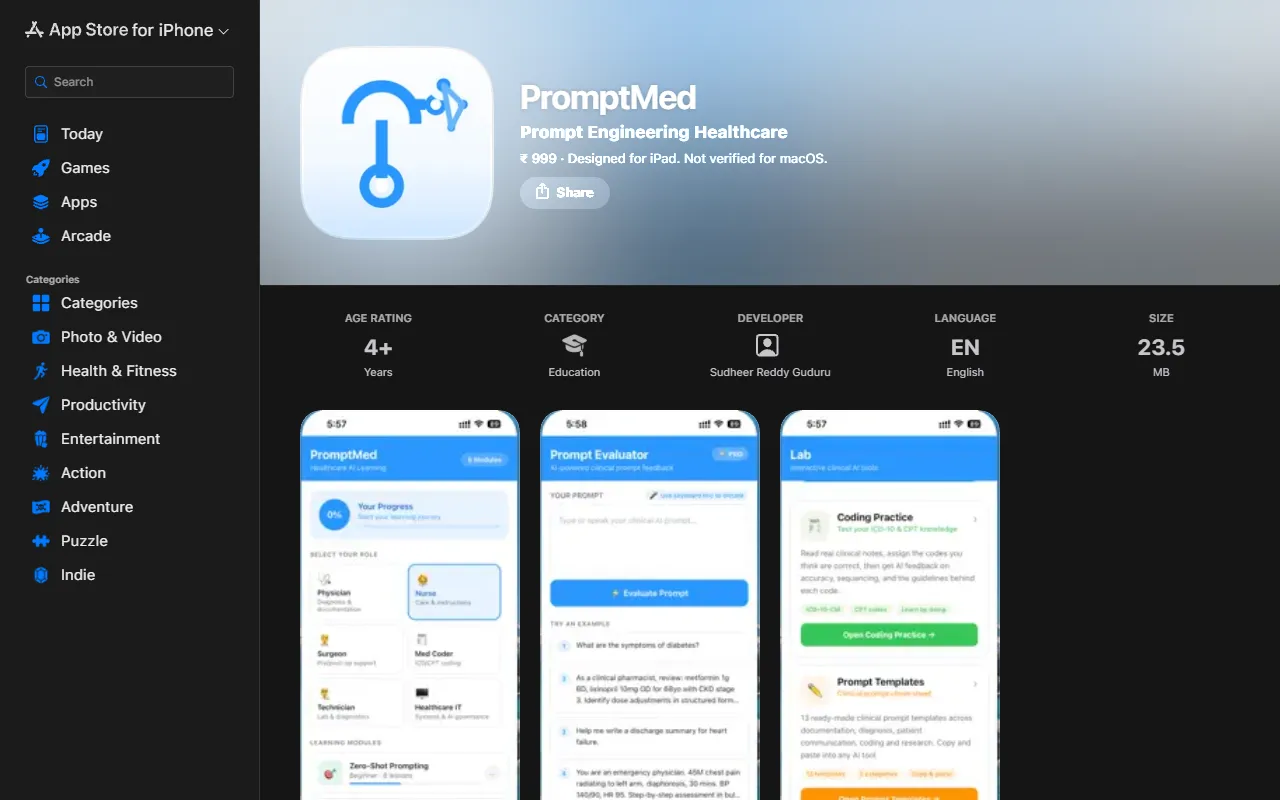
PromptMed
AI ProductivityEnhance AI tool usage for healthcare professionals through interactive learning modules and practical clinical examples. PromptMed teaches six essential prompting techniques tailored for physicians and nurses, making AI integration in healthcare more effective. Priced at ₹ 999.
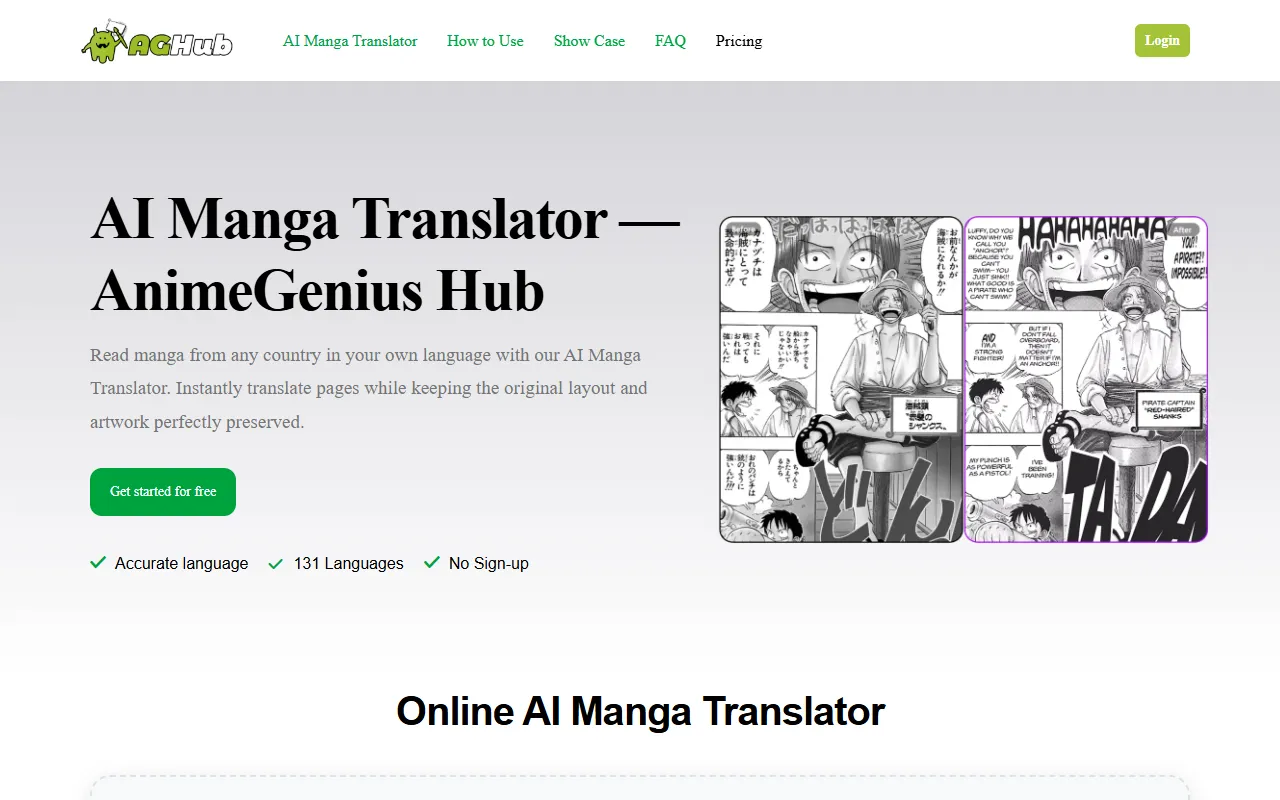
AnimeGenius Hub
AI Image GenerationTranslate manga pages into over 131 languages while preserving the original layout and artwork. Ideal for manga fans worldwide who want to enjoy their favorite stories in their native tongues, this AI translator is available for free without sign-up.
Bimg AI
AI Image GenerationGenerate and enhance images with AI-driven editing, upscaling, and restoration features. Ideal for users needing quick background removal or old photo restoration, Bimg AI offers free access with options for paid upgrades.
Get Your AI Tool
In Front of Thousands
Join hundreds of AI tools already featured on theWebrary. Get priority placement, a dedicated listing page, and reach an audience actively searching for AI tools.
1 Month
$5
$6
3 Months
$10
Save 50%
12 Months
$20
Save 75%